67
03 Using the menu
01
02
03
04
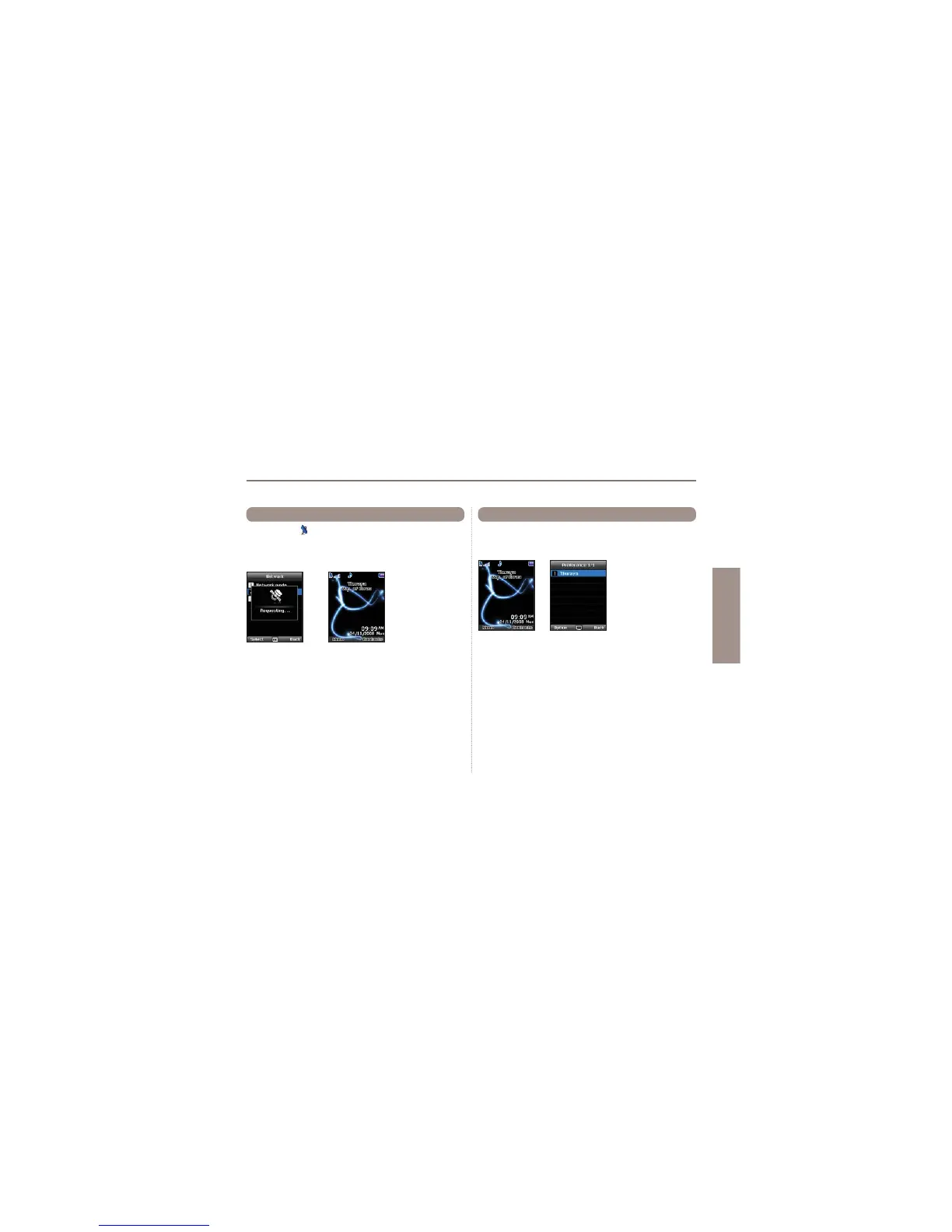
If the SAT icon on your display is blinking you may not be
able to receive or make SAT calls. In this case you can update
the SAT registration manually in this menu.
Menu > 8. Network > 2. SAT registration
8.2 SAT Registration
Display the preferred list of networks registered on your SIM card.
You can add or remove entries in this list.
Menu > 8. Network > 3. Preference
8.3 Preference



 To Next Page