68
03 Using the menu
Choose whether the PIN code needs to be entered every time
the phone is switched on. If a wrong PIN code is entered three
times, the phone will be locked and the correct PUK code must
be entered to access the phone again.
You received your PIN and your PUK codes together with your
SIM card.
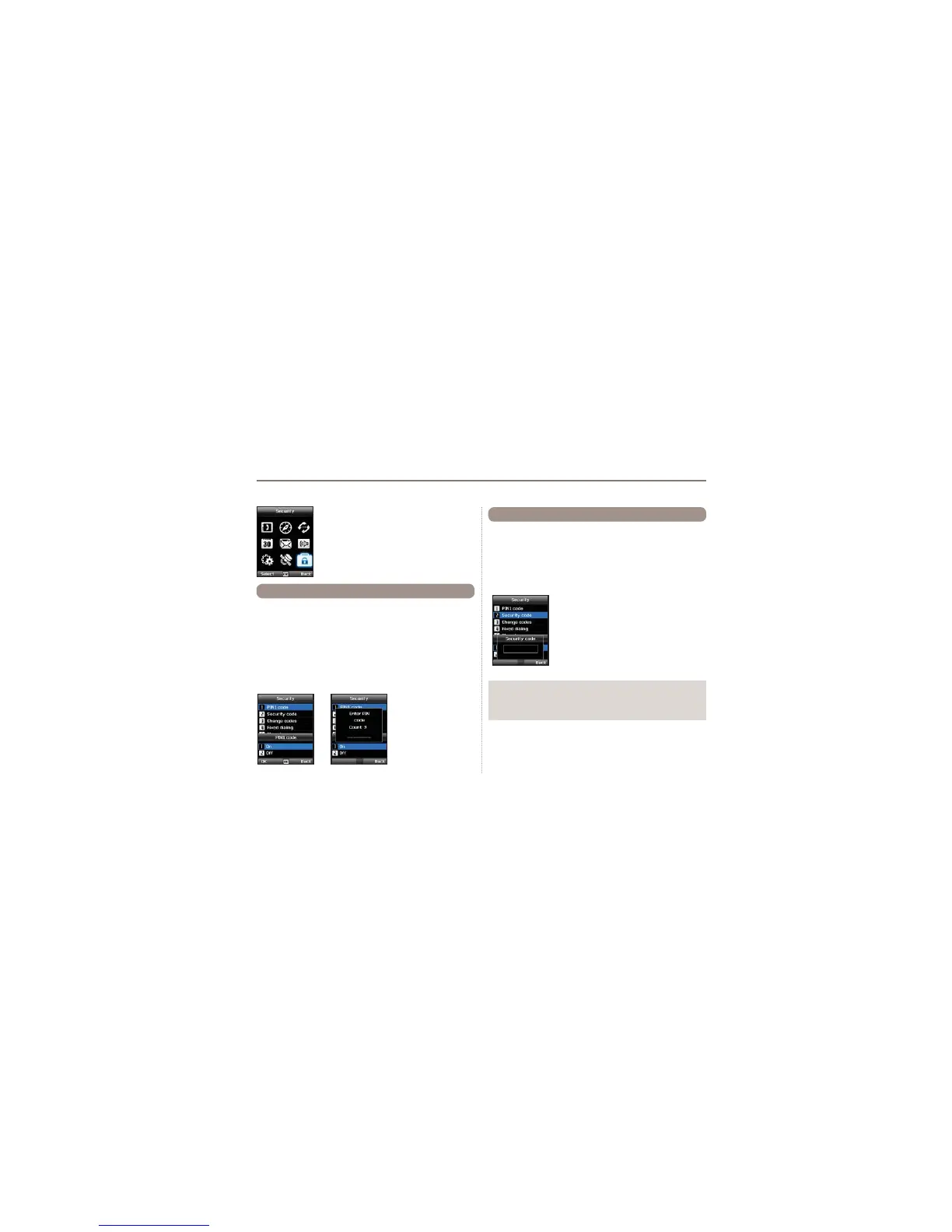
Menu > 9. Security > 1. PIN1 code >
Input PIN1 code after selecting
On
9. Security
This function organizes settings to prevent
unwanted disclosure of your personal
information and protects basic contents of your
phone calls.
9.1 PIN1 code
In addition to the PIN code you can also use a personal Security
code to protect your phone.
To switch on the phone both codes (Security code and PIN code)
need to be entered.
Menu > 9. Security > 2. Security code >
Input Security code after selecting
On
9.2 Security code
Note
Ɣ
The initial security code of your Thuraya XT is ‘0000’, and this
code can be changed in the Change codes menu.



 To Next Page