01
02
03
04
27
02 Getting started
Write a new Message
Press Menu and select Messaging > New message.
$%& DEF DQG$EF indicate the selected character
mode. 123 indicates number mode. The available text input
IRUPDWVLQ\RXU7KXUD\D;7SKRQHDUH
Capital Small Capital + Small
Number Special Character eZiText On
$UDELF)DUVL8UGX+LQGL1XPEHU
7RHUDVHDFKDUDFWHUSUHVV (Clear). Press and
hold
(Clear) to clear all characters.
7RLQVHUWDVSDFHSUHVV .
7KHPRVWFRPPRQV\PEROVDUHDYDLODEOH
under the number 1 key.
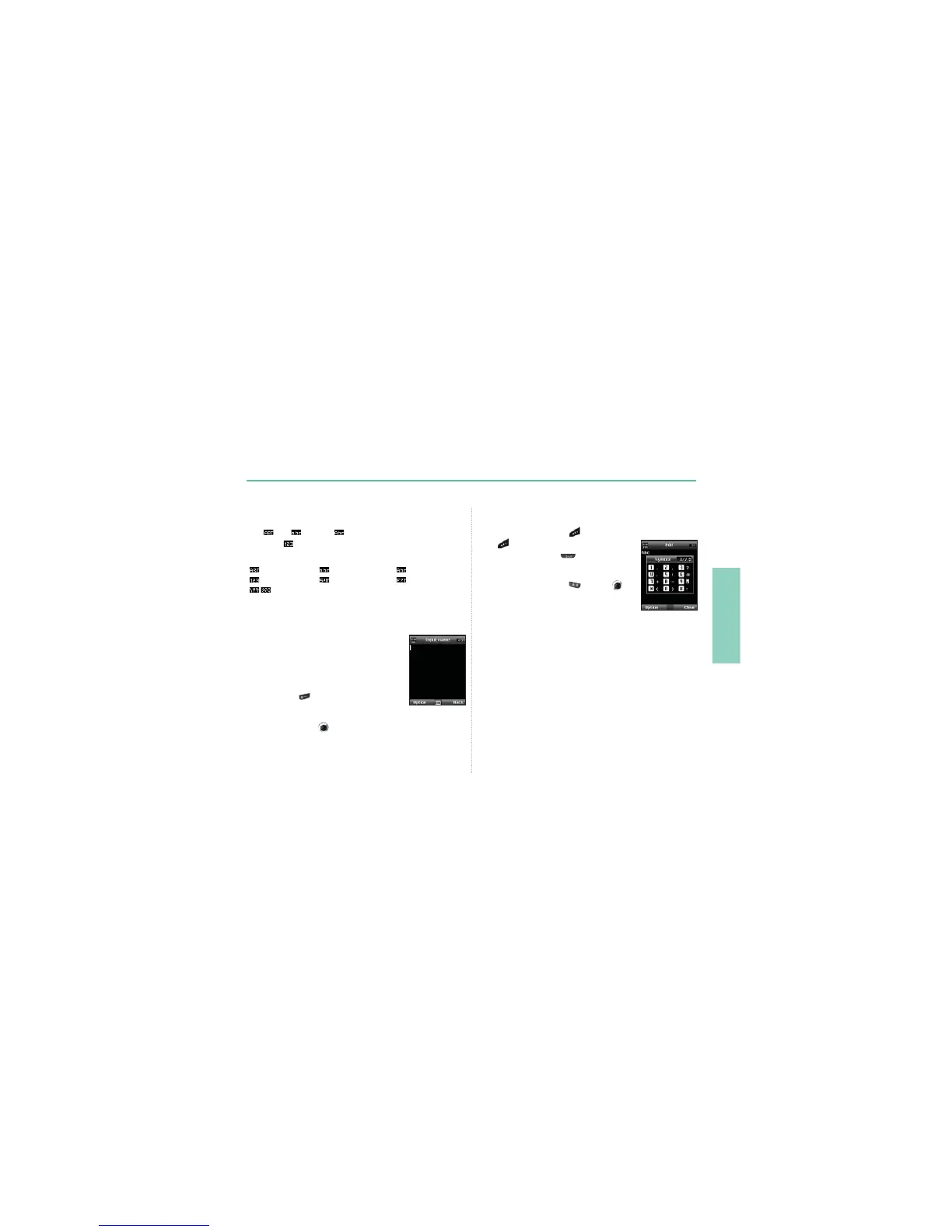
7RLQVHUWDV\PEROSUHVV
and use to
choose the required symbol.
Traditional text input
3UHVVDQXPEHUNH\UHSHDWHGO\XQWLOWKH
desired character appears. There are more
characters available for a number key than are
printed on the key.
7RLQVHUWDQXPEHUSUHVVDQGKROGWKHQXPEHUNH\
7RVZLWFKEHWZHHQWKHGLIIHUHQWFKDUDFWHU
PRGHVSUHVV .
,IWKHQH[WOHWWHULVORFDWHGRQWKHVDPHNH\DV
WKHSUHVHQWRQHZDLWXQWLOWKHFXUVRUPRYHVWRWKHULJKWRIWKH
FKDUDFWHURUSUHVV
to move the cursor to the right of the
character) and continue to enter the text.



 To Next Page