71
03 Using the menu
01
02
03
04
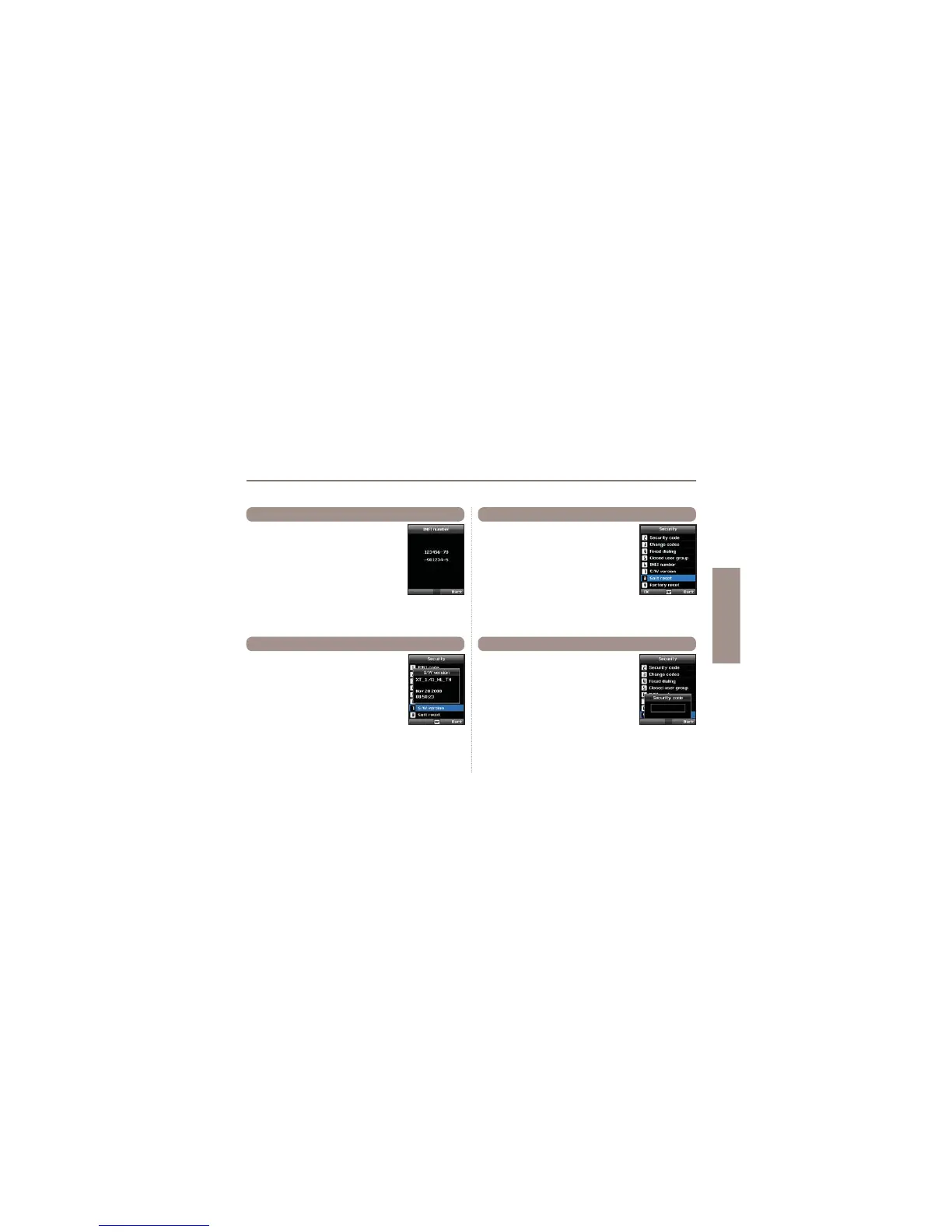
Each Thuraya XT has its own unique IMEI
Number.
You can check the IMEI number of your
Thuraya XT by selecting
Menu > 9. Security > 6. IMEI number
9.6 IMEI Number
You can check the Software version of your
Thuraya XT by selecting
Menu > 9. Security > 7. S/W version
9.7 Software version
You can reset your Thuraya XT without
losing your personal settings like contacts or
messages.
Menu > 9. Security > 8. Soft reset
9.8 Soft reset
The factory reset will restore the settings as
the phone was shipped. You will lose your
personal settings like contact and messages
saved on the phone.
Menu > 9. Security > 9. Factory reset
9.9 Factory reset



 To Next Page