45
03 Using the menu
01
02
03
04
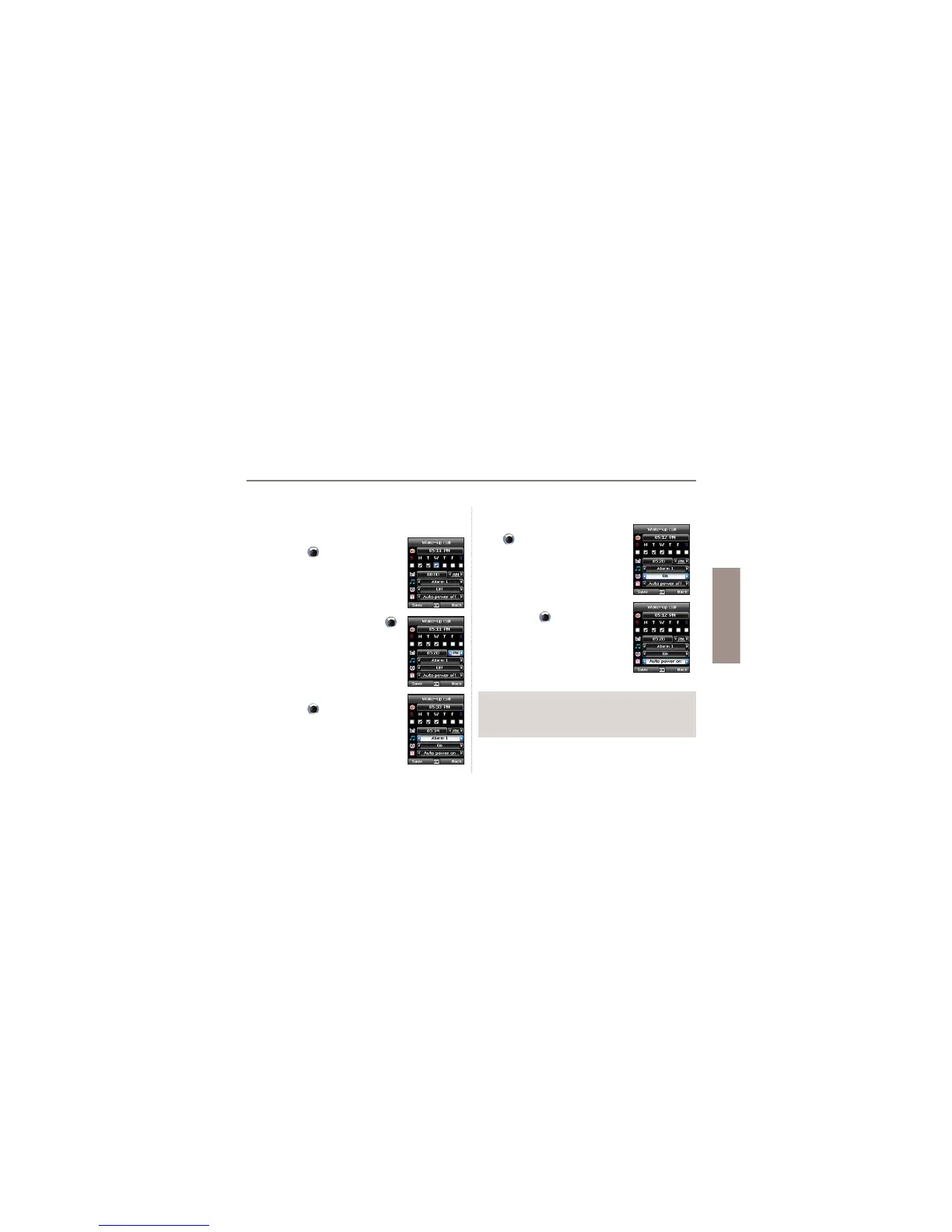
Alarm settings
1. Select a day of the week with the
navigation keys
.
(Multiple selection possible)
2. Enter the time with the navigation keys .
3. Select an alarm sound with the
navigation keys
.
4. Turn On/Off the alarm with the navigation
keys
.
5.Turn On/Off the Auto Power with the
navigation keys
.
Note
Ɣ If the Auto Power is activated, the phone will turn on at the alarm
time automatically to produce the alarm sound even when the
phone is turned off.



 To Next Page