45
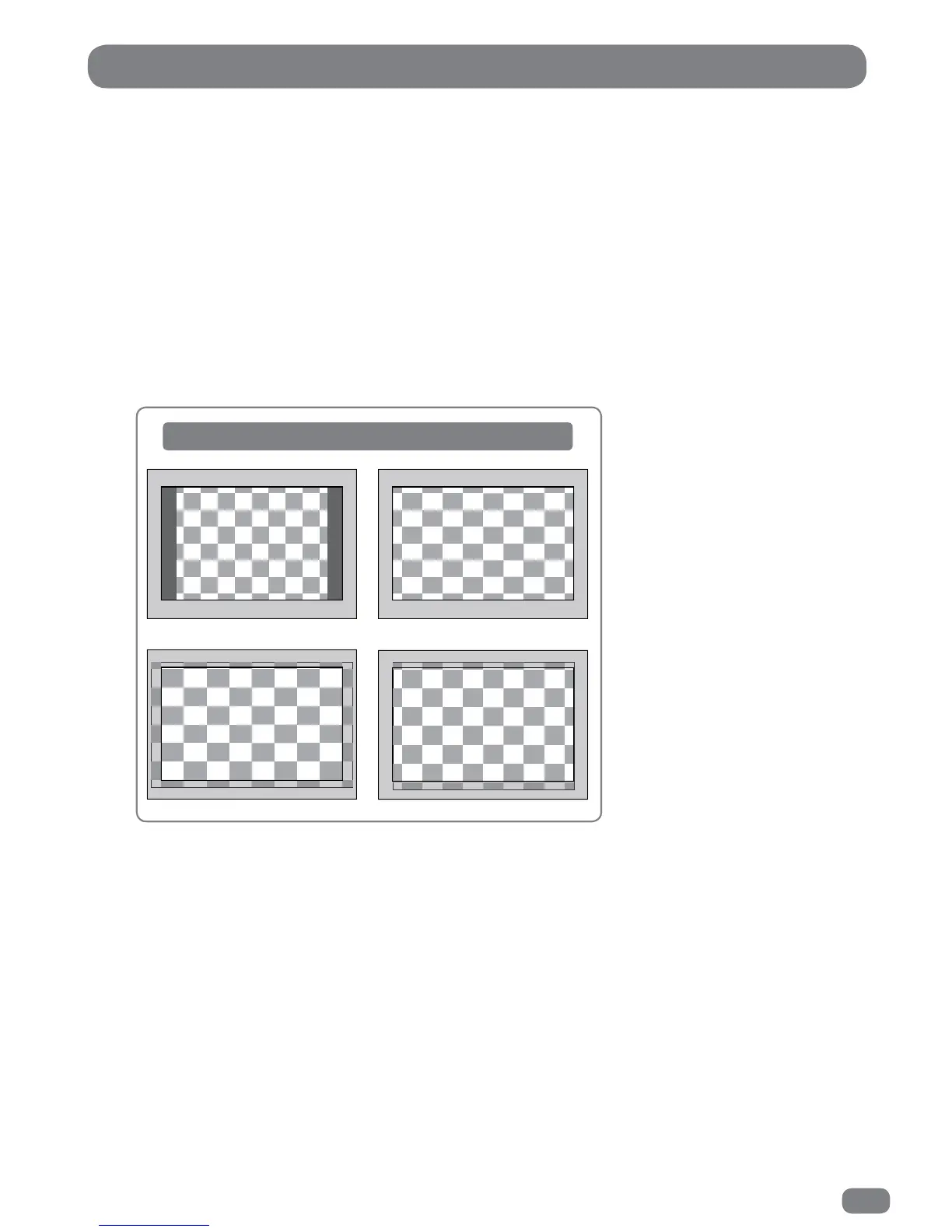
The Aspect Ratio can be independently set for each input. For example, DTV can be set to Auto and
the HDMI input can be set to Zoom1 for DVD playback.
If the Aspect Ratio is set to Auto, the TileVision
®
will alter the picture to best suit the programme being
received and there will be little need to change the setting manually.
1
Press the MENU button.
2
Press the 34 buttons to select the PICTURE menu.
3
Press the 56 buttons to highlight Aspect Ratio.
4
Press the OK button to display the Aspect Ratio Menu.
5
Press the 56 buttons to select any of the different settings as shown below.
6
Press the MENU button to close the Aspect Ratio menu.
Picture Aspect Ratio
How aspect ratio settings alter the picture
Zoom 2Zoom 1
4:3 16:9



 To Next Page