TINY AUDIO C10 User Guide
11
Steps:
Open and remove A Pillar plastic cover.
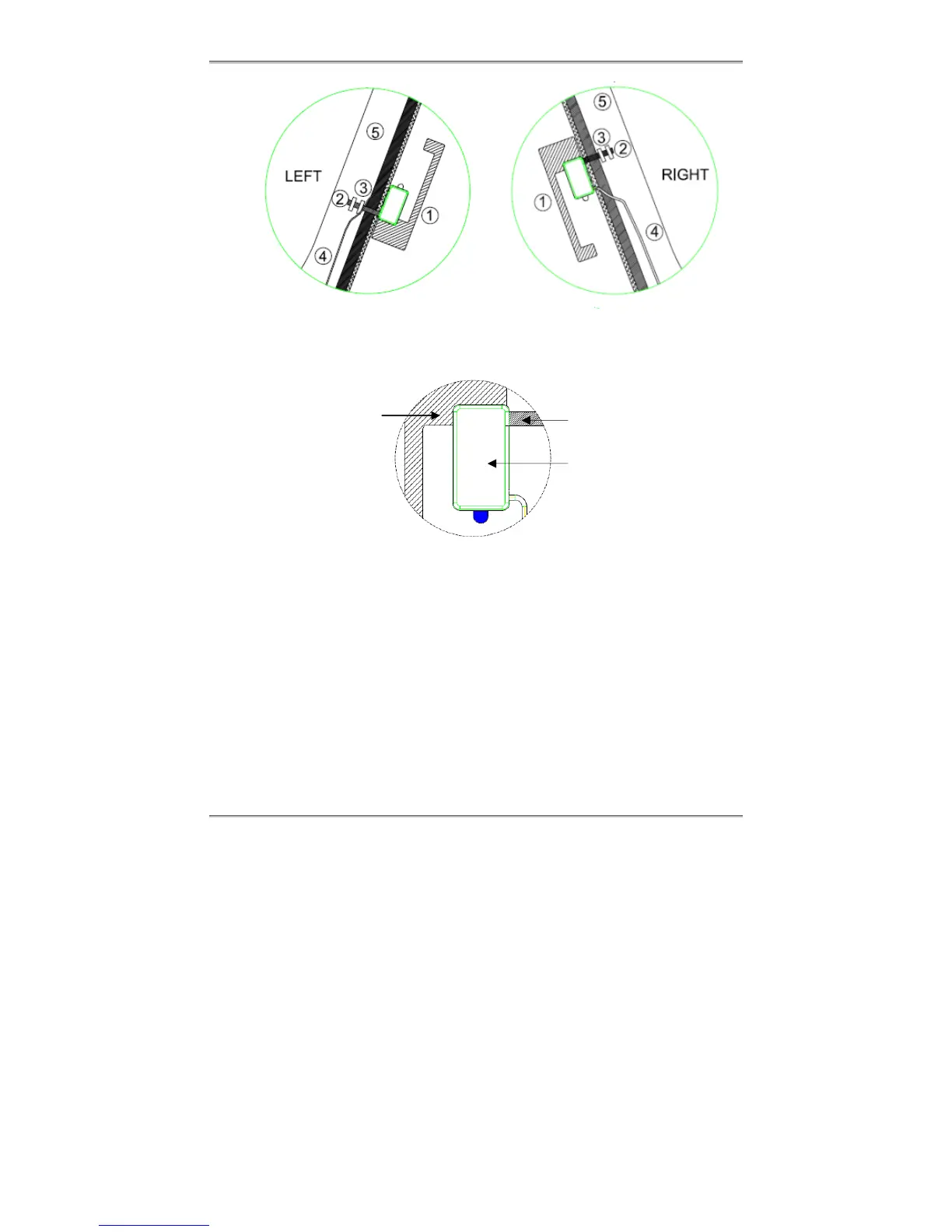
Mount the DAB antenna on the left or right side of the windshield.
➀ Attach the Signal Booster and Antenna
Gently peel off the adhesive separator of the Signal Booster and Antenna;
use the Flap to help peeling off a small portion of the adhesive separator
on antenna fiber; also peel off a small portion of the adhesive separator on
the Copper Strip. Then, press and bond the Signal Booster and Antenna
to the marked location from pre-installation and on the inside of the front
windshield. Ensure that the Signal Booster, Copper Strip, and Antenna
are not distorted.
➁ Attach the Copper Stripe
Gently peel off the rest of adhesive separator of the Copper Stripe and
paste it across the windshield to the metal frame of the A Pillar, press and
smooth out the Copper Strip.
Antenna
Signal
Booster
Copper
Strip
Flap



 To Next Page