1. Press . The corresponding following
OGM is activated. The display
shows the number of the sel-
ected OGM (1 – 3 or no num-
ber for pre-recorded OGM).
11
Factory pre-set (answer mode off)/outgoing message
Change of outgoing message
3. Release button
after speaking your
OGM.
4. Press .
The display shows "FIN" f o r
the final announcement.
The recording is finished. Your
OGM is played back for con-
trol purposes.
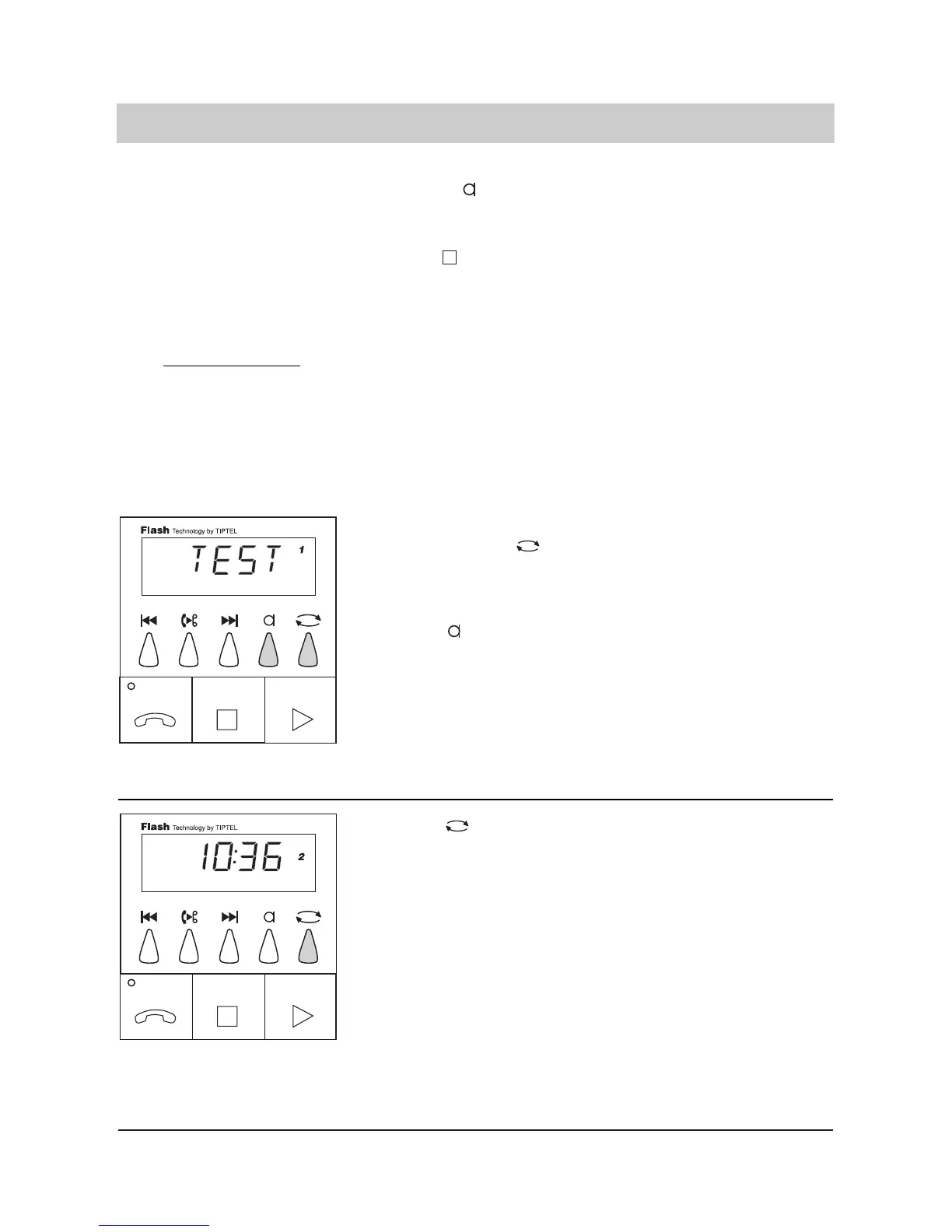
1. Select outgoing messa
ge 1, 2 or 3 by .
2. Press briefly.
The display shows the number
for the desired OGM. If there
is no number displayed this
stands for pre-recorded OGM.
The OGM is played back and
the display shows "TEST".
Adjust the volume control if
necessary.
Remark:
If the recording capacity
ends during the answering mode the device plays back the final anno-
uncement and switches to outgoing message 3 in the case that OGM 3 is an "announcement
only" message. In the other case the device switches to the factory pre-set (answering mode
off).
The final announcement is played back if the caller exceeds the programmed recording time for
incoming messages, makes pauses that are longer than 8 seconds of if the recording capacity
is exceeded.



 To Next Page