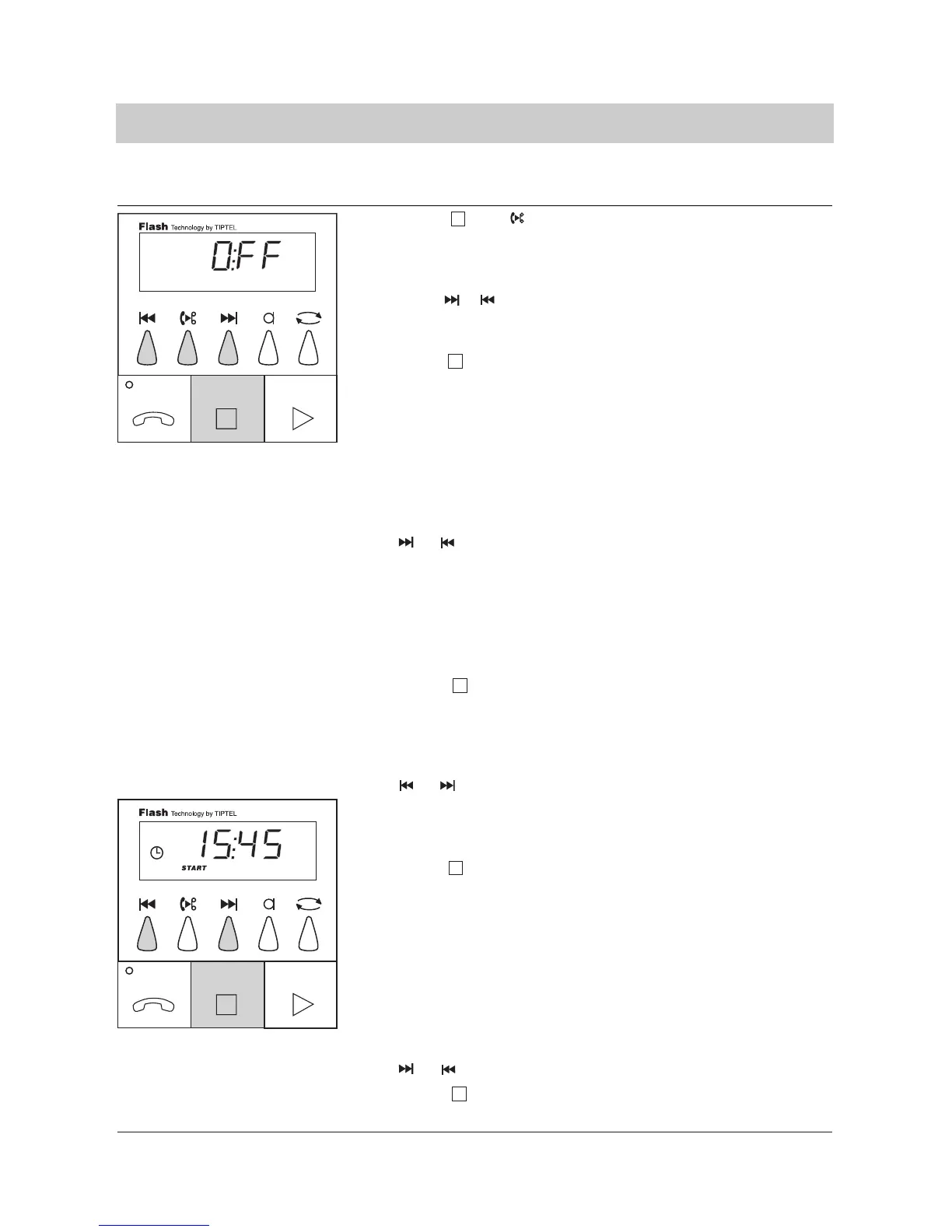
22
1. Press and simul
taneously and hold for
2 seconds.
2. Press of to turn the
time control on or off.
3. Press .
4. Select the desired
switching time (timer)
by pressing
or .
5. Press .
6. Select the desired
weekday by pressing
or .
7. Press .
8. Select the desired start
time by pressing
or .
9. Press .
The display blinks and shows
whether the time control is on
or off.
The display shows "ON" or
"OFF".
The last entry is programmed.
If the time control is "OFF" the
programming is finished. If the
mode is "ON", the desired
times have to be entered next.
The switching time to be set
is counted up or down on the
two left digits of the display, e.
g. switching time 1. The right
side of the display is reserved
for the weekday of the start
time or it shows "- - " if the
switching time had not been
selected yet.
You can now change the swit-
ching time.
The weekday to be set is
counted up or down on the
two right digits of the display.
The range is from "MO" to
"SU" as well as "- - ".
If you enter "- - "a possibly
existing switching time is era-
sed and the device changes
to the next switching time
entry if you press STOP. In
this case continue as descri-
bed under point 4.
The desired weekday is pro-
grammed.The display counts
the time up or down.
The desired start time is pro-
grammed.
Time control
Programming the time control



 To Next Page