12
Remark:
Your telephone answering machine has a scanning function which allows you to increase the
playback speed without changing the pitch of the caller’s voice. In this way you can play back
many incoming messages in a short time.
Playback of incoming messages
Repeat:
Search (forward or rewind during playback)
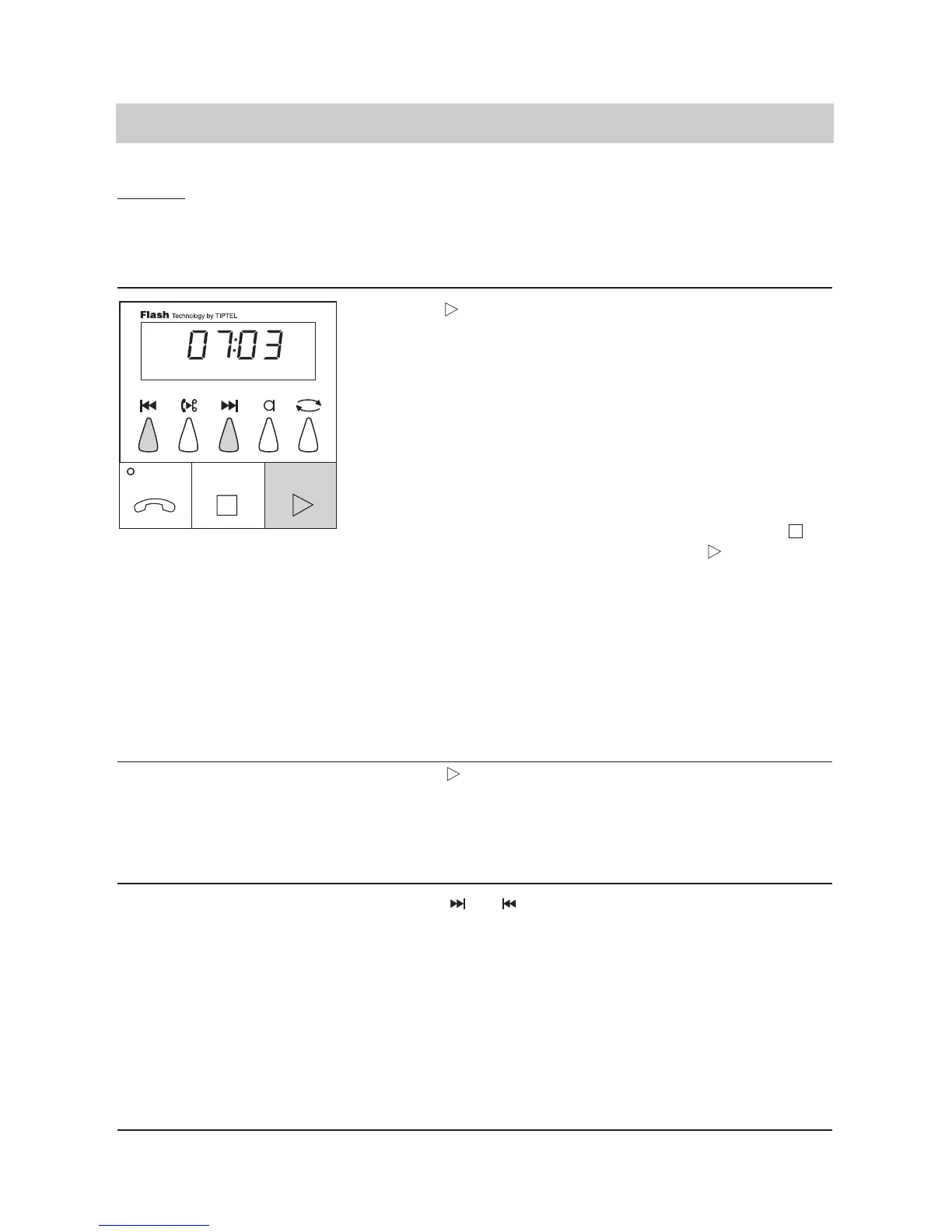
1. Press . The incoming messages are
played back in the sequence
of recording. The display
shows the total number of
ICMs (07) as well as the num-
ber of the recording played
back at that moment (03).
The playback starts with the
new and not yet played back
incoming messages – if exi-
sting. The playback can be
interrupted by pressing .
Pressing the button conti-
nues the playback at the
same position where it was
interrupted. A voice day/time
stamp is recorded after each
incoming message. When all
incoming messages are play-
ed back, a synthesised voice
informs "end of messages".
1. Press during play-
back.
The last seconds of the recor-
ded ICM are repeated.
1. Press or .
The playback of the next or the
previous message is started at
the beginning of the ICM.
Factory pre-set (answering mode off)/playback



 To Next Page