28
12. Press .
13. Select the desired mes
sage collection by
pressing and .
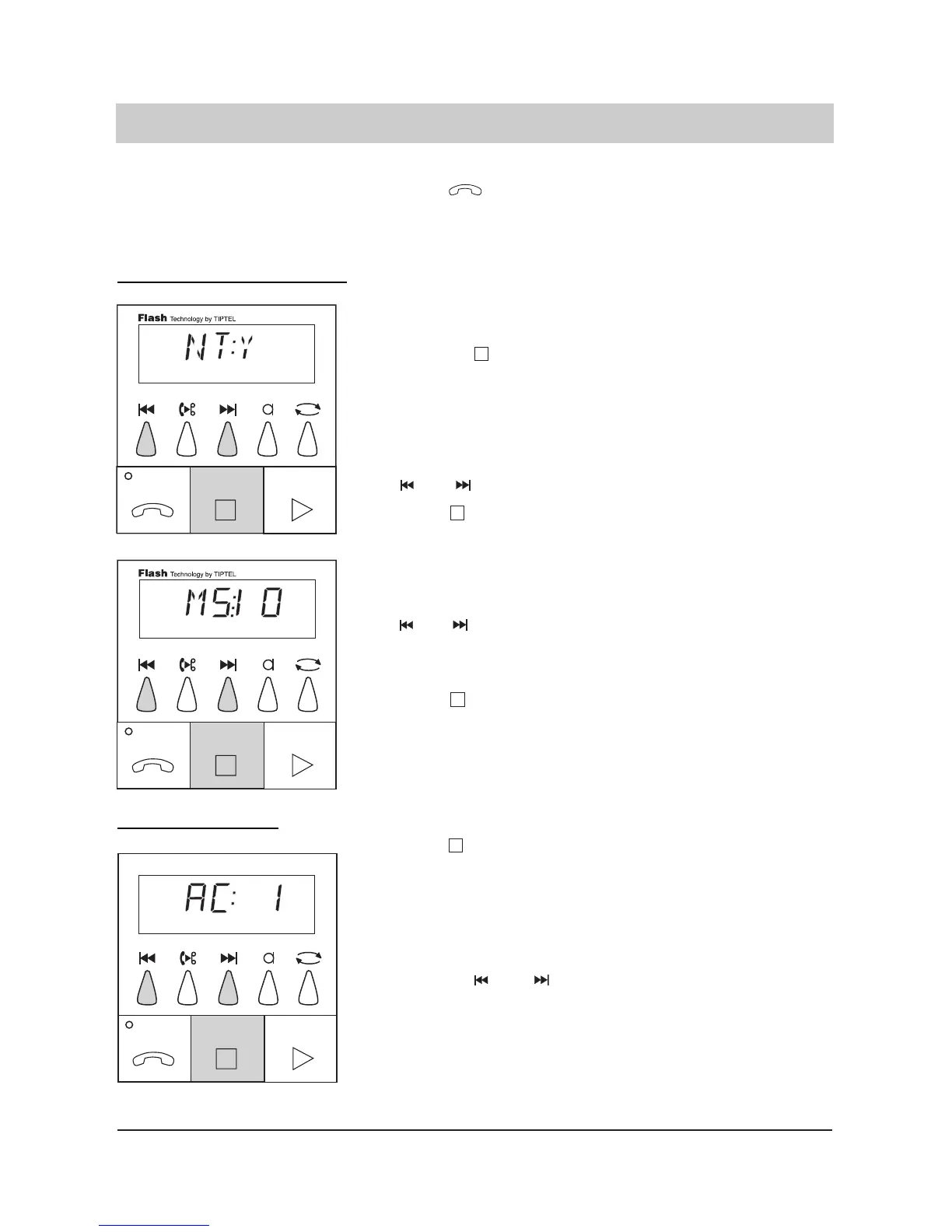
The display switches and
shows the selected message
collection mode.
The display switches bet-
ween 1, 2, 3, 4 and 5.
Message transfer parameters (only tiptel 331)
6. Press . The last entry is program-
med. The cursor jumps to
the second position.
7. Stop the entry of the
pager procedure by
pressing .
8. Select the desired
mode by pressing
and .
9. Press .
10. Select the desired
number by pressing
and .
11. Press .
The selected pager procedu-
re is programmed. The dis-
play switches and shows
whether a telephone number
transfer is possible.
The display switches bet-
ween NT:Y and NT:NO.
The last entry is program-
med.
The display shows how
many times the synthesised
voice message shall be play-
ed back.
The last entry is program-
med.
T
elephone number transfer:
Message collection:



 To Next Page