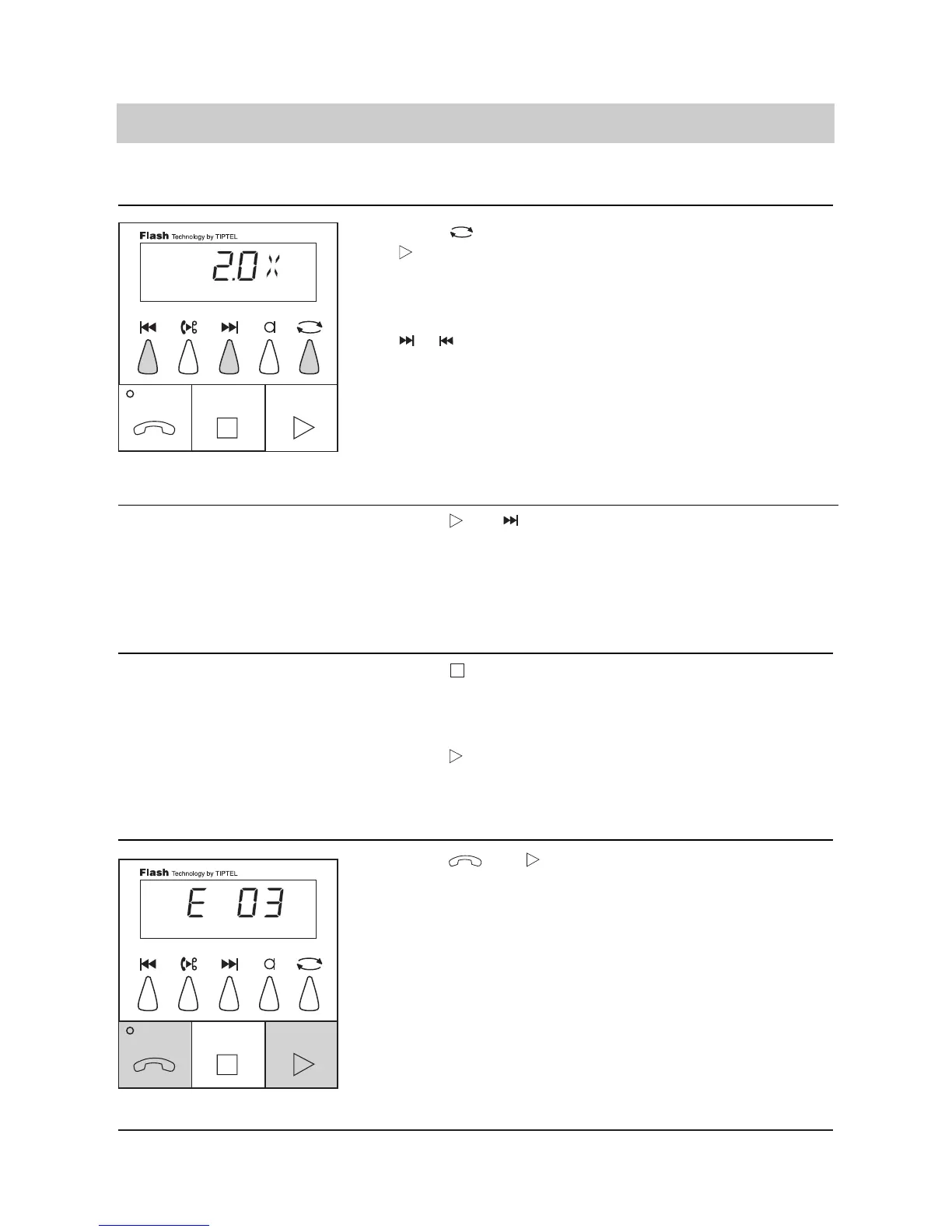
1. Press and
simultaneously during
the playback of the
message to be erased.
The current message is era-
sed. The display shows e. g.
E 03, i. e. erase incoming
message number 3.
13
1. Press during play
back.
2. Press
The playback is interrupted
and the device returns to
factory pre-set.
The playback is resumed at
the former position.
1. Press and
simultaneously.
The first seconds of each
incoming message are play-
ed back. By pressing
PLAYBACK, the normal
playback is resumed.
Factory pre-set (answering mode off)/playback
Scanning function:
Abbreviated playback of all incoming messages
Interrupting the playback
Erasing individual incoming messages
1. Press during the
.
2. In addition, press
or .
The display shows the cur-
rent playback speed.The
playback speed is increased
or decreased.
The display briefly shows the
current playback speed
(range from 0.5 to 2 times
the playback speed). When
the playback is stopped
(STOP button), the normal
playback speed is resumed
automatically.



 To Next Page