29
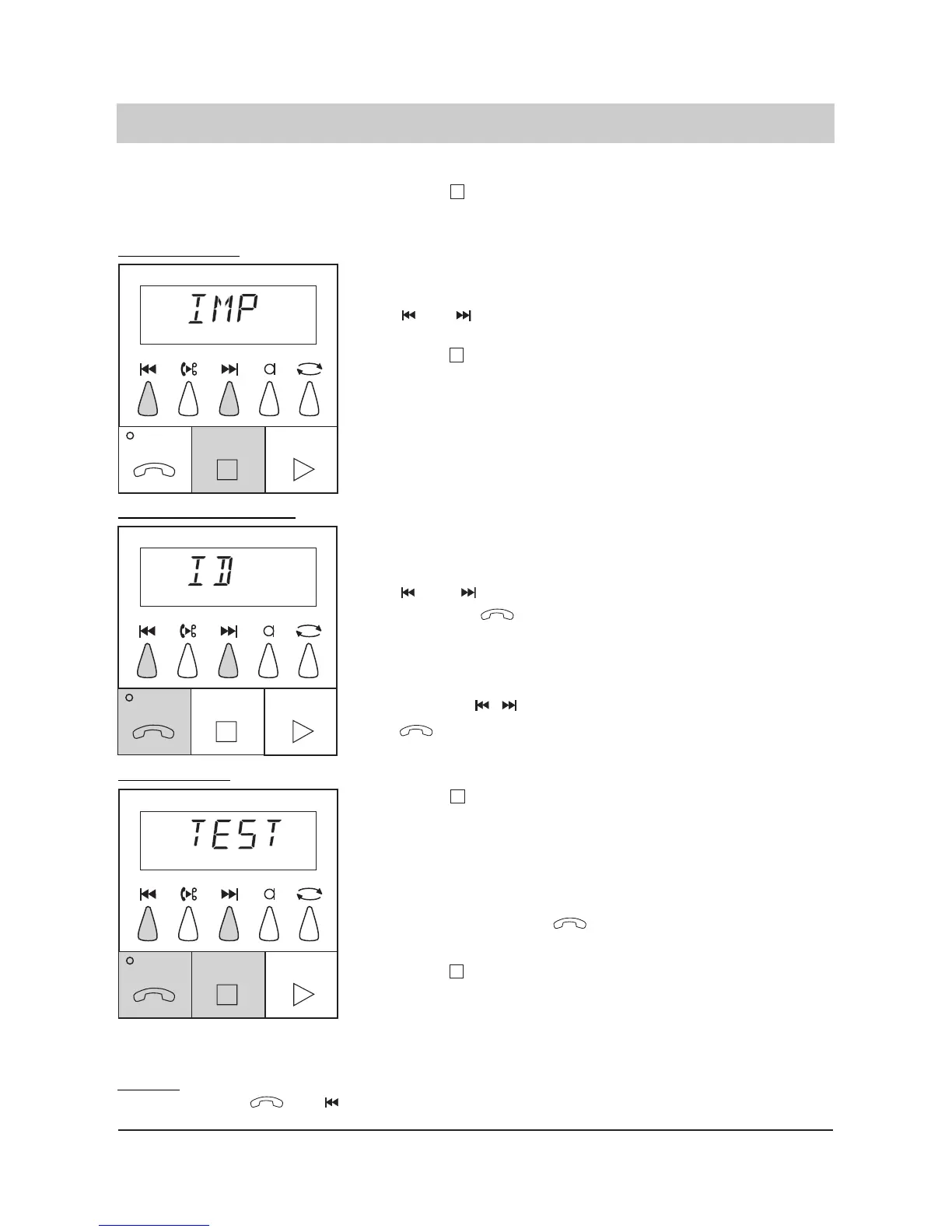
20. Press .
21. You can now initiate a
test dialling to verify
the programmed num-
ber. Just press the
button.
22. Press to finish
the test dialling. The
answering machine
switches to the factory
pre-set (answering
mode off).
The programming is finished.
The display blinks and
shows "TEST".
The display shows numbers
and special characters for
verification purposes. The
loudspeaker is set on for
verification purposes.
The display stops blinking
and shows the time.
Message transfer parameters (only tiptel 331)
Remark:
Press the buttons and to activate the telephone answering mode with message transfer.
14. Press . The display switches and
shows the programmed dial-
ling mode.
15. Select the desired dial
ling mode by pressing
and .
16. Press .
The display switches bet-
ween "IWV" and "MFV".
The display switches and
shows "ID".
17. Enter the first number
of your own telephone
number by pressing
and .
18. Press the button.
19. Enter further numbers
(20 as a maximum) by
pressing , and
.
The display counts up or
down.
The last entry is program-
med.
Dialling mode:
Identification number:
Fonction test:



 To Next Page