15
Factory pre-set / Voice day and time stamp
Initial situation / Display of available recording capacity
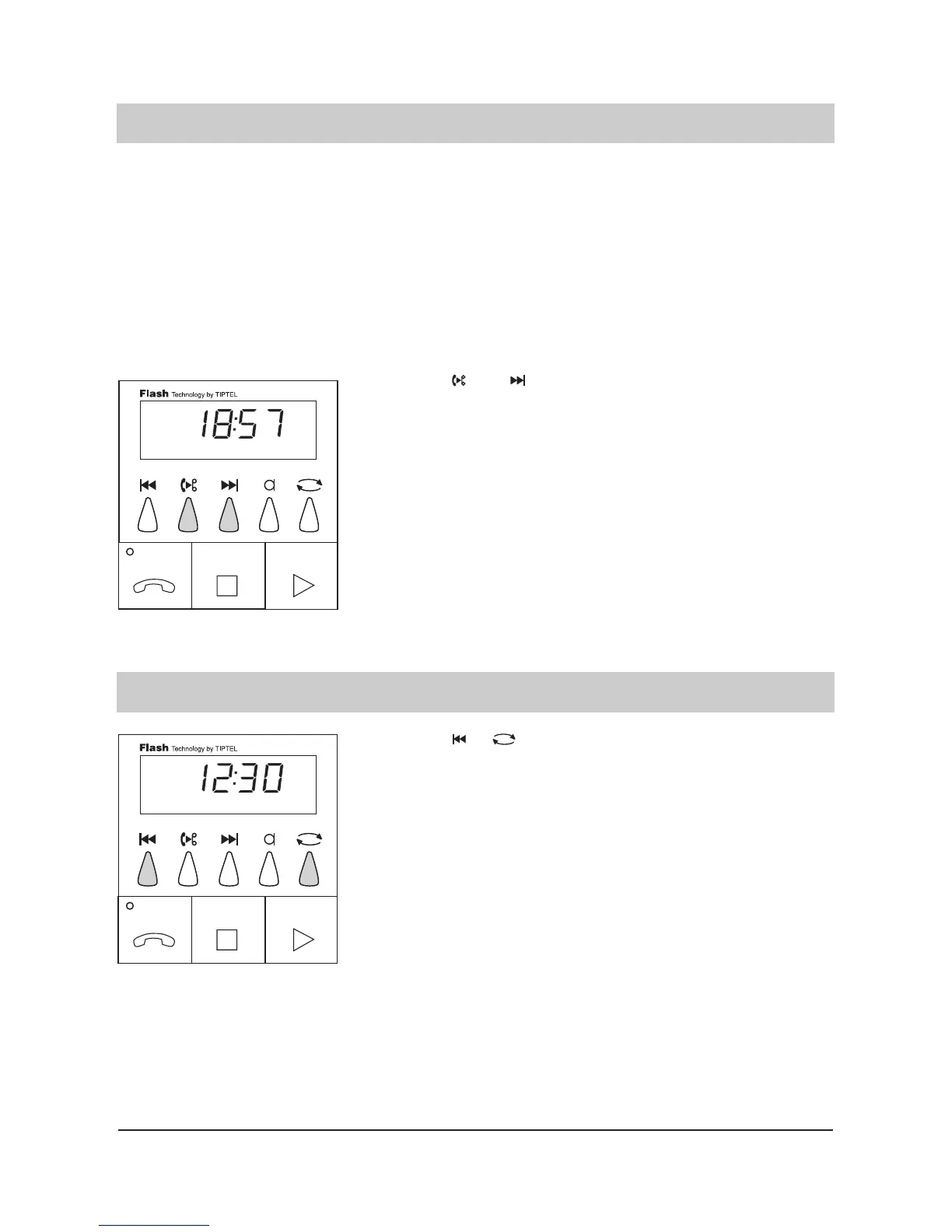
1. Press and simul-
taneously.
You will hear the current
date and time.
Initial situation / Display of
available recording capacity.
1. Press +
simultaneously and
hold.
The display shows the avai-
lable recording capacity, e.
g. 12 minutes and 30
seconds.
tiptel 330/331 has a "speaking" day and time stamp informing you about the exact time and date
an incoming message was recorded. If you want to check whether the date and the time settings
are correct you can play back information. Should the day and time not be correct you can pro-
gram those (see programming parameters).
Even in the case of a power failure or if the device is disconnected from the power supply the
clock works on for one day without loss of data. If your answering machine is disconnected from
the power supply for a longer period, date and time have to be programmed again (the time
shown in the display is 00:00 and the LED indicator blinks).



 To Next Page