31
Message transfer / examples (only tiptel 331)
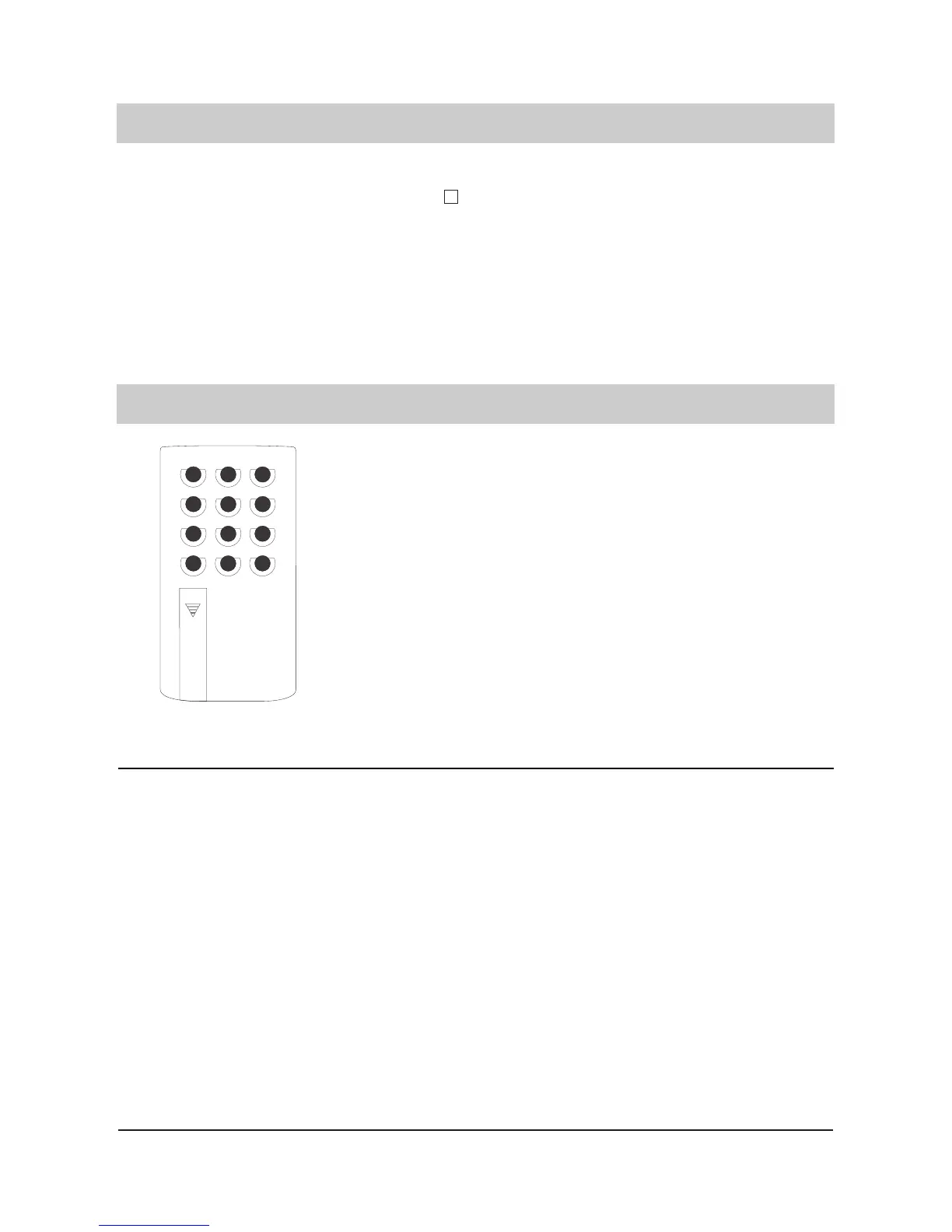
Remote beeper
To activate the remote control operation you will either need a
remote control beeper or a tone dialling telephone. the beeper
is supplied with two standard batteries (micro cells type R03).
By normal use, the batteries should last for at least two years.
Your remote control beeper can be switched on or off by the
switch. We suggest that you switch off the beeper if you do not
use it for a longer period of time or while it is carried. This will
prevent the batteries from discharging. To change the batte-
ries, slide the cover of the battery compartment down. Check
that the polarity of the batteries is correct when inserting. Slide
the battery compartment cover upwards until it clicks into
place. Discharged batteries are indicated by a low and distor-
ted tone.
Remote control features
The following remote control features are available:
REMOTE INTERROGATION of ”all” messages. The consecutive number as well as date and
time is announced after each recording. If all messages were played back you hear the
announcement ”end of messages”
REMOTE INTERROGATION of only the ”new” messages which have been recorded since
your last remote interrogation. The consecutive number as well as date and time is announ
ced after each recording. If all messages were played back you hear the announcement
”end of messages”.
REPEAT of the last few seconds, e. g. if you did not understand the text properly.
STOP the playback, e. g. if you want to take notes or need a pause.
PLAYBACK if you want to continue listening.
REWIND
FORWARD
REMOTE ERASE of all recorded messages, e. g. in order to provide new recording capacity.
REMOTE ERASE of individual recorded messages, e. g. in order to retain only selected mes-
sages.
2. Press to switch the
telephone answering
mode off.
Further calls will not be
answered. The display shows
the time and the arrow "mes-
sage transfer" is no longer
displayed. The red LED indi-
cator blinks as long as recor-
ded incoming messages are
not played back.



 To Next Page