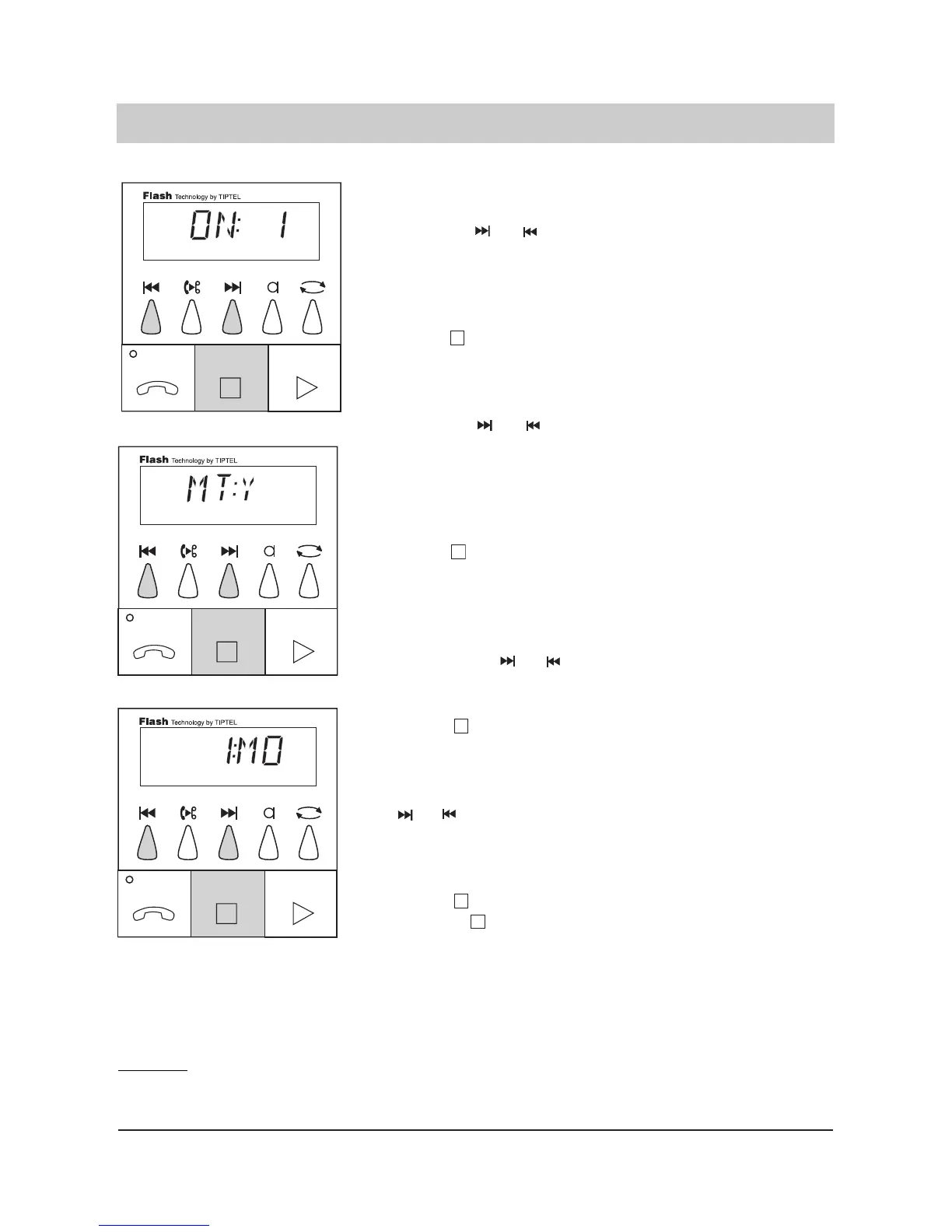
10. Select the desired out
going message by
pressing or .
11. Press .
12. (Only tiptel 331) Select
the desired mode by
pressing or
(entry is only possible
if outgoing message 1,
2, 3, or 4 were selec
ted).
13. Press .
14. Select the desired
weekday the mode
shall be switched off
by pressing or
15. Press .
16. Select the desired stop
time by pressing
or .
17. Press
or press and
hold for 2 seconds.
The display shows 1, 2, 3, 4
or "- - " on the right side ("4"
stands for the pre-recorded
outgoing message). If you
select "- - " the telephone
answering mode is switched
off for this period of time.
The desired OGM is pro-
grammed.
If the message transfer
mode is not activated, the
display shows "MT" for mes-
sage transfer on the left side
and "NO" on the right side. If
the display shows "Y" on the
right side the message trans-
fer is activated.
The desired setting is pro-
grammed.
On the left side, the display
shows the programmed swit-
ching time, e. g. switching
time 1. The weekday can be
read from the right side of
the display ("MO" to "SU").
The desired weekday is pro-
grammed.
The display counts the time
up or down. The desired
stop time is programmed.
Now you can program the
next switching time.
Continue as described under
point 4.
The desired stop time is pro-
grammed. The programming
is now finished. The control
menu exit follows. Please
take into account that all
switching times that are not
explicitly erased will be retai-
ned.
23
Time control
Remark:
The seconds are rounded off, i. e. if you enter 12:00 hrs as the start time and 14:59 hrs as the stop
time, the timer will run from 12:00 hrs to 14:59 and 59 seconds.



 To Next Page