TH2523 Series Operation Manual Ver1.2
17
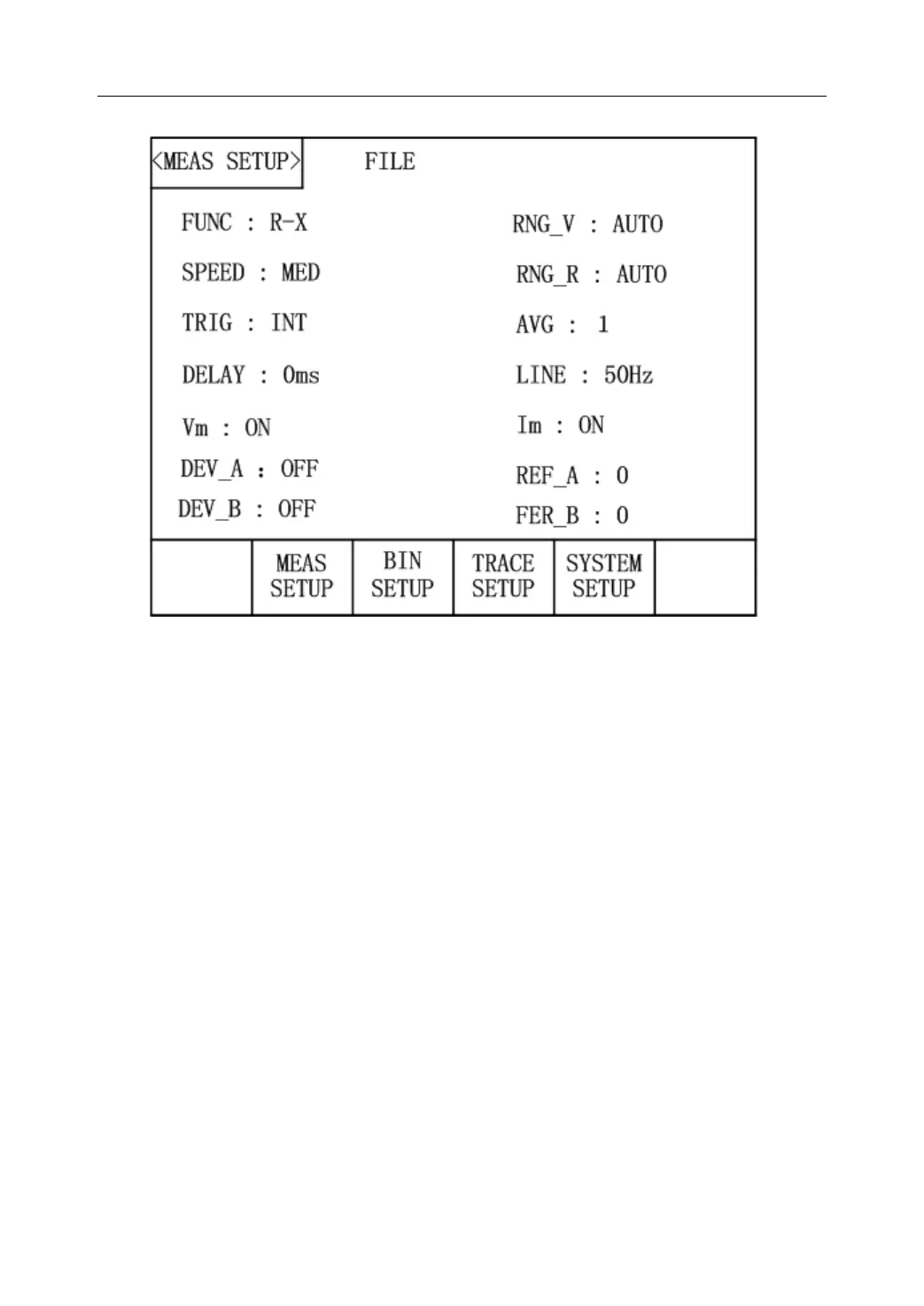
Figure 3-5 Measurement Setup Page
The following items can be set in the <MEAS SETUP> page.
FUNC R-X: Move the cursor to it, and then you can choose the desired parameters
in the soft key zone.
Range
(
R
)
:AUTO : AUTO, HOLD, ▼, ▲ will be displayed in the soft key zone by
touching this key. Press one of them, resistance range will be automatically selected
or locked. Meanwhile, the resistance range can be regulated through up and down
keys.
Range
(
V
)
:AUTO: Move the cursor to it, AUTO, HOLD, 6V/60V (TH2523),
30V/300V (TH2523A) will be displayed in the soft key zone. Press one of them,
voltage range will be automatically selected or locked. The voltage range can be
switched between 6V/60V and 30V/300V.
SPEED:MED:Move the cursor to it, FAST, MED, and SLOW will be displayed in
the soft key zone. By touching them, the measurement speed can be toggled among
them.
TRIG:INT:Move the cursor to it, INT, MAN, EXT and BUS will be displayed in
the soft key zone. The corresponding functions are respectively auto measurement
mode, manual trigger measurement mode, external trigger measurement mode and
bus trigger measurement mode.
AVG:1:Enter the desired number through the numerical keyboard ranging from 1 to



 To Next Page