TH2523 Series Operation Manual Ver1.2
16
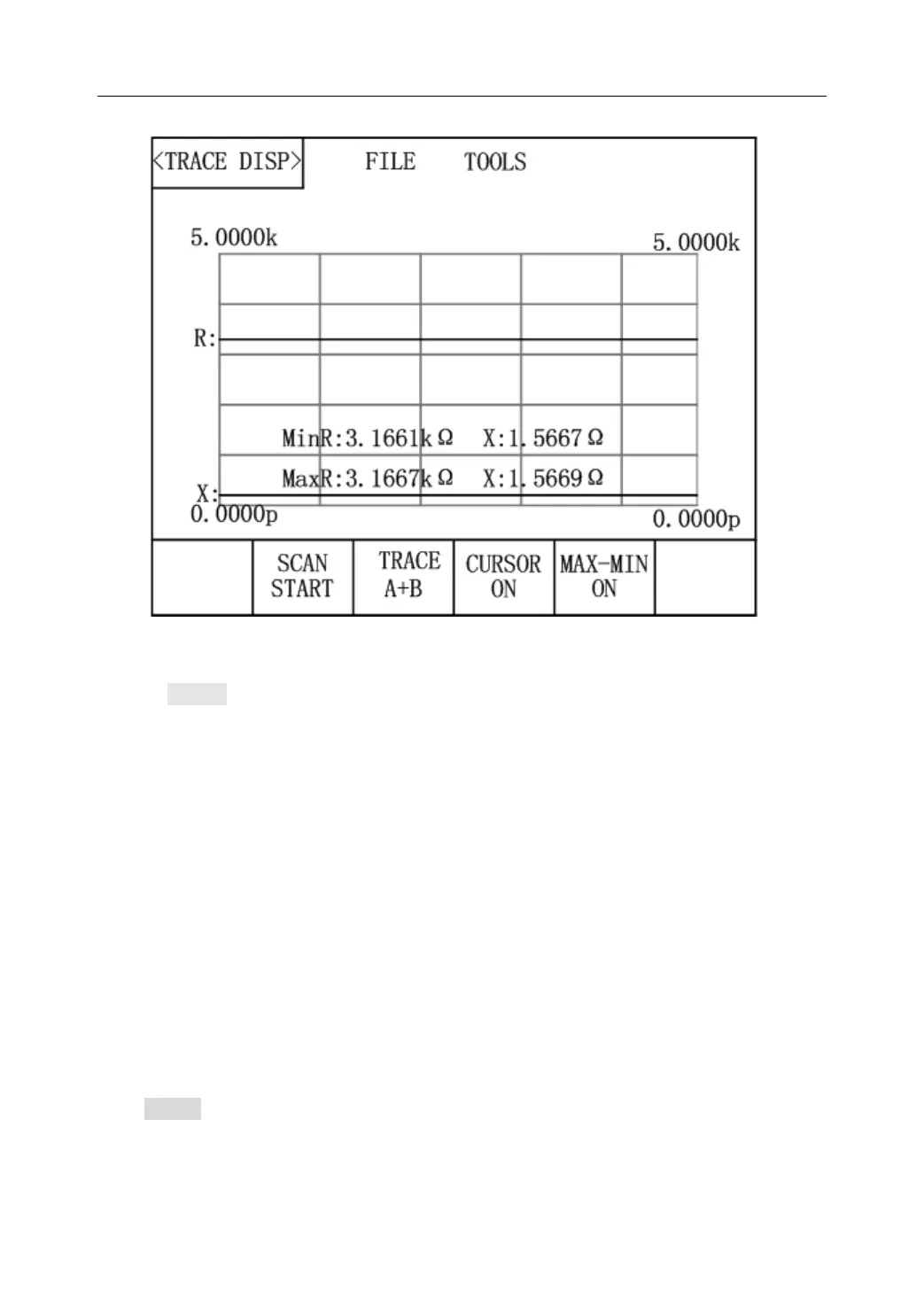
Figure 3-4: Trace Display Page
Move to TOOLS, the following items will be displayed in the soft key zone:
SCAN START: Press [SCAN START], trace scanning will start; when [SCAN STOP]
is displayed and press it, trace scanning will stop.
TRACE A+B: Press this key, A+B, A, B will be alternately displayed. A indicates
that the primary parameter trace will be displayed; B, secondary parameter trace will
be displayed; A+B, traces of primary and secondary parameters will be displayed
simultaneously.
CURSOR: Press this key and the measurement result will be displayed. Use the
left-right direction keys to move the cursor.
Max-Min ON: Press [Max-Min ON], maximum and minimum values of primary and
secondary parameters will be displayed after trace scanning. When [Max-Min OFF]
is displayed, this function will be disabled.
3.4 <MEAS SETUP>
Press SETUP to enter into the <MEAS SETUP> page shown in figure 3-5.



 To Next Page