TH2523 Series Operation Manual Ver1.2
27
Chapter 4 System Setup and File Manage
4.1 System Setup
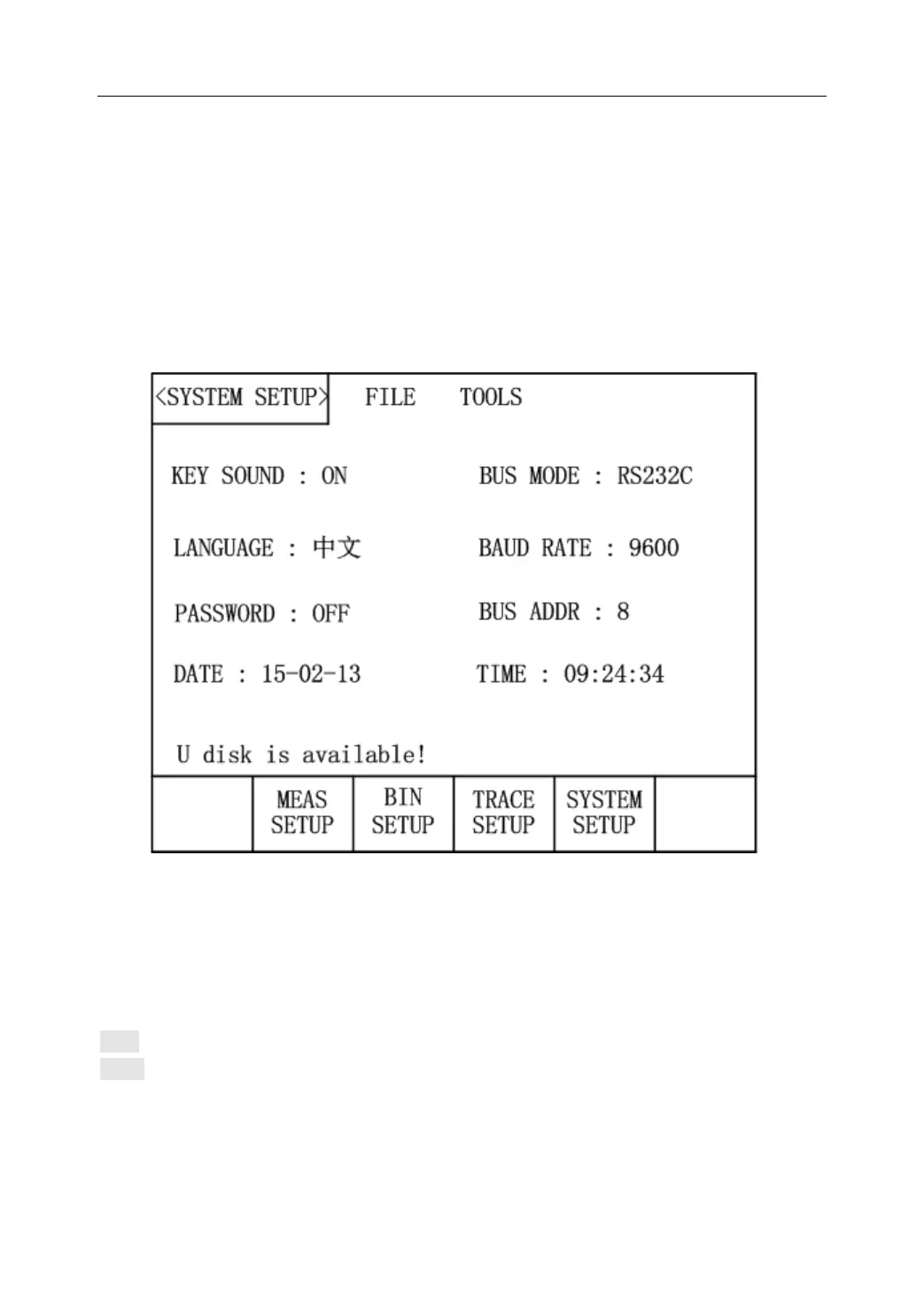
Press [SETUP] and then press SYSTEM SETUP in soft key area to enter into the <SYSTEM
SETUP> page shown in the following figure 4-1.
Figure 4-1 System Setup Page
The following functions can be set in this page: Key Sound, Language, Password, Bus Mode,
Baud Rate, Bus Addr, Date and Time.
4.1.1 Key Sound
Set the key sound.
ON: Turn on the key sound.
OFF: Turn off the key sound.
4.1.2 Language
Set the language.



 To Next Page