TH2523 Series Operation Manual Ver1.2
32
FLASH and the external U disk. Press [Exit] to exit the file page.
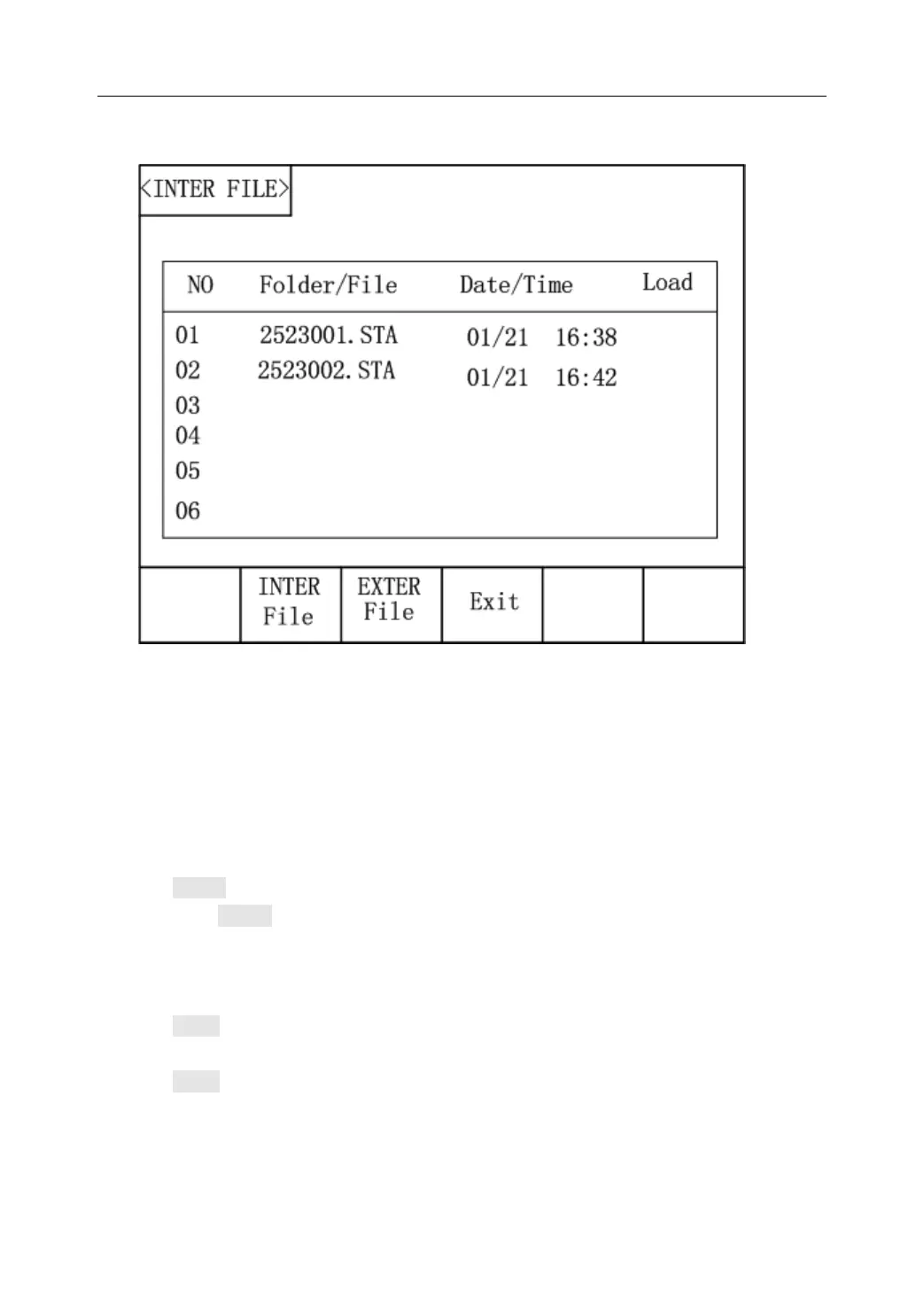
Figure 4-3 Internal file page
6 files’ information will be displayed in each internal file page or external file page, including
file names and time of being saved.
Operations of the internal file and the external file are similar. Take internal file operations as
an example to describe the specific procedures of file operations.
Operations on file are as follows:
Move the cursor to the file name to be edited, the following items will be displayed in soft key
area.
LOAD
Press LOAD, if the file name that the cursor locates is not empty, [YES] and [NO]
will be displayed in the soft key zone. When [YES] is selected, the instrument will
load the setup data in the file; when [NO] is selected, the current operation will be
cancelled.
SAVE
Move the cursor to empty file area, SAVE is displayed in the software area. Press
SAVE, [YES] and [NO] will be displayed in the soft key zone. When [NO] is
selected, the operation of saving the file is cancelled; when [YES] is selected, the
instrument will pop up the alphabetical keyboard, input the filename and press
ENTER to confirm it. The parameter settings of the current interface are saved in



 To Next Page