52
3 STANDARD MEASUREMENT MODE
3 STANDARD MEASUREMENT MODE
3.1 Angle Measurement
3.1.1 Measuring Horizontal Angle Right and Vertical Angle
Make sure the mode is in angle measurement.
1 Collimate the 1st target (A).
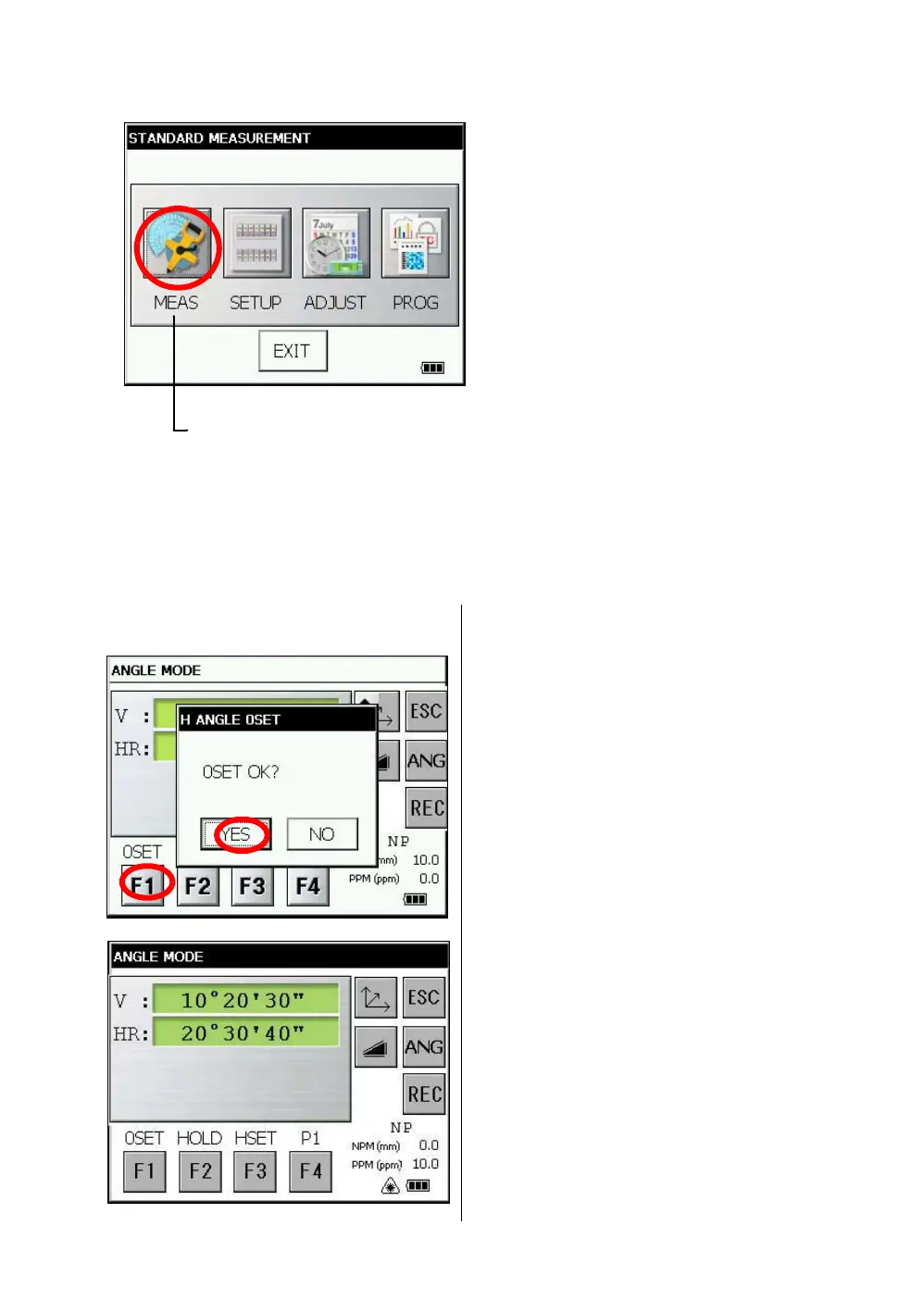
2 Set horizontal angle of target (A) at 0° 00' 00".
Press the [F1] key and the [YES] key.
3 Collimate the 2nd target (B).
The required H/V angle to target B will be
displayed.
STANDARD MEASUREMENT MODE
Angle measurement, Distance measurement, Coordinate measurement .
Press the [MEAS] icon.



 To Next Page
 Loading...
