37
CHART FUNCTIONS UNIQUE TO THE MC-4S
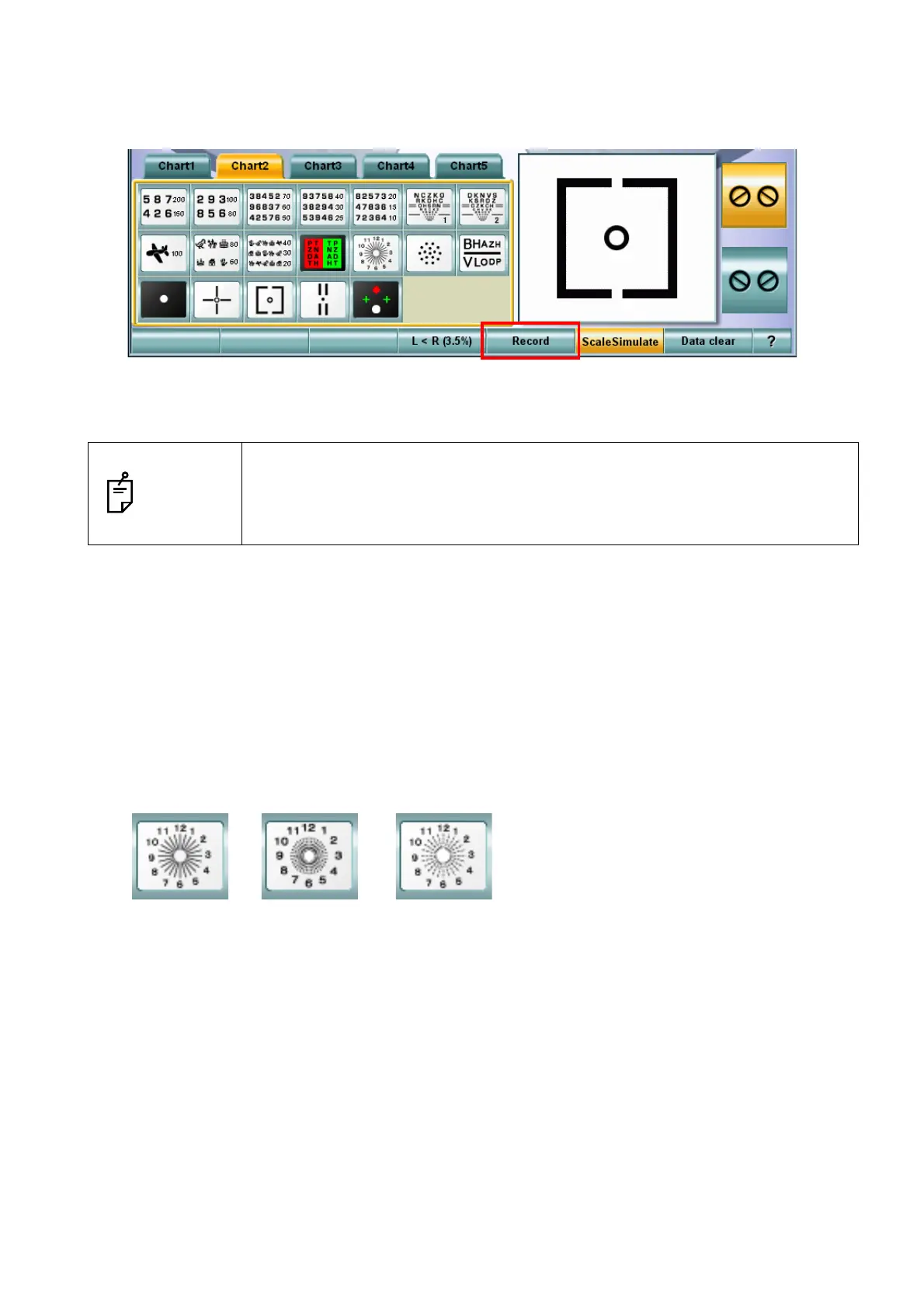
5 To record the result, touch the [Record] button among the function buttons at the bottom of the
screen on the KB-50S.
6 To finish "Simulation", touch the [Simulate] button again.
The chart of the MC-4S is returned to the display status before executing "Simulation".
Astigmatism chart rotation function
By using this function, on the astigmatism chart where only one radial line color is deeper than others,
the deeper line can be changed with the dial. To measure the cylinder axis by using the astigmatism
chart, let the patient align the deeper line on the chart with the line whose color is deeper in his/her
vision.
Relevant chart
The following charts are applicable to this function:
NOTES
• When operating through a mouse/personal computer, do not turn the dial but
click the button on the control window. Operate according to "Mouse Naviga-
tion".
• When changing to other charts, the "Simulation" mode is also exited.



 To Next Page