51
CHART FUNCTIONS UNIQUE TO THE MC-4S
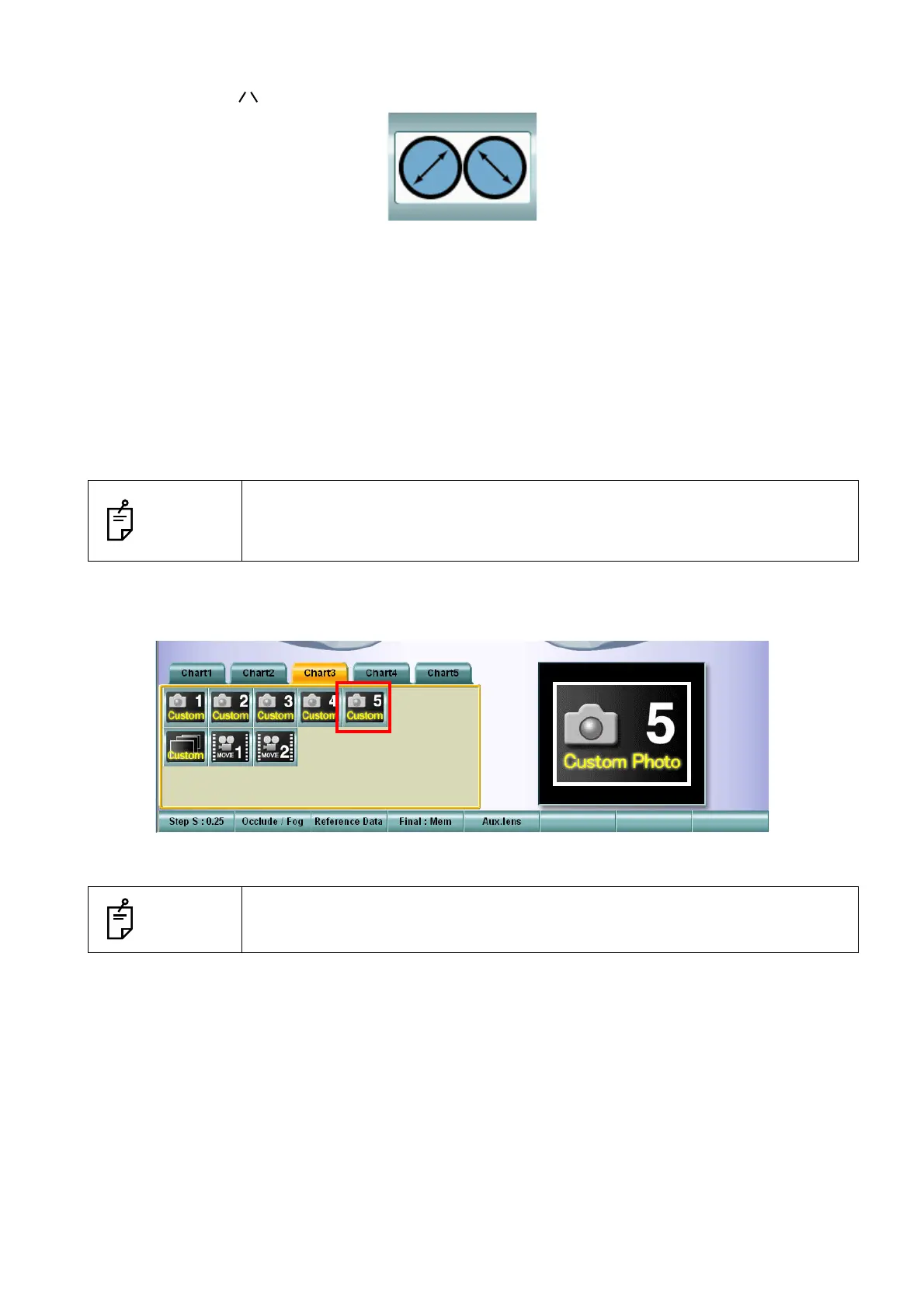
7 Touch the [Aux. lens] button to display the auxiliary lens list. Select the polarized lenses whose
shape is like " ".
8 Touch the [OK] button to close the "Change Parameters" screen.
9 After registering all of the user customizable contents icons, touch the [OK] button to exit from the
"Settings" screen and return to the test screen.
10 After returning to the test screen, make sure that the registered user customizable contents icons
are added in the chart page. Then, make sure that the still images, movies and slideshows are
displayed correctly.
Display/playback of the user customizable contents
1 Select the icon of the user customizable contents to be displayed and played from the chart
page.
The selected image of the user customizable contents is displayed and played.
NOTES
It is necessary to connect the USB memory where the user customizable con-
tents are saved to the USB port of the CV-5000 system before starting this sys-
tem.
NOTES
Select any other chart. The playback of the user customizable contents is fin-
ished and the selected chart is indicated.



 To Next Page