53
CHART FUNCTIONS UNIQUE TO THE MC-4S
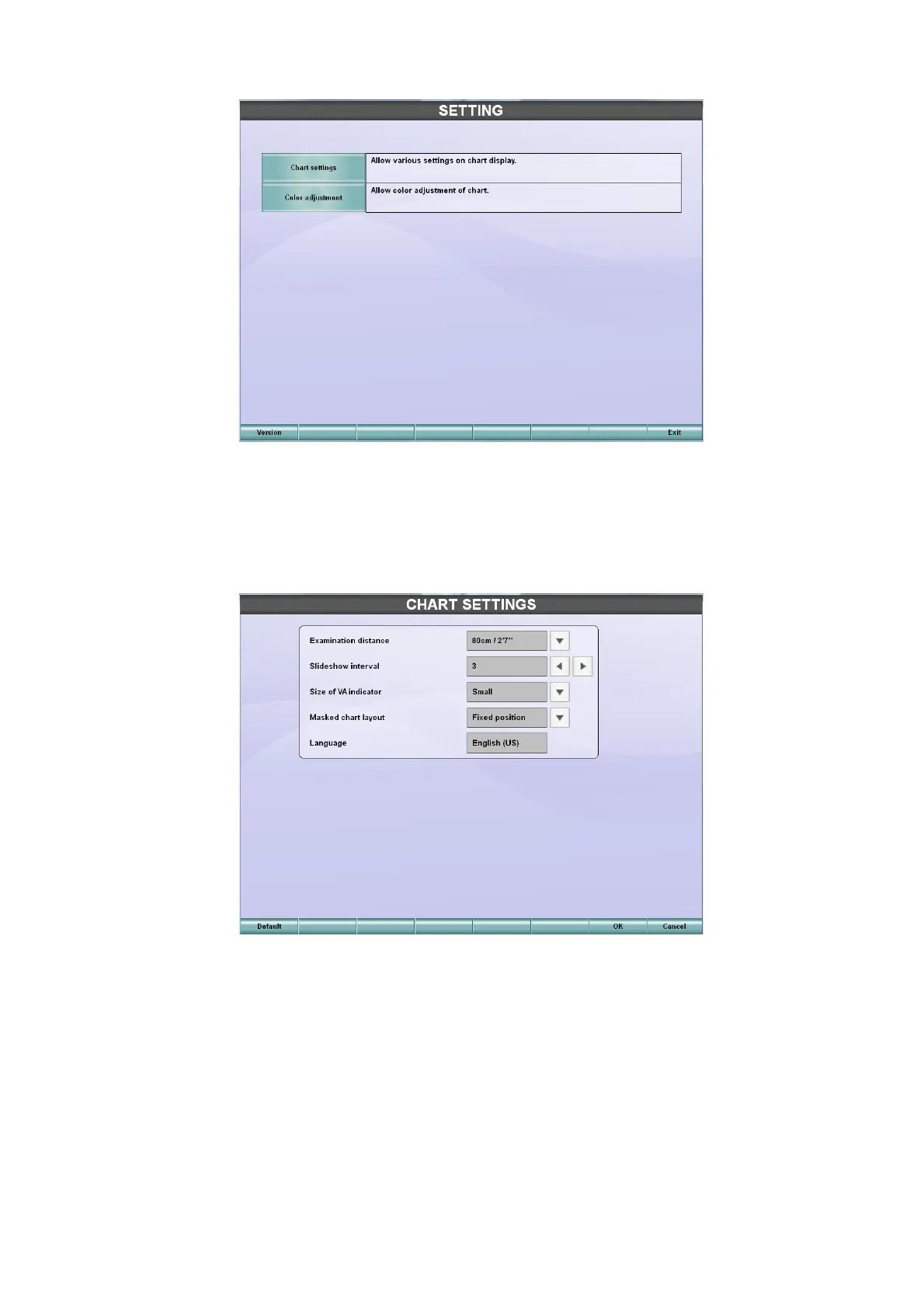
4 The "SETTING" menu of the MC-4S appears.
Chart settings
Touch the [Chart settings] button on the "SETTING" menu of the MC-4S, and the "CHART SETTINGS"
screen appears.
You can set the following items on the "CHART SETTINGS" screen:
1 Examination distance
Set the installing distance of the MC-4S.
Select one of 60cm, 80cm, 95cm, 1m and 1.5m* according to the distance from the MC-4S
instrument's front surface to the patient's eye.
* You can select this only when selecting the H1 type.
2 Slideshow interval
Set the interval for changing the still image in the preinstalled slideshow and the "User customiz-
able contents" slideshow.
You can set the interval within the range of 3 to 10 seconds at intervals of 1 second.



 To Next Page