5. BASIC OPERATION
18
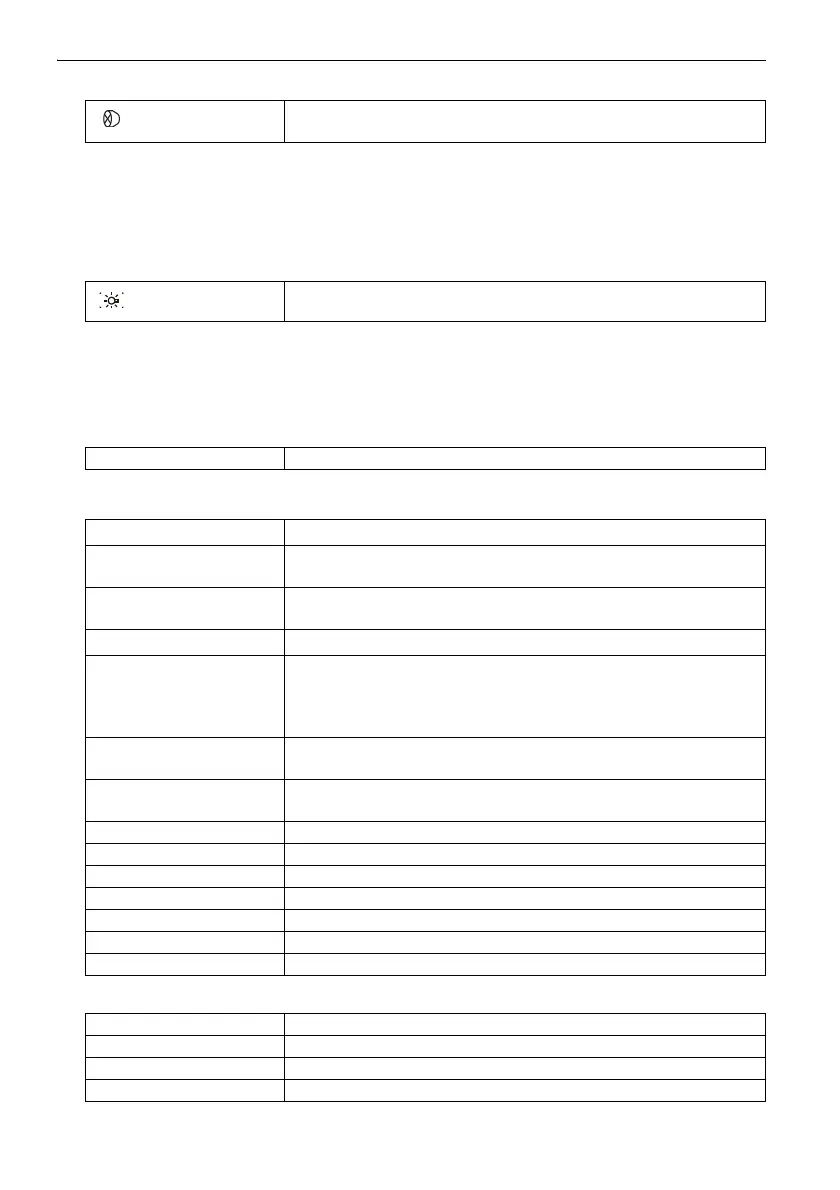
Switching target type
"20.3 EDM Settings"
• Changes can also be made by tapping the icon on status bar or in Starkey mode.
"5.2 Display Functions", "5.4 Starkey Mode"
Switching the Laser-pointer/Guide light ON/OFF
• Changes can also be made by tapping the icon on status bar or in Starkey mode.
"5.2 Display Functions", "5.4 Starkey Mode"
Switching the page
Inputting letters/figures
Selecting options
{}
Switches between target types
Prism/Sheet/N-prism (reflectorless)
{}
(Press and hold)
To turn the laser-pointer/guide light ON/OFF, press and hold until a
beep sounds.
{FUNC} Toggle between Observation mode screen pages
{
α}
Switch between numerals and alphabetic characters
{SHIFT} + {1} to {9} In alphabetic characters mode, switch between lowercase
characters and upper case characters each time
{SHIFT} (Press and hold)
In alphabetic characters mode, switch between lowercase
characters and upper case characters
{SHIFT} + {α}
Display/hide <Input Panel>
{0} to {9} Input numeral or symbol printed above the key (during numeric
input mode)
Input alphabetic character in the order they are listed (in
alphabetic input mode)
{.} Input a decimal point (during numeric input mode)
Input code (in alphabetic input mode)
{
±} Input a plus or minus sign (during numeric input mode)
Input code (in alphabetic input mode)
{ESC}
Cancel the input data
{TAB} Shift to the next item
{B.S.}
Delete a character on the left.
{S.P.}
Input a blank space (increments by 1 when setting the date and time)
{}/{} Move the cursor left/right
{
}/{} Move the cursor up/down
{ENT}
Select/accept input word/value
{
}/{} Move the cursor/selection item up/down
{}/{} Move the cursor/selection item left/right or select other option
{TAB} Shift to the next item
{S.P.} Display other options



 To Next Page