79
16. SETTING-OUT MEASUREMENT
Guide light status and meaning
Indication for positioning target during setting-out measurement
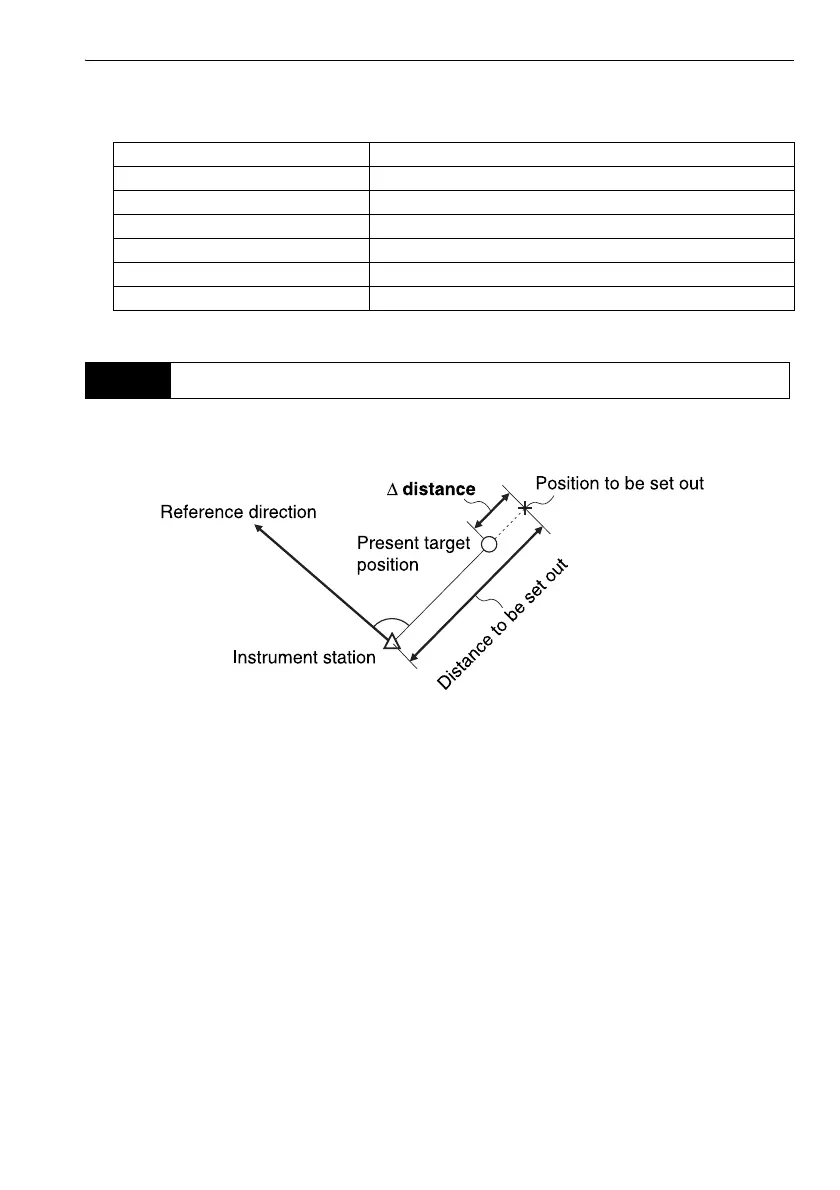
The point is to be found based on the horizontal angle from the reference direction and the distance
from the instrument station.
Light status Meaning
Increased flashing speed (From position of poleman) Move target toward OS
Decreased flashing speed (From position of poleman) Move target away from OS
Fast flashing Target is at correct distance
Red (From position of poleman) Move target left
Green (From position of poleman) Move target right
Red and Green Target is at correct horizontal position
16.2 Distance Setting-out Measurement



 To Next Page