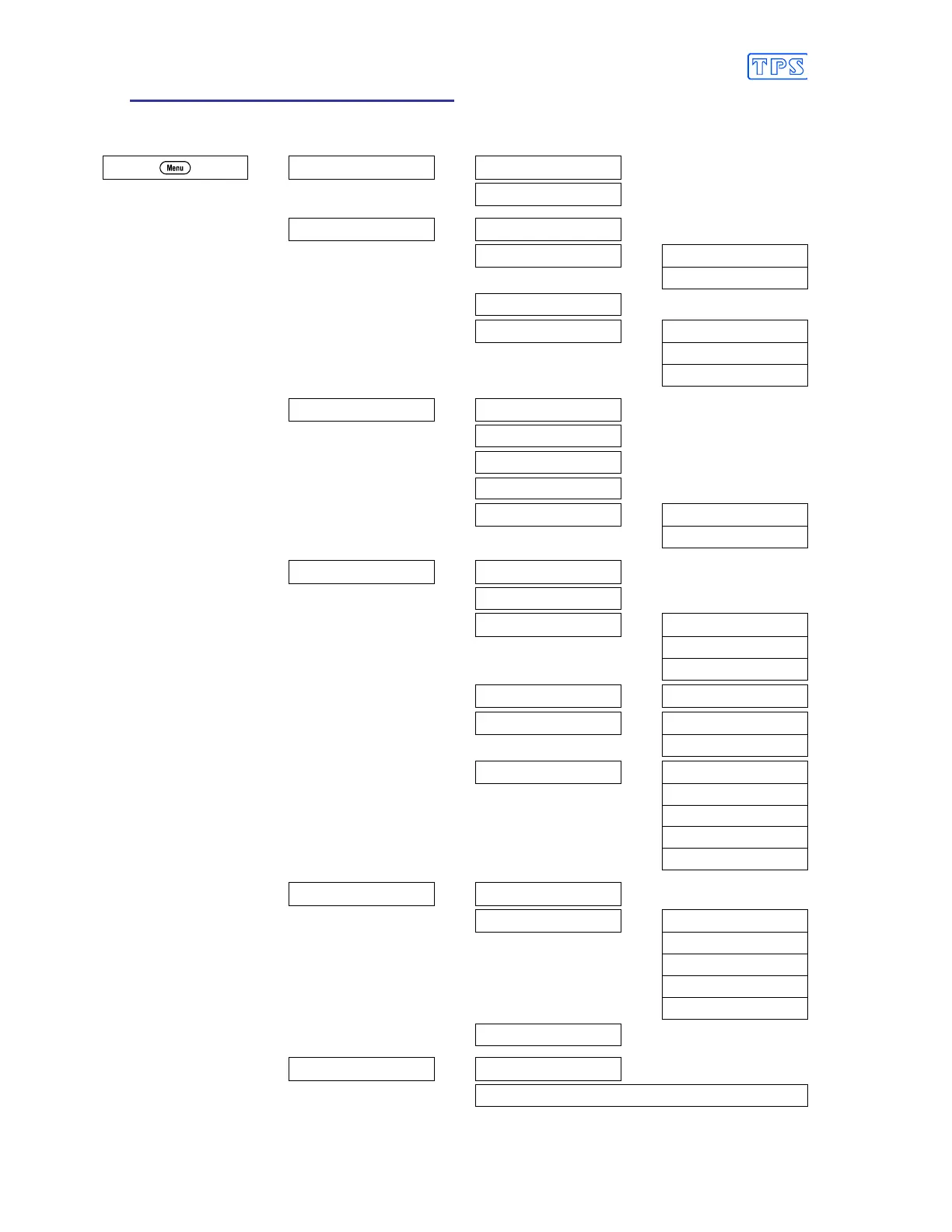
2. smartCHEM-Titro Menu Structure
A detailed breakdown of the menu system of the smartCHEM-Titro is shown below. This diagram
provides a quick reference for the menu functions available for the smartCHEM-Titro.
→
F1:Calibrate
→
F1:pH or mV
F1 does not appear in the menu
when Relative mV mode is selected.
F3:Temperature
→
F2:Logger
→
F1:Recall
F2:Erase
→
F1:Erase All
F2:Erase Last
F3:Print
F4:Program
→
F1:Secs
F2:Mins
F3:Hours
→
F3:Mode
→
F1:0.01pH
F2:0.001pH
F3:mV
F4:Rel mV
F5:Titrator
→
F1:Titrator ON
F3:Titrator OFF
→
F4:Setup
→
F1:pH Buffer
F2:Clock
F3:Backlight
→
F1:On
F2:Off
F3:Energy Saver
F4: Ports
→
F1:Baud Rate
F5:Initialise
→
F1:All
F3:pH SlopeB
F6:Titr.
→
F1:Max Rate
F2:Prop.
F3:Min rate
F4:Delay
F5:STD Parameters
→
F5:GLP
→
F1:Recall
F2:Alarm
→
F1:Daily
F2:1 Week
F3:2 Weeks
F4:4 Weeks
F5:Off
F3:Print
F6:Access
→
F1:Change code
F3:Enable & Enter code or F3:Disable Security



 To Next Page