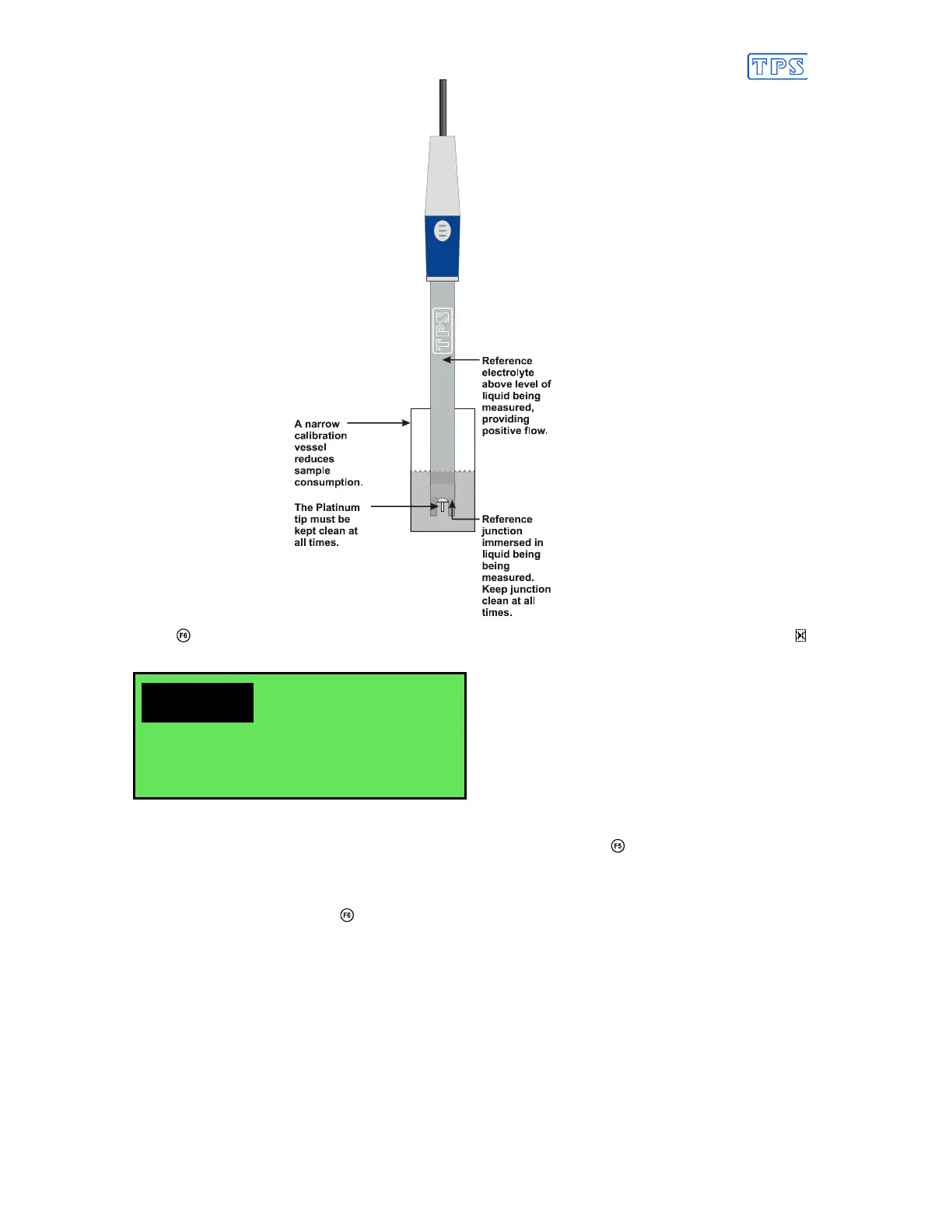
7. Press to zero the Relative mV reading. The Automatic Stability Function will now show a
and highlight the Relative mV reading while it is unstable. For example…
400.0mVR 25.0
O
C
31/12/04
Stabilising 12:00:00
The Relative mV reading will automatically be zeroed once the reading becomes stable.
To Zero immediately without waiting for complete stability, press to disable the Automatic
Stability Function.
8. The smartCHEM-Titro Relative mV mode is now zeroed and is ready for use. The readout
can be re-zeroed by pressing whenever required.
6.3 Relative Millivolt Calibration Notes
1. Temperature compensation does not apply in Relative mV mode,
2. The Relative mV offset is retained in memory when the smartCHEM-Titro is switched off.
3. The Relative mV zero offset is reset when entering or leaving Relative mV mode.



 To Next Page