33
7. Temperature Mode
The temperature readout must be calibrated or manually set before attempting pH calibration.
A “
∗
” in place of the decimal point indicates that the Temperature readout is not calibrated, or a
past calibration has failed. The “
∗
” will be removed once Temperature has been successfully
calibrated.
7.1 Temperature Calibration
1. Plug the temperature sensor into the Temperature socket.
2. Switch the meter on.
3. Place the Temperature sensor into a beaker of room temperature water, alongside a good
quality mercury thermometer. Stir the probe and the thermometer gently to ensure an even
temperature throughout the beaker.
4. Select Temperature Calibration (
→
→→
→ F1:Calibrate →
→→
→ F3:Temperature
).
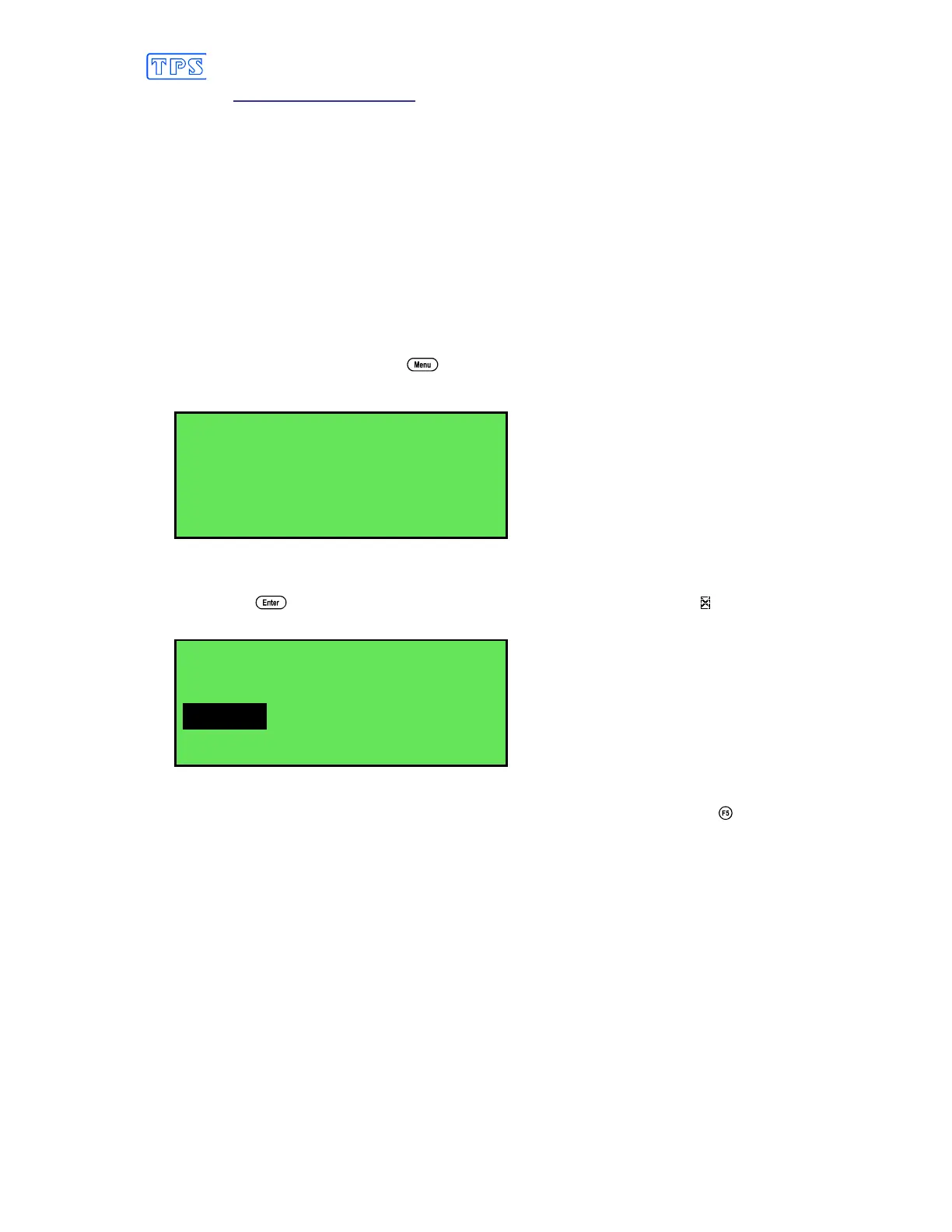
The Temperature Calibration screen is now displayed, for example…
Enter Actual
Temperature:_
24*0
O
C
The current reading from the Temperature sensor is displayed.
5. Type in the temperature as measured by the mercury thermometer using the Numeric Keypad
and press . The Automatic Stability Function will now show a and highlight the
Temperature reading while it is unstable…
Enter Actual
Temperature: 25.0
24*0
O
C
Waiting to Stabilise
When the Temperature reading has stabilised, the unit will calibrate itself.
To calibrate immediately without waiting for complete stability, press to disable the
Automatic Stability Function.
6. The smartCHEM-Titro is now calibrated for Temperature and is ready for use in this mode.



 To Next Page