8.4 ASF with Automatic Datalogging
Using ASF with Automatic Datalogging allows continuous logging until all readings are stable.
This is useful in titrations etc, where logging is no longer required once an end point is reached.
See section 12.2 for details on programming the Automatic Datalogging function.
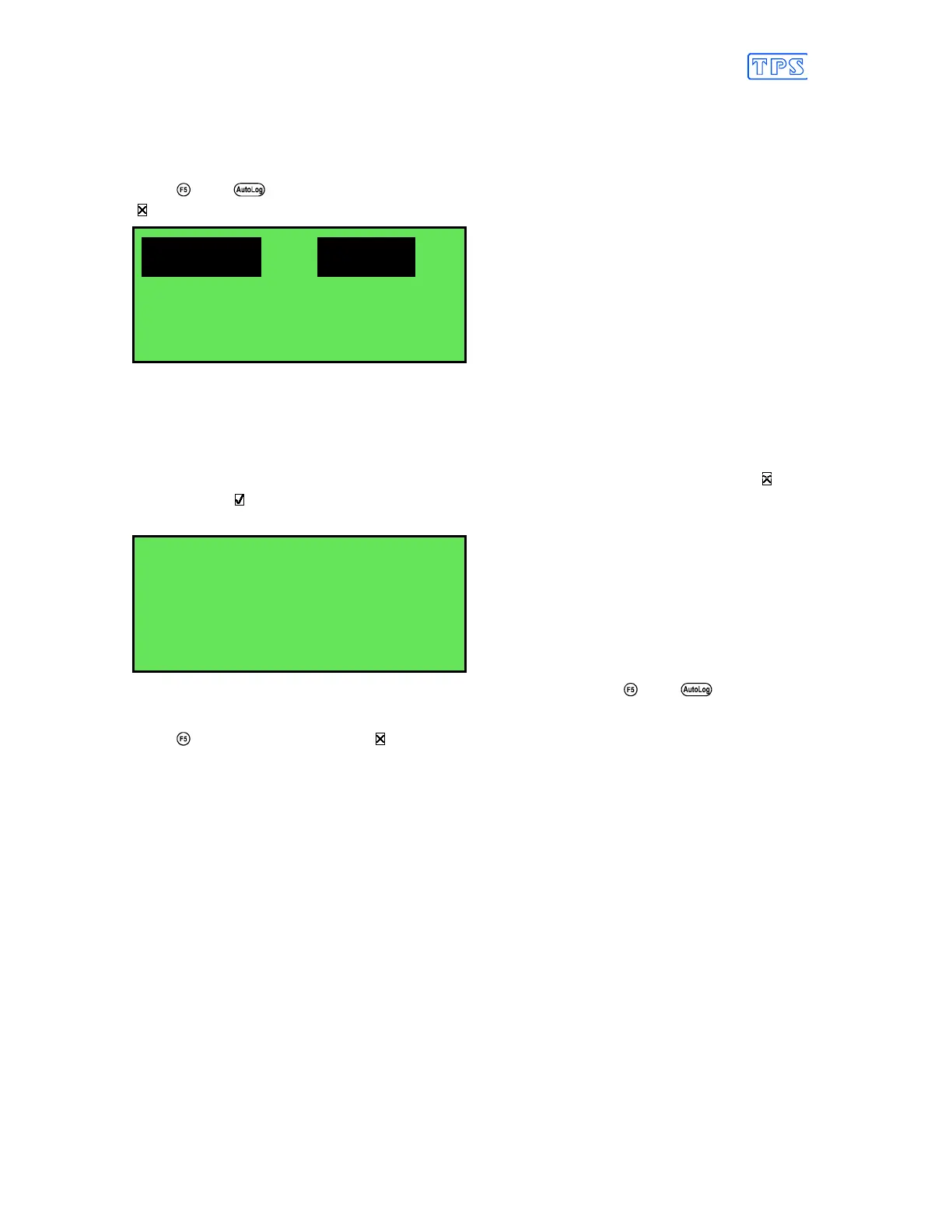
1. Press then in normal measurement mode. All active parameters are highlighted and the
symbol appears in the display, along with the message “Auto Log”. For example…
7.00pH 25.0
O
C
31/12/04
Auto
Log
As each parameter becomes stable, the highlighting is removed. If any parameter subsequently
becomes unstable, the highlighting is applied again.
The highlighting is provided to give the operator a visual indication of exactly which
parameters are not yet stable in case user intervention is required.
2. When ALL parameters have become stable, all highlighting will be removed and the will
change to a . All readings are now frozen and automatic datalogging has stopped. For
example…
7.00Ph 25.0
O
C
a
aa
a
31/12/04
3. To unfreeze the display in order to take the next reading, press and again to re-
start the ASF automatic datalogging process.
4. Press a second time, while the symbol is being displayed, to turn ASF off.



 To Next Page