98
PK203
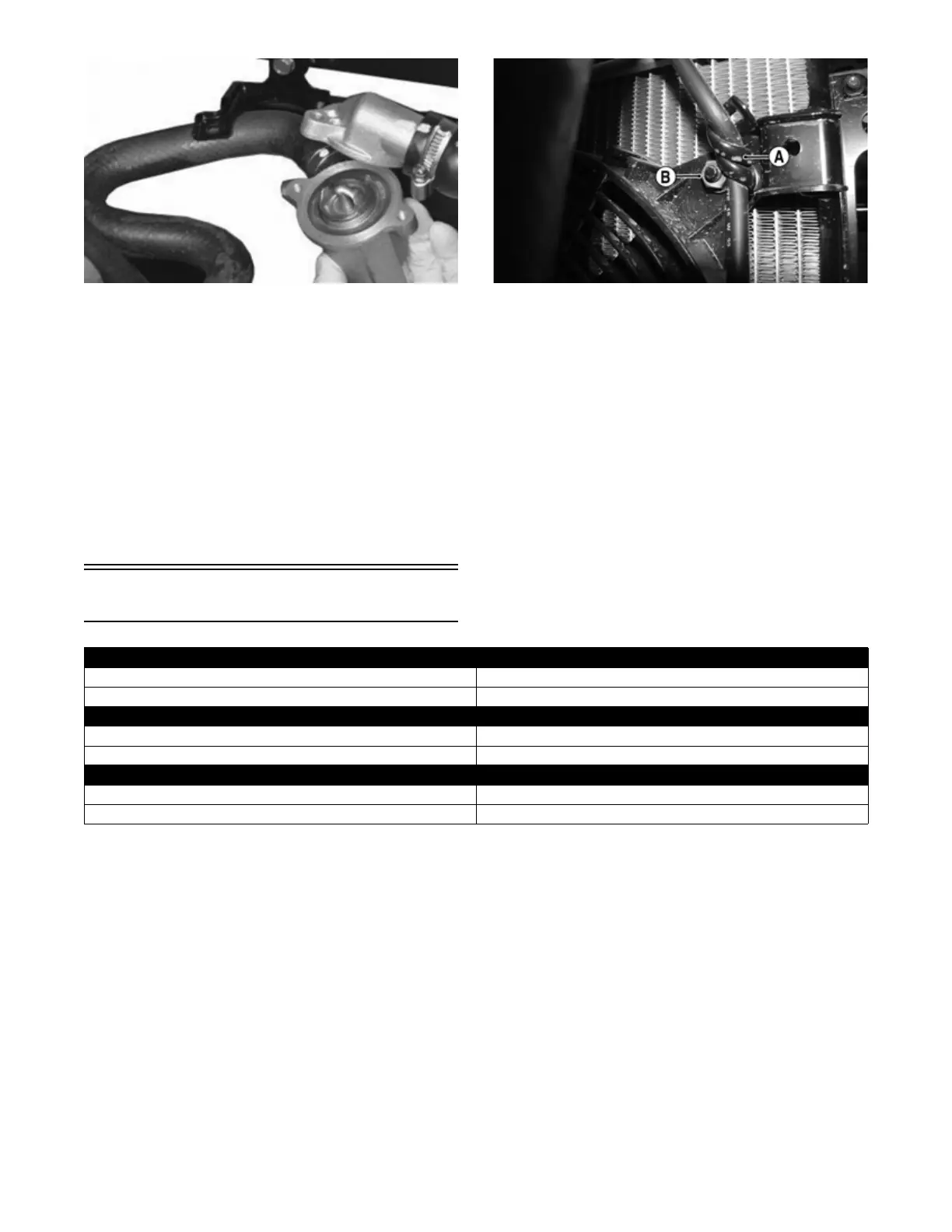
2. Fill the cooling system with the recommended
amount of antifreeze. Check for leakage.
COOLING FAN
Removing
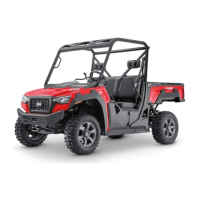
1. Disconnect the fan connector from the main harness.
2. Remove the bleed hose from the routing clamp (A).
Remove the four nuts (B) securing the fan to the
radiator bracket; then remove the fan from the radia-
tor.
PK204A
Installing
1. Position the fan assembly on the radiator bracket;
then secure with existing hardware.
NOTE: Secure the radiator bleed hose using the
routing clamp located toward the top right side of the
fan assembly.
2. Secure the fan connector to the main harness.
WATER PUMP
NOTE: To service the water pump, see Servicing
Right-Side Components.
Troubleshooting
Problem: Starting impaired
Condition Remedy
1. Gas contaminated 1. Drain gas tank and fill with clean gas
Problem: Idling or low speed impaired
Condition Remedy
1. TPS out of adjustment 1. Adjust TPS
Problem: Medium or high speed impaired
Condition Remedy
1. High RPM “cut out” against RPM limiter 1. Decrease RPM speed


 To Next Page