15
Browse
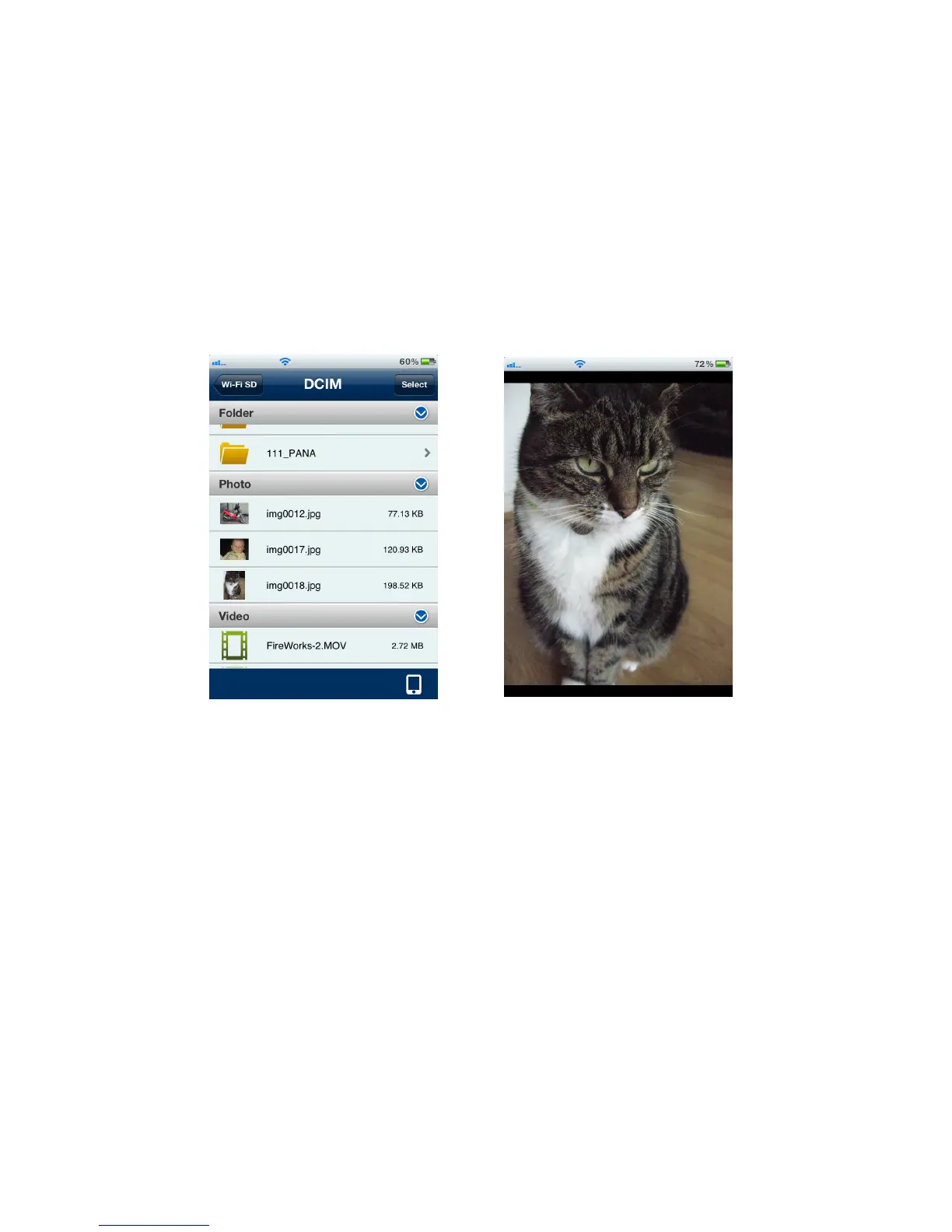
Viewing Photos
1. From the Wi-Fi SD App home page, tap Browse.
2. Under Photos, select the desired photo to display.
3. Use your finger to swipe sideways through each photo as a slideshow or go back
to the file list and select the next desired photo.
Browse photo file list, tap to select Photo displayed in portrait mode















 To Next Page