17
Opening Other File Types
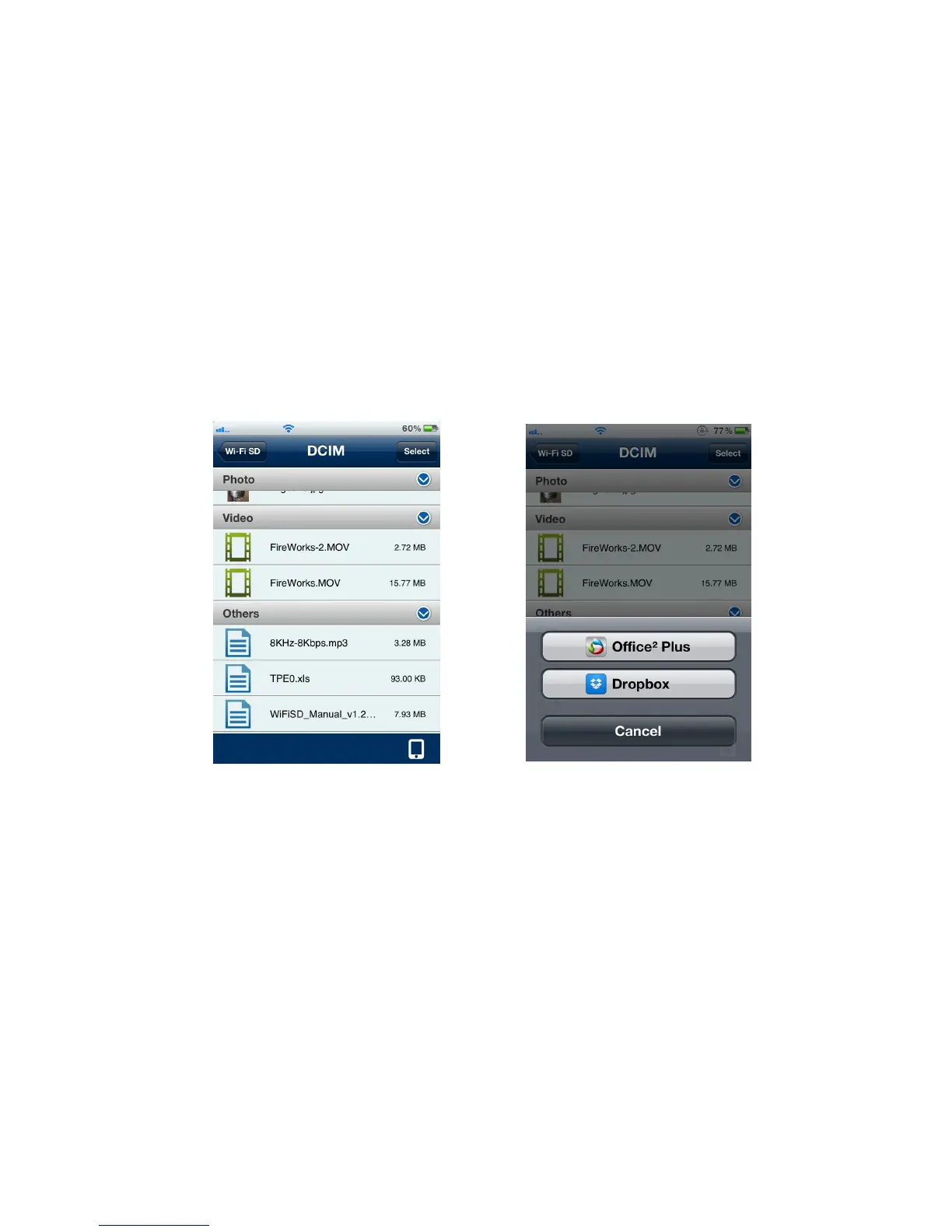
Files stored on the Wi-Fi SD card that the Wi-Fi SD App does not support will be put
into the Others section.
1. From the Wi-Fi SD App home page, tap Browse.
2. Under Others, select the desired file.
3. Choose one of the Apps installed on your device to open the file.
Note: If none of the installed Apps can open the file, please download and install
a suitable App from the App Store. Different file types will show a different list of
suitable Apps.
Browse Others file list, tap to open Choose an installed App to open file















 To Next Page