30
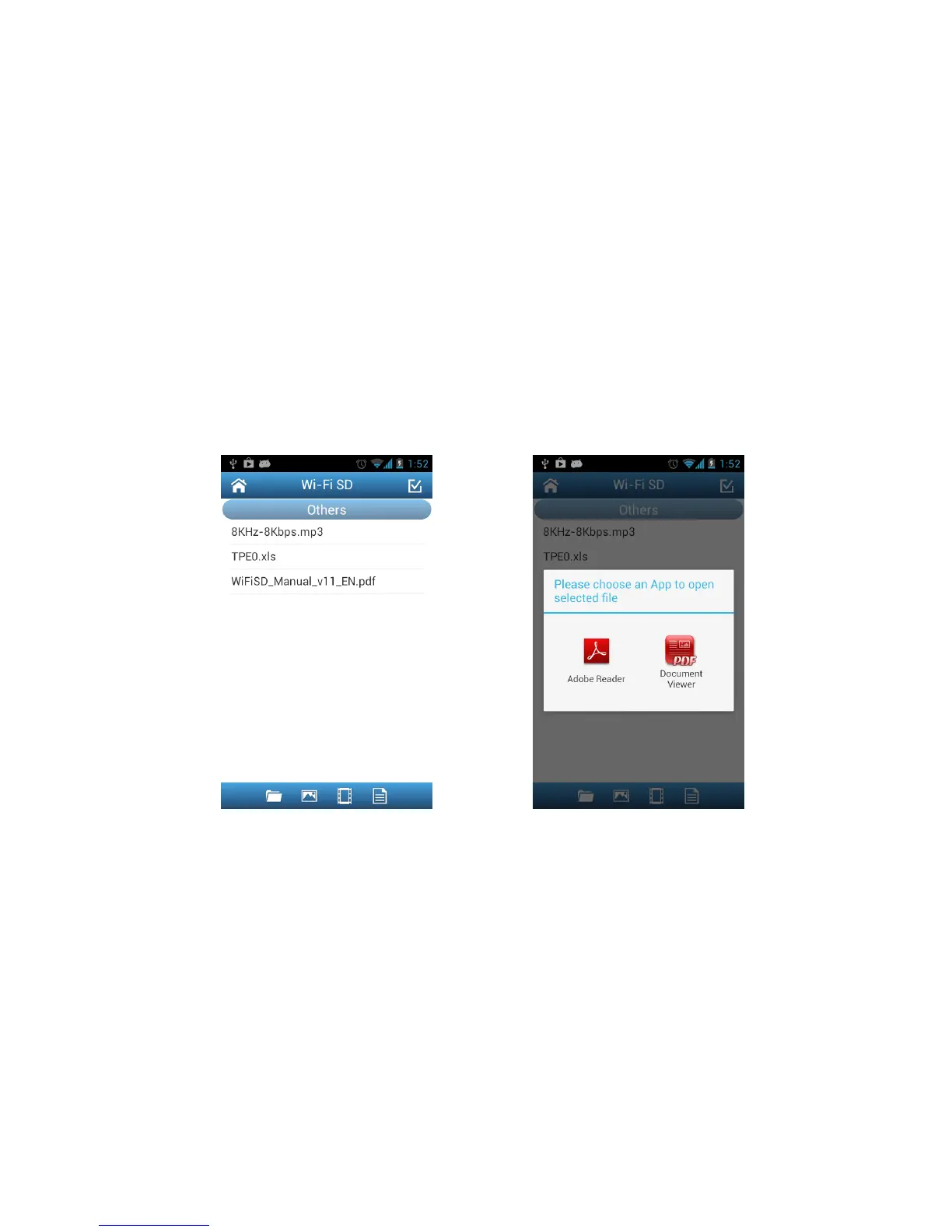
Opening Other File Types
Files stored on the Wi-Fi SD card that the Wi-Fi SD App does not support will be put
into the Others section.
1. From the Wi-Fi SD App home page, tap Browse.
2. Use your finger to swipe sideways to change to Others, and select the desired
file.
3. Choose one of the Apps installed on your device to open this file.
Note: If none of the installed Apps can open the file, please download and install
a suitable App from Google Play. Different file types will show a different list of
suitable Apps.
Browse Others file list, tap to open Choose an installed App to open file















 To Next Page