8
Installing the Wi-Fi SD App
Developed specifically for iOS (iPhone/iPad) and Android devices, the free to
download Wi-Fi SD App allows you to wirelessly browse and download photos and
videos stored on the Wi-Fi SD card, and customize wireless network settings.
Installing the App on an iOS device:
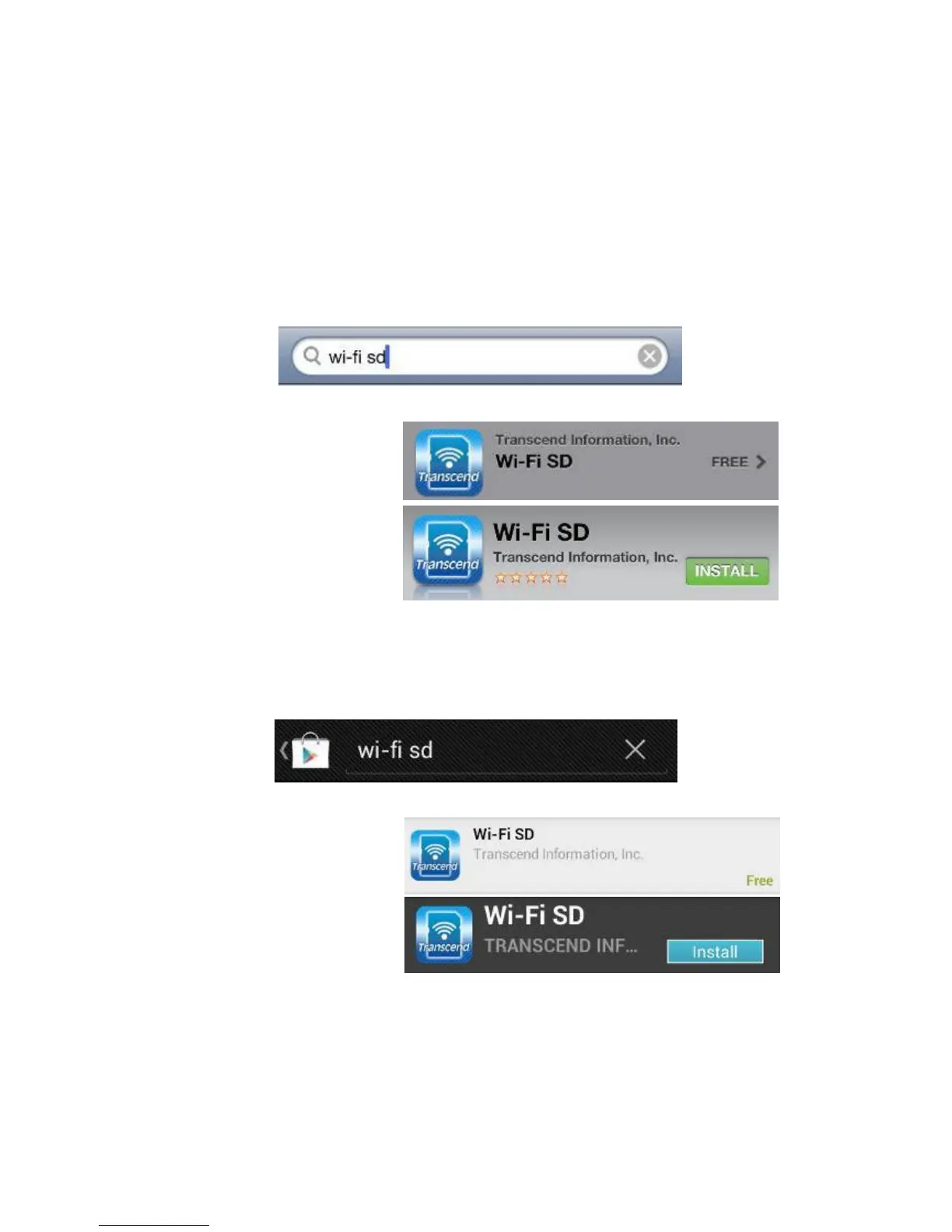
1. Using your iOS device, open the App Store and search for the Wi-Fi SD App.
2. Select the suitable Wi-Fi SD App (iPhone or iPad version).
3. Tap FREE to start the
download process.
4. Tap INSTALL to complete
installation.
Installing the App on an Android device:
1.
Using your Android device, open Google Play (for Kindle Fire users, please open
the Amazon Appstore) and search for the Wi-Fi SD App.
2. Select the suitable Wi-Fi SD App.
3. Tap Free to start the
download process.
4. Tap Install to complete
installation.
Once installation is complete, the App will be displayed on the home screen of your
device. To begin using the App, please
see Using the Wi-Fi SD App.















 To Next Page