20
Switch between Wi-Fi SD/Local Mode
Tap the button at the bottom-right of the folder directory to switch between Wi-Fi SD
and local mode. Any files downloaded to the iOS device using the Download To
App Folder function are stored in the local directory.
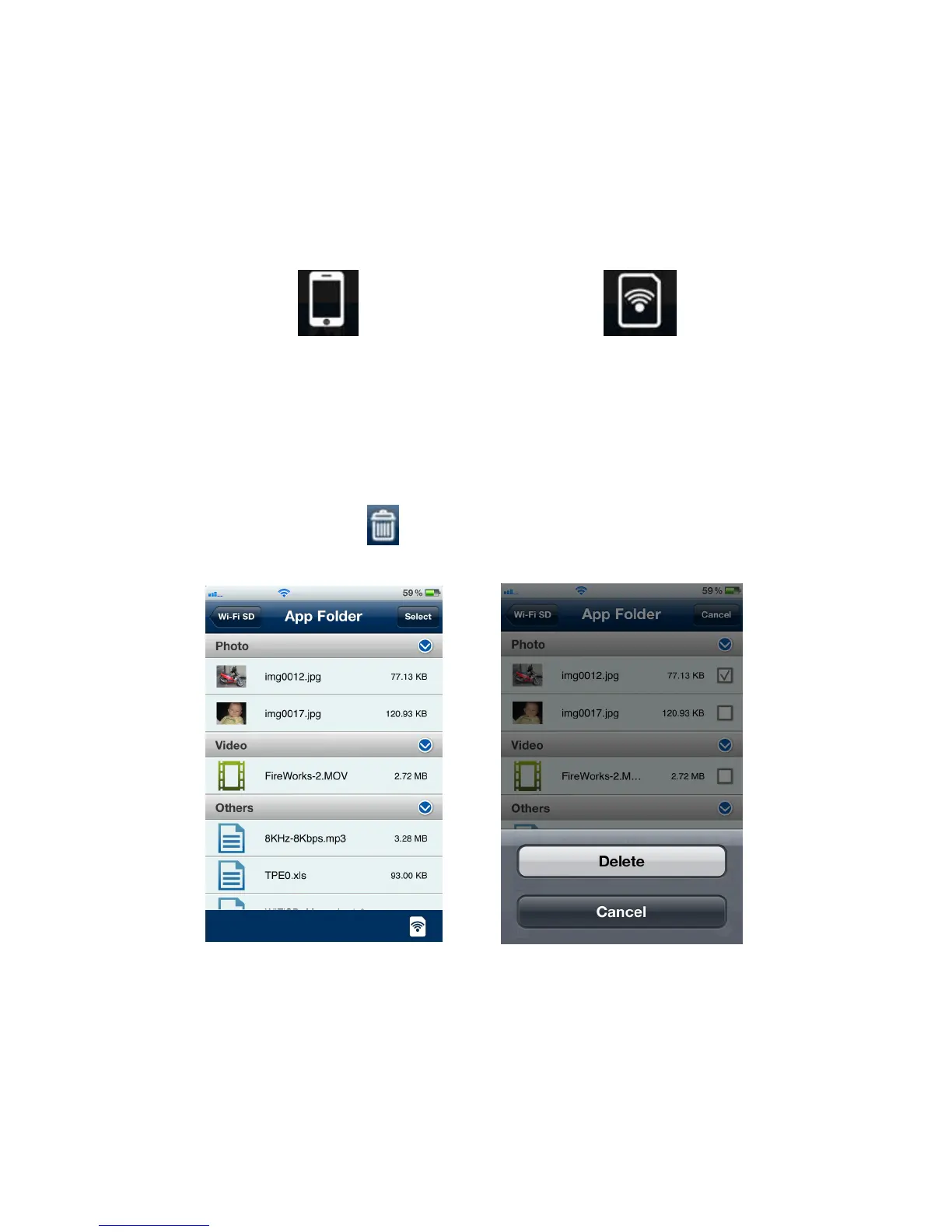
Tap to view Local Directory Tap to view the Wi-Fi SD Directory
The Wi-Fi SD App features a function menu when in Local Mode that allows you to
delete files from the App.
1. From the file list, tap the Select button.
2. Select the desired files to delete by tapping the check box next to each file.
3. Tap the delete button and then tap Delete to delete the file.
Tap Select to select files Tap Delete to delete the files















 To Next Page