19
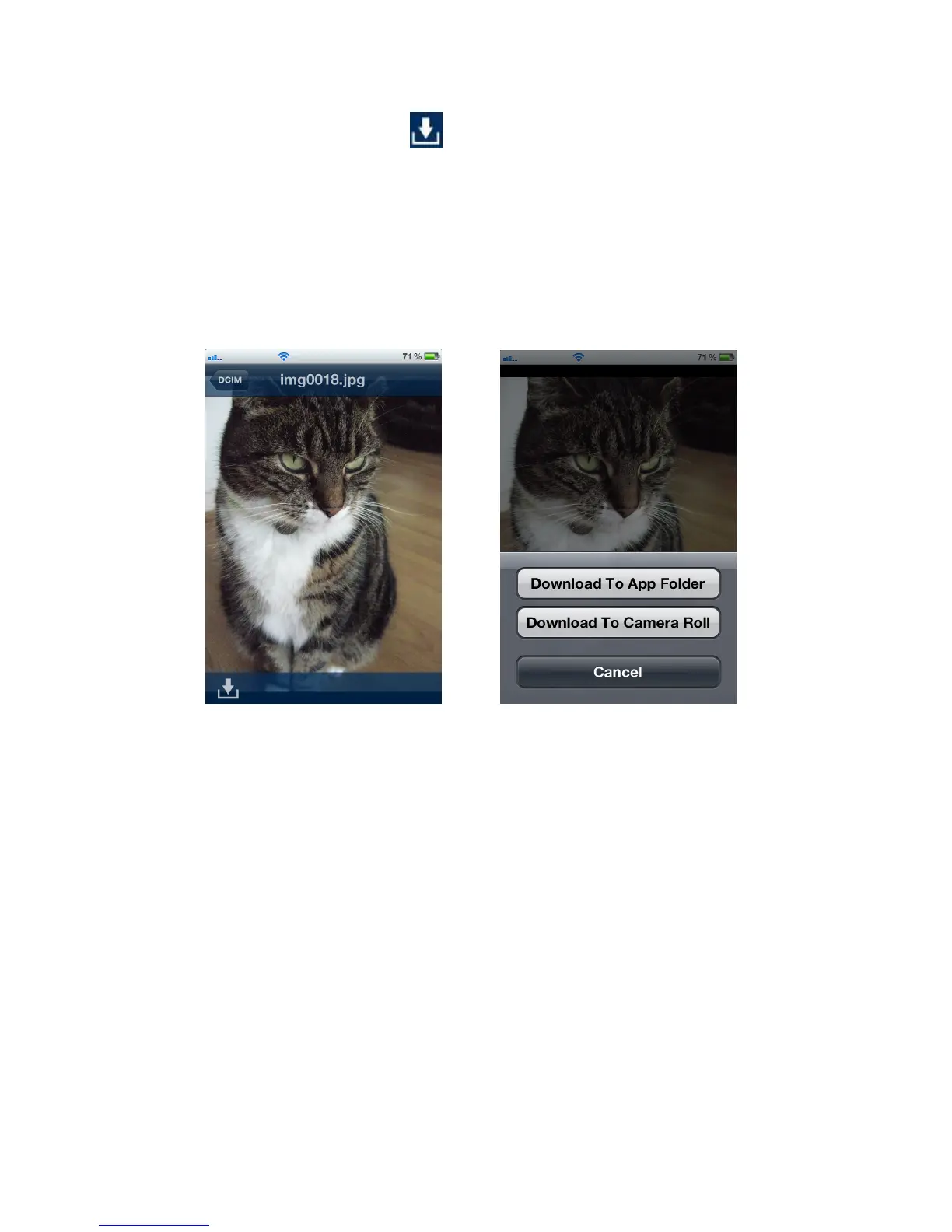
2. Tap the Download button
to display the download menu and then tap
Download To App Folder for playback when not connected to the Wi-Fi SD
card. (To view files downloaded to the App folder, please see the next chapter
on Switch Between Wi-Fi SD/Local Mode)
Or
Tap Download To Camera Roll to download it from the Wi-Fi SD card to the
iOS device camera roll.
From photo viewer, tap the download
button
Select a download option















 To Next Page