44
Set Administrator Password
This function allows you to set an administrator username and password to prevent
unauthorized users from changing any Wi-Fi SD card settings.
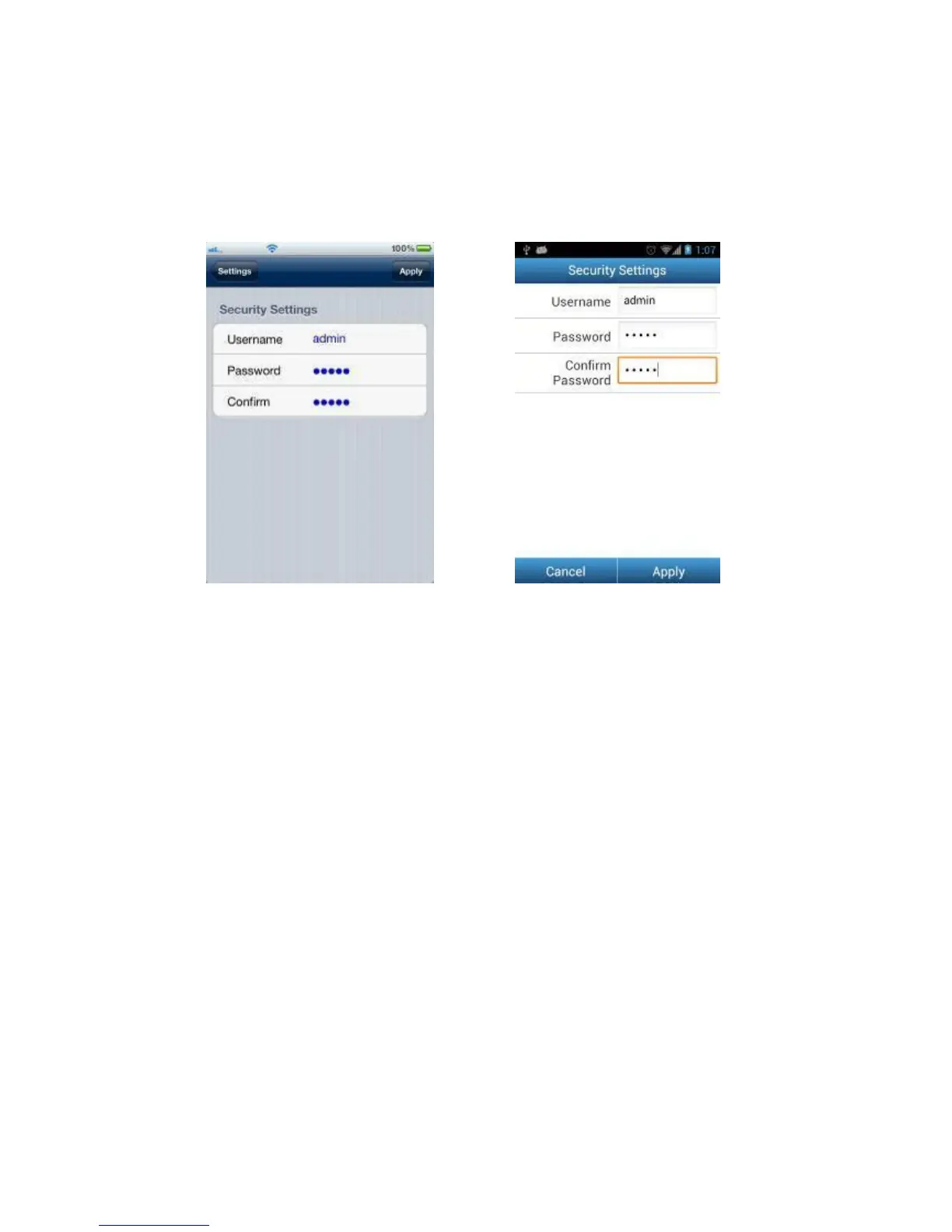
Security settings on iOS device Security settings on Android device
1. From the Settings menu tap Security Settings.
2. Enter a new username and password for the administrator account.
Note: Username: 5-12 characters. Password: 3 - 12 characters.
3. Tap Apply to save the new username and password.















 To Next Page