24
Share Photos via Other Apps
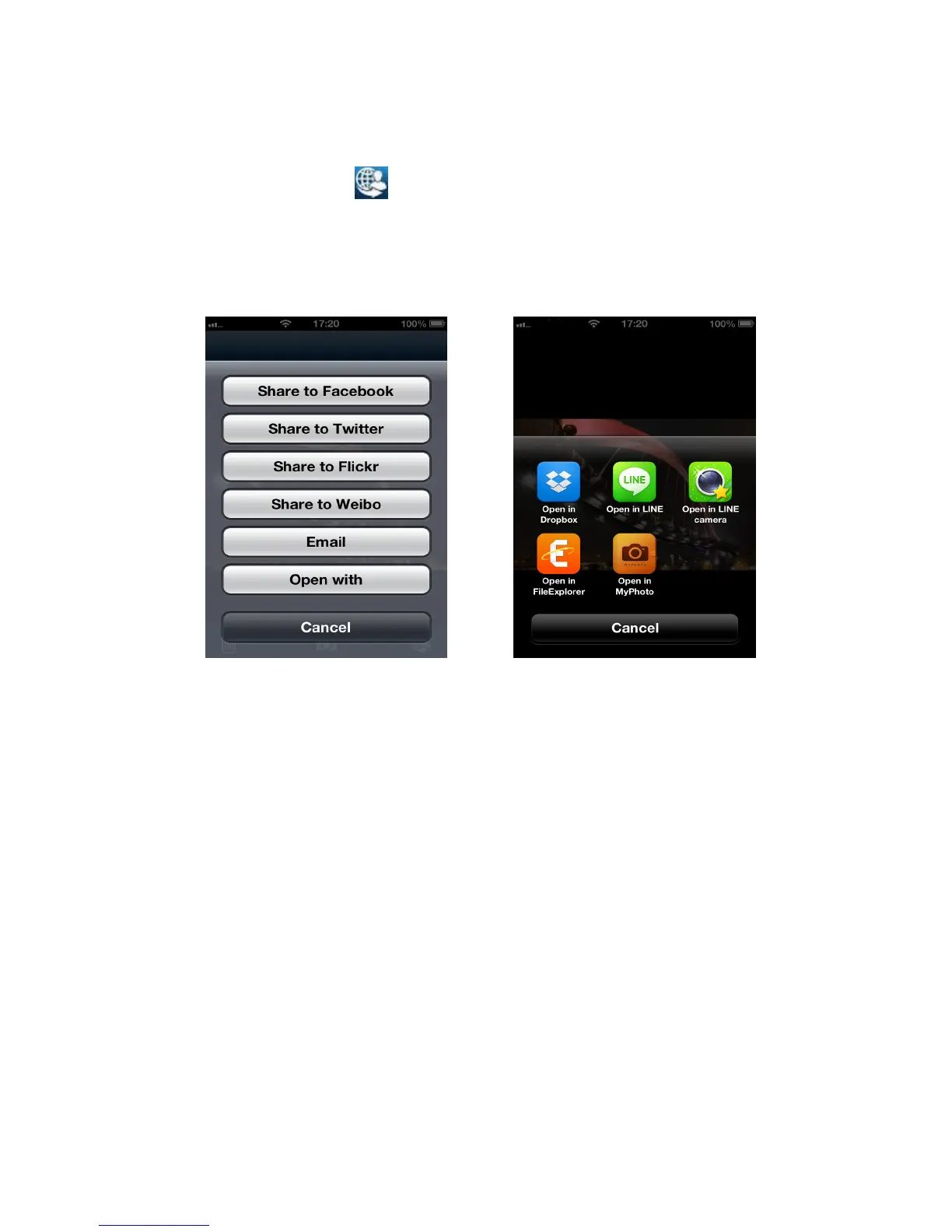
1. To share a photo via other Apps, tap the desired photo from the file list.
2. Tap the share button and then tap Open with.
Note: The Share button only appears in Internet Mode
3. Tap an available App installed in your iOS device.
4.
The desired photo will automatically be attached to the selected App.
Tap the Open with button
Tap an App to attach desired photo















 To Next Page