EasyManua.ls Logo

Transcend Wi-Fi SD - Playing Videos

Transcend Wi-Fi SD
66 pages
Print Icon
To Next Page IconTo Next Page
To Previous Page IconTo Previous Page
Loading...
16
Playing Videos
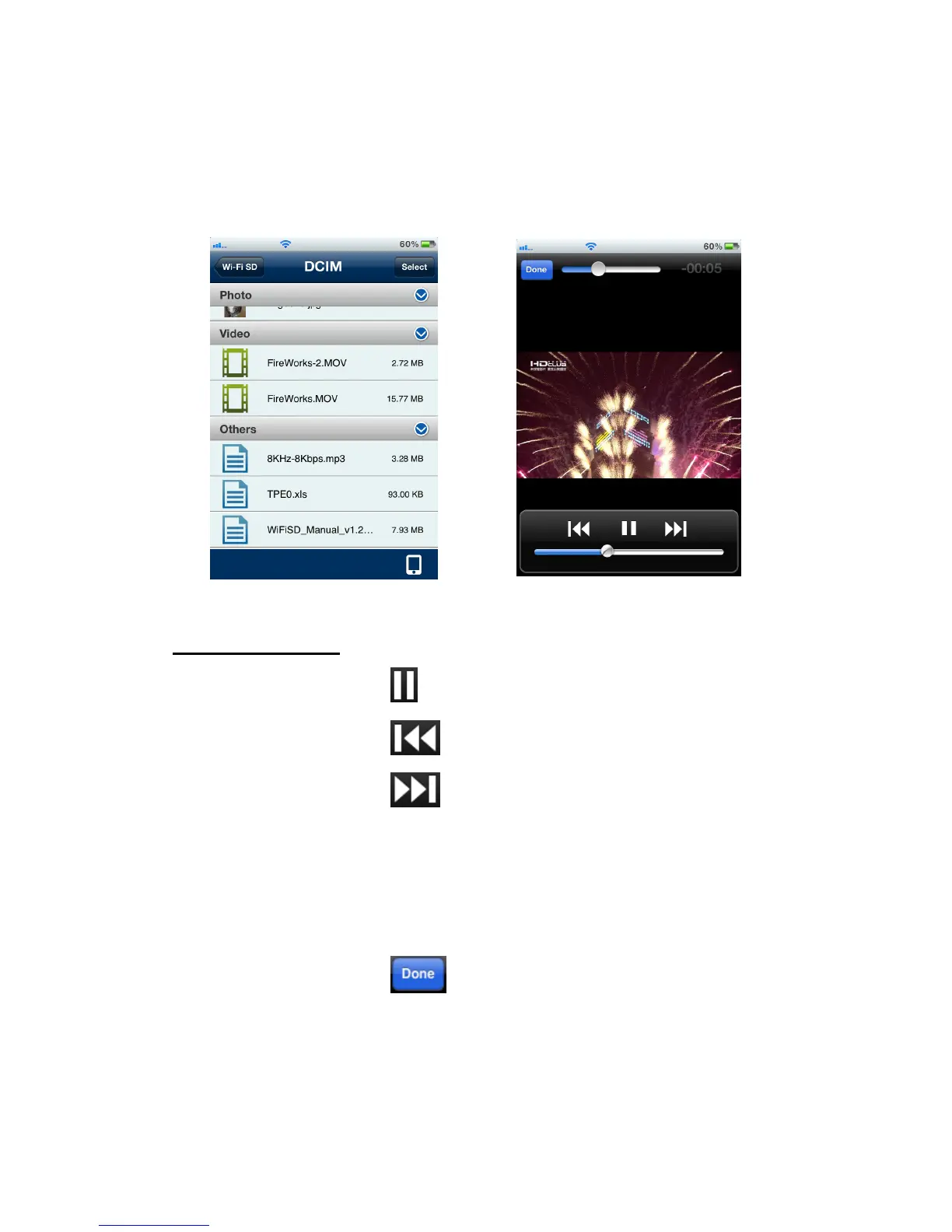
1. From the Wi-Fi SD App home page, tap Browse.
2. Under Videos, select the desired video to view, it will play automatically.
Browse video file list, tap to select Video displayed in portrait mode
Video Player Controls:
Pause playback -
Tap the Pause icon
Play previous video -
Tap the Previous icon
Play next video -
Tap the Next icon
Adjust volume -
Slide the volume bar at the bottom to the desired level
Fast-forward / Rewind -
Slide the playback scroll bar at the top to the desired
track time
View / Hide controls -
Tap once on the iOS device screen to switch between
the view control modes
Return to file list -
Tap the Done button

Related product manuals