40
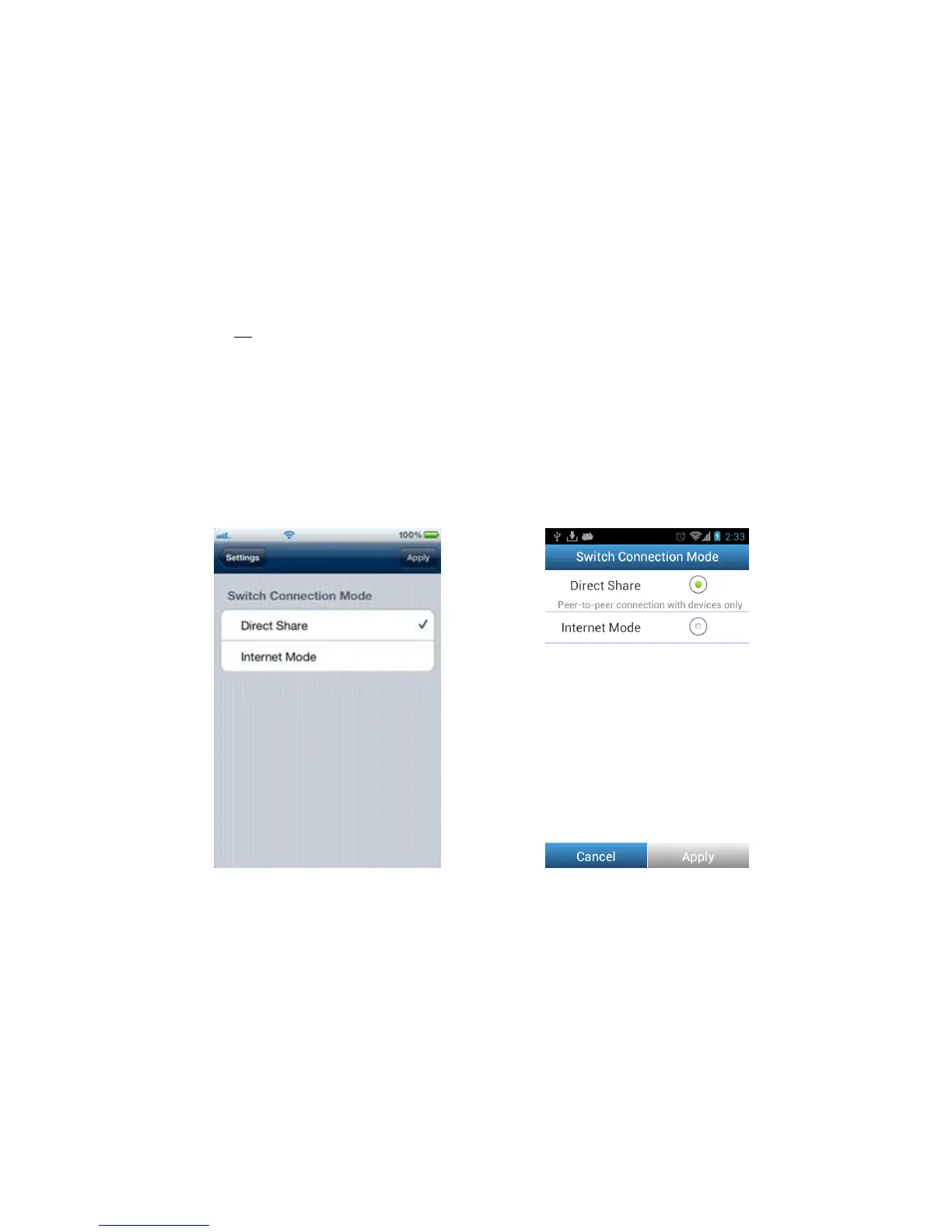
Switch Connection Mode
While connected via Direct Share or Internet Mode, the Wi-Fi SD app allows you to
easily switch Wi-Fi connection modes.
1. Tap the connection mode you would like to change to and tap Apply. The new
Wi-Fi SD connection mode will take effect immediately.
2. Go to the Wi-Fi connection settings of your iOS or Android device.
• If switching to Direct Share: connect to the Wi-Fi SD card SSID.
Or
• If switching to Internet Mode: connect to the available Internet hotspot that
you setup previously in the Wi-Fi SD Internet Mode settings.
Note: By default, the Wi-Fi SD card will automatically enter Direct Share mode each
time the camera is powered on. To switch default startup mode to Internet Mode
using the Wi-Fi SD App, see Wi-Fi Options.
Switch Connection Mode on iOS device Switch Connection Mode on Android device















 To Next Page