46
Connecting to the Wi-Fi SD Card using Other
Devices
To wirelessly access digital content on your laptop, smartphone, or tablet:
1. Direct Share: On your Wi-Fi enabled device, use the Wi-Fi connection settings to
search and connect to the Wi-Fi SD card’s dedicated wireless network.
2. Once connected, launch an Internet browser and type “192.168.11.254” into the
browser address bar.
3. Enter administrator username and password.
Note: The default username and password are both admin (all lower case)
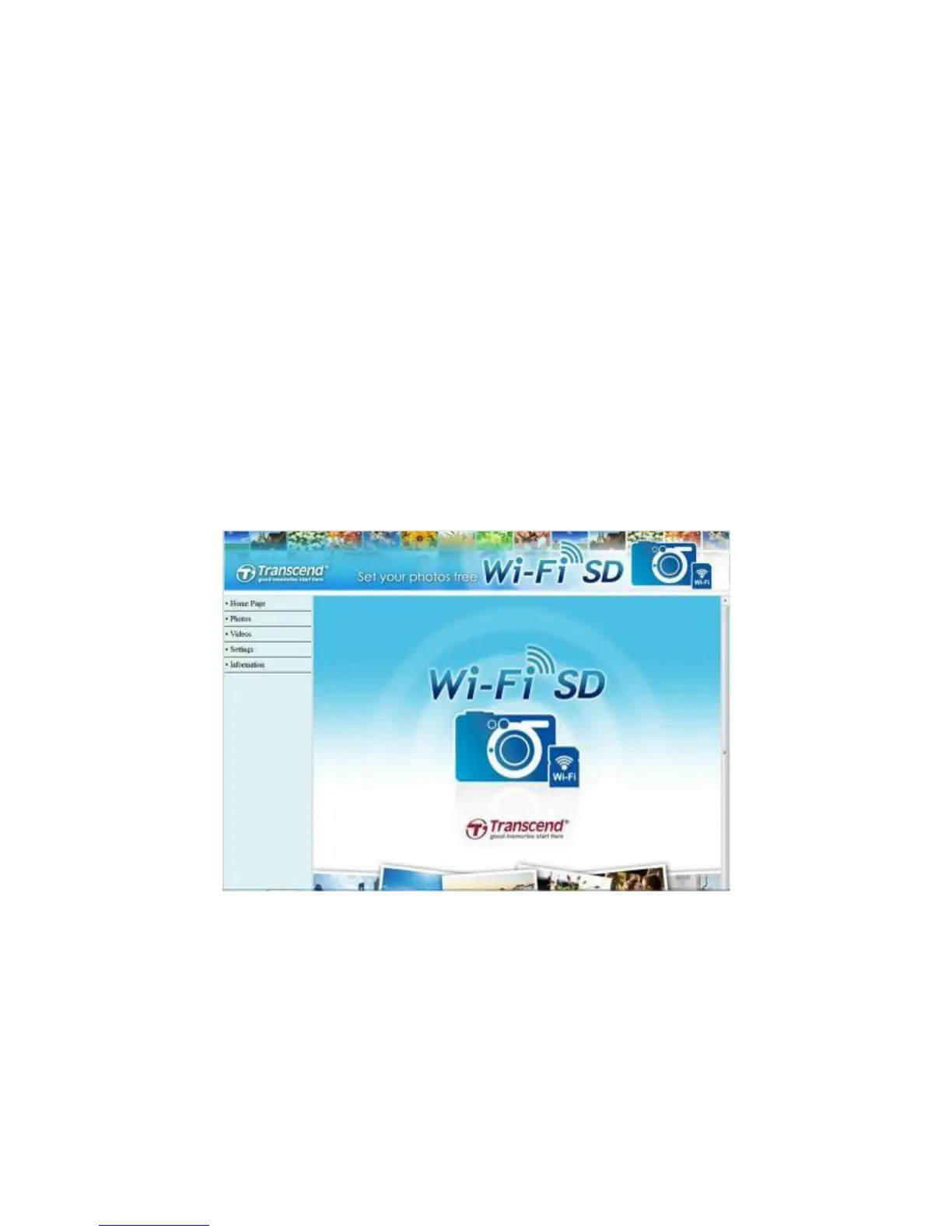
4. You will now be able to see the home screen of the Wi-Fi SD card, where you can
view and download photos and videos from the Wi-Fi SD card, change Wi-Fi SD
card settings, and view Wi-Fi SD information.
Internet browser Wi-Fi SD card home screen















 To Next Page