43
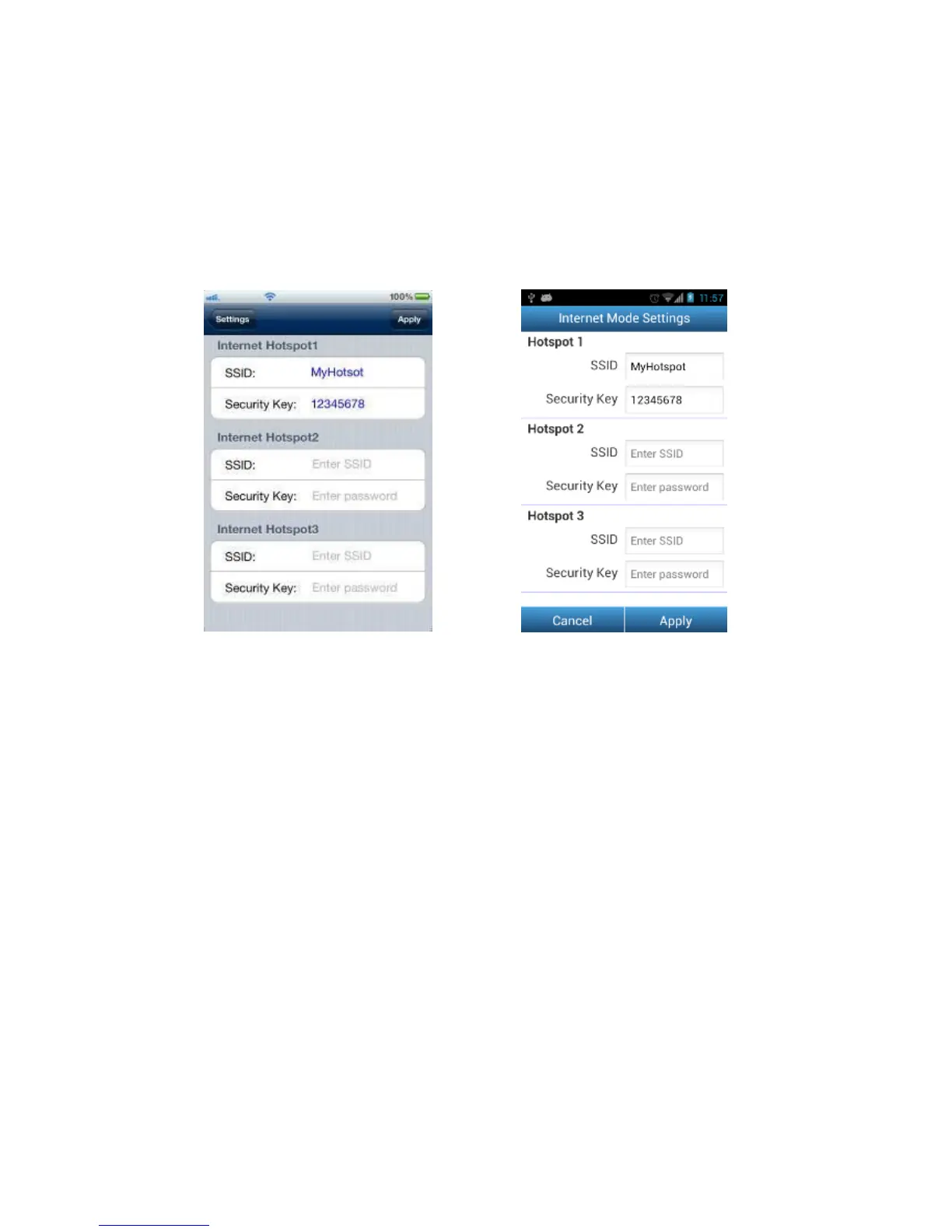
Internet Mode Settings
To enable the Wi-Fi SD card to connect to the Internet through an Internet hotspot,
tap Internet Mode Settings. The Wi-Fi SD card can save the details of up to 3
Internet hotspots. When in range, the Wi-Fi SD card will connect to one of the
available hotspots in order of priority, starting with Hotspot 1.
Internet Mode settings on iOS device Internet Mode settings on Android device
1. SSID: Enter the SSID of the Internet hotspot you want to connect to.
2. Security Key: Enter the Internet hotspot security key.
3.
Tap Apply to save the new Internet hotspots.















 To Next Page