42
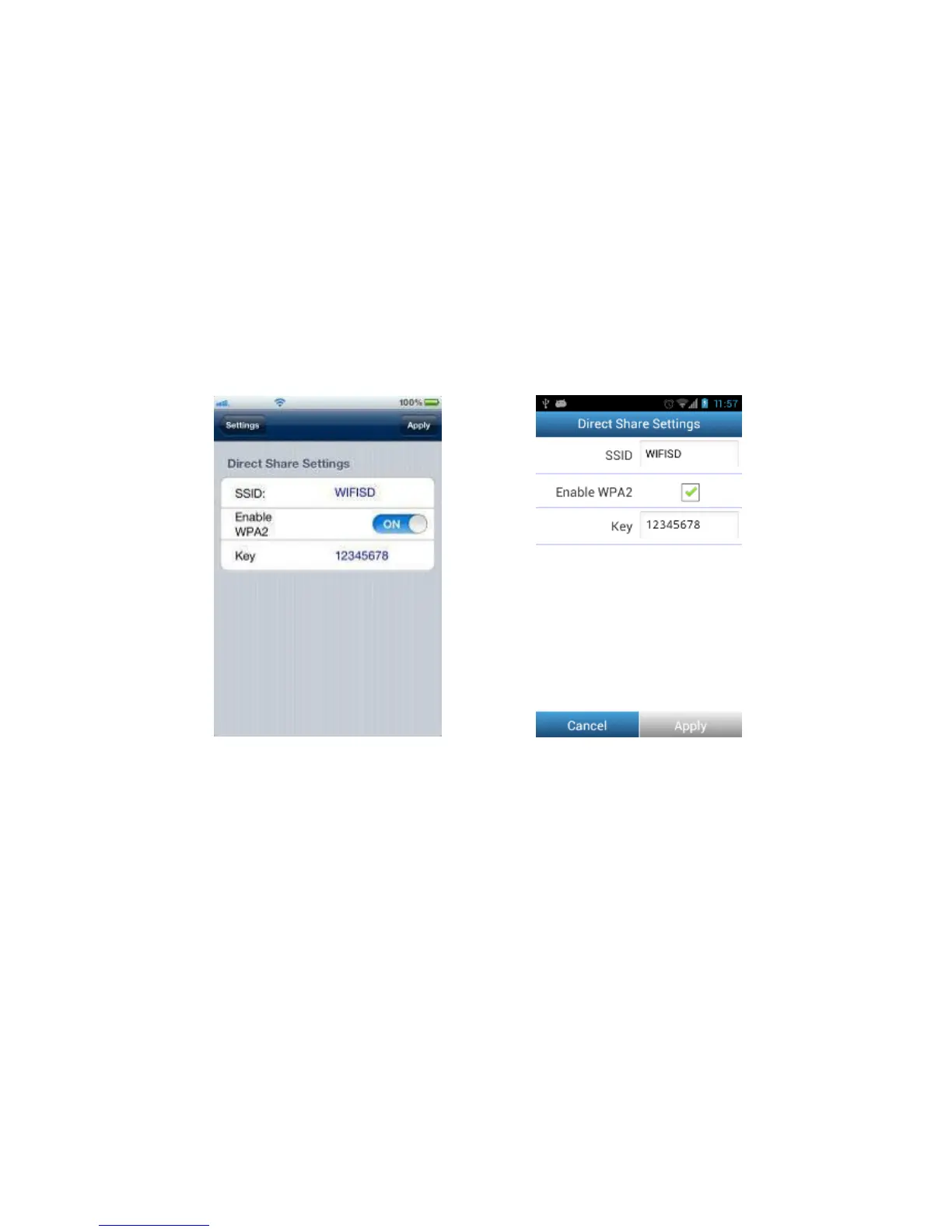
Direct Share Settings
To configure basic wireless settings, tap Direct Share Settings.
WPA2 wireless security is enabled by default (Default Key ‘12345678’). It is
recommended that you change the default SSID and Key to differentiate your Wi-Fi
SD card from others that may be transmitting in your area.
Note: The SSID / Key must be at least 8 characters long and no more than 32
characters. All ASCII characters are acceptable.
Direct Share settings on iOS device Direct Share settings on Android device















 To Next Page