28
Browse
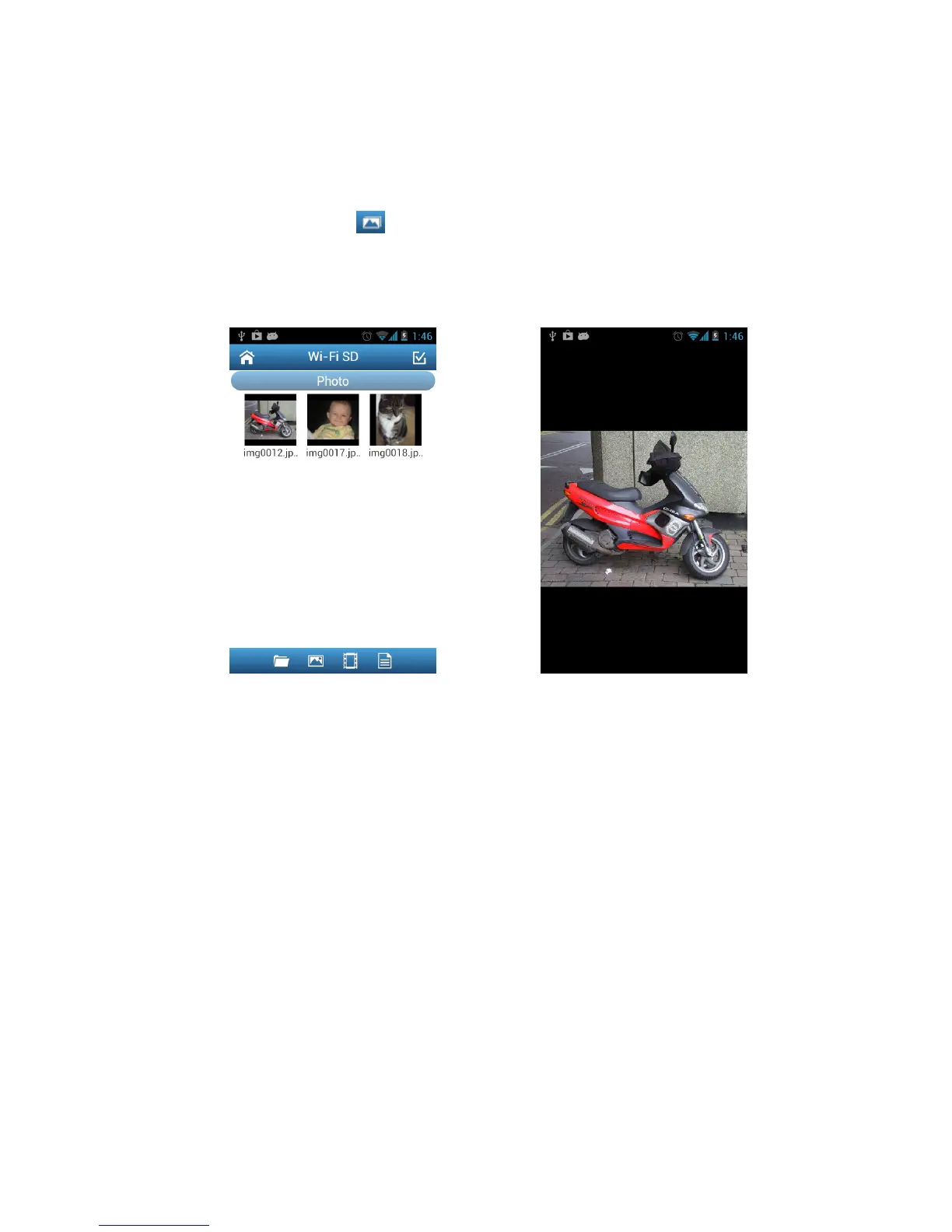
Viewing Photos
1. From the Wi-Fi SD App home page, tap Browse.
2. Tap the photos icon on the tool bar and select the desired photo to display.
3. Use your finger to swipe sideways through each photo as a slideshow or go
back to the photo gallery and select the next desired photo.
Browse photo gallery, tap to select Photo displayed in portrait mode















 To Next Page