25
Shoot & View
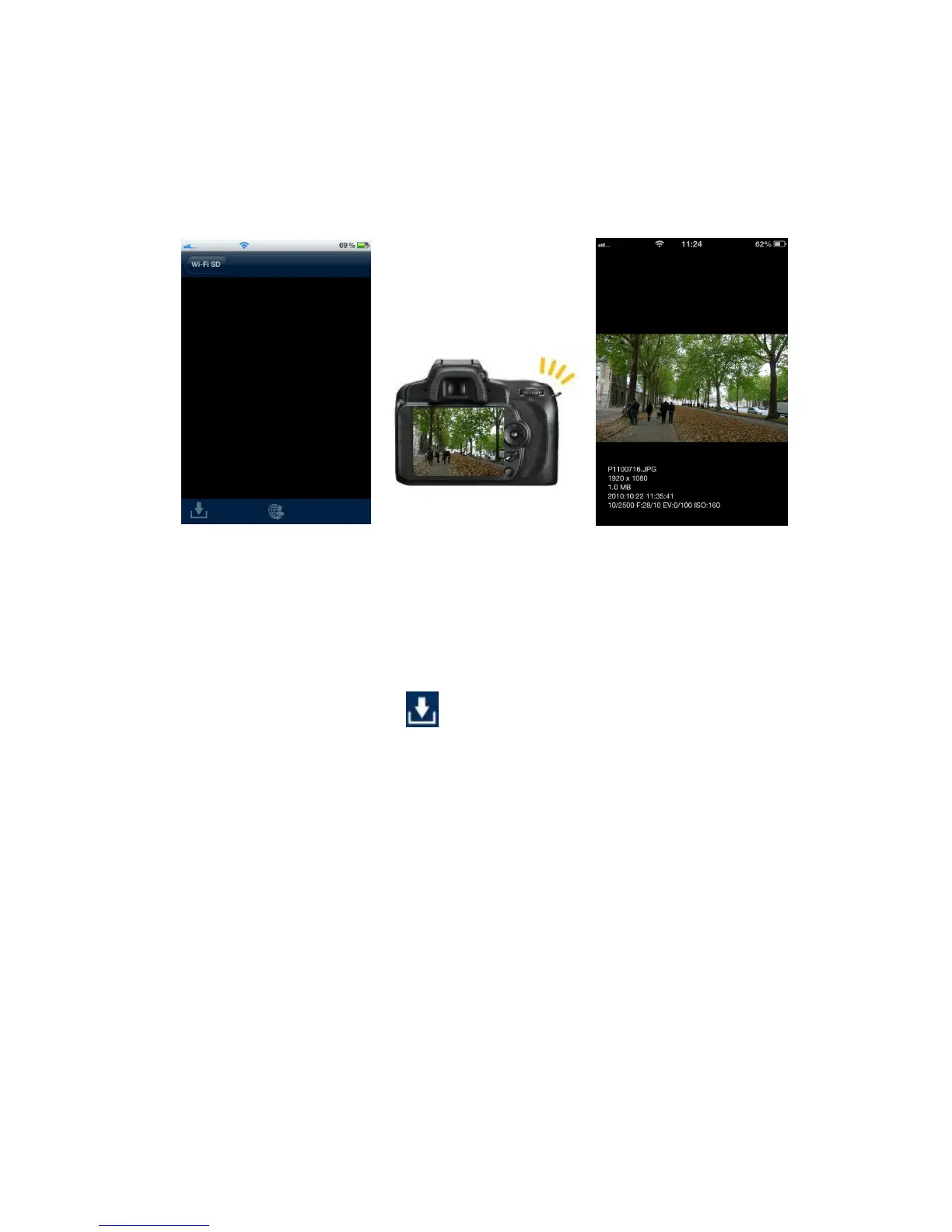
Shoot & View allows you to view the latest photo taken with your camera on your iOS
device instantly.
From the home screen, tap Shoot & View.
Blank screen awaiting
latest photo
Take new photo on your
camera
Latest photo, including
EXIF information, appears
instantly
To download photos taken in Shoot & View mode to the App folder or to your iOS
device camera roll:
1. Press the download button to display the function menu.
2. Press Download To App Folder to download it from Wi-Fi SD to the App for
playback when not connected to the Wi-Fi SD device.
Or
Press Download To Camera Roll to download it from the Wi-Fi SD card to the
iOS device camera roll.















 To Next Page