39
Settings
Note: You must turn the camera off and back on to save any changes.
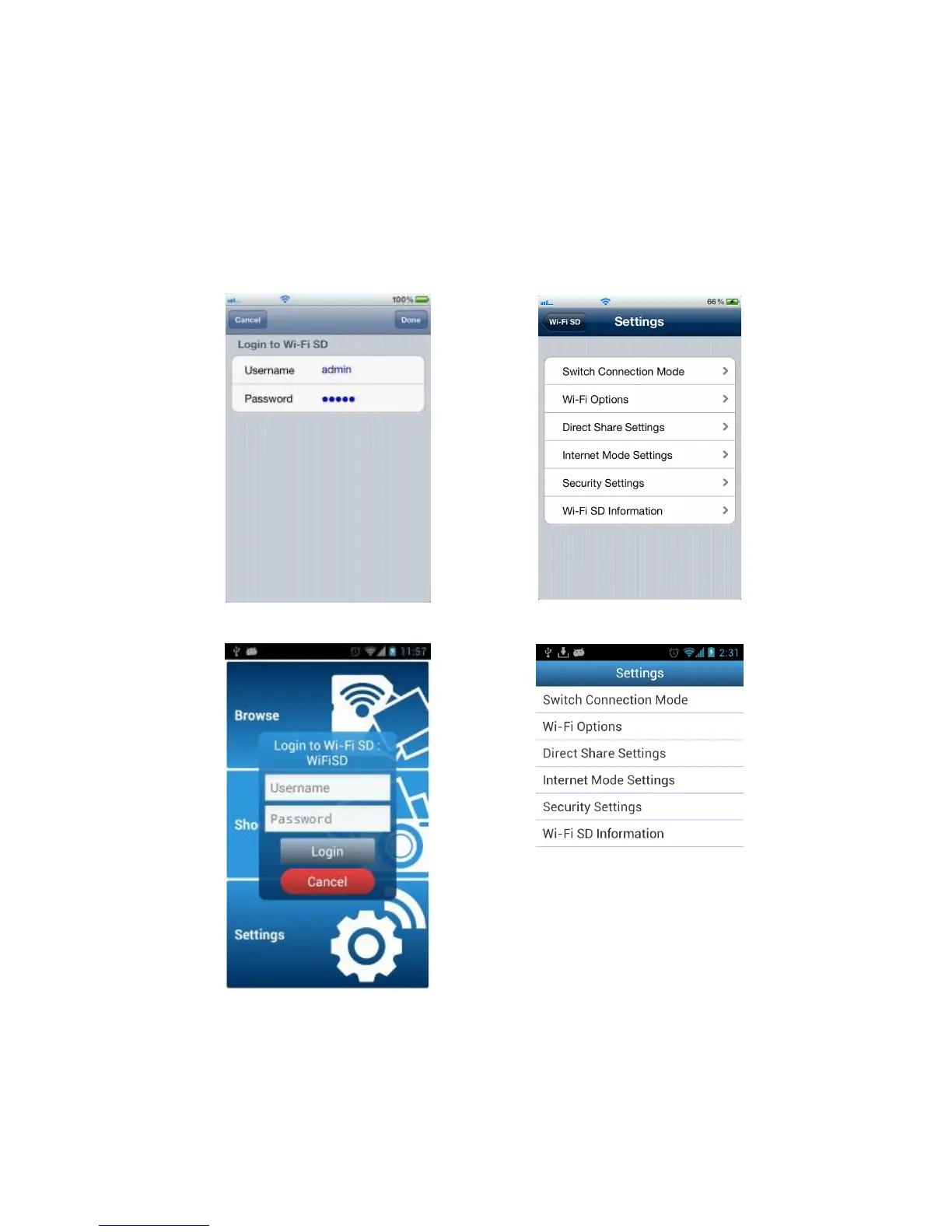
1. From the home screen, tap Settings.
2. Enter administrator username and password.
Note: The default username and password are both admin (all lower case)
3.
Tap Done or Login to access Wi-Fi SD Settings.
Enter admin details on iOS device iOS device Wi-Fi SD Settings menu















 To Next Page