50
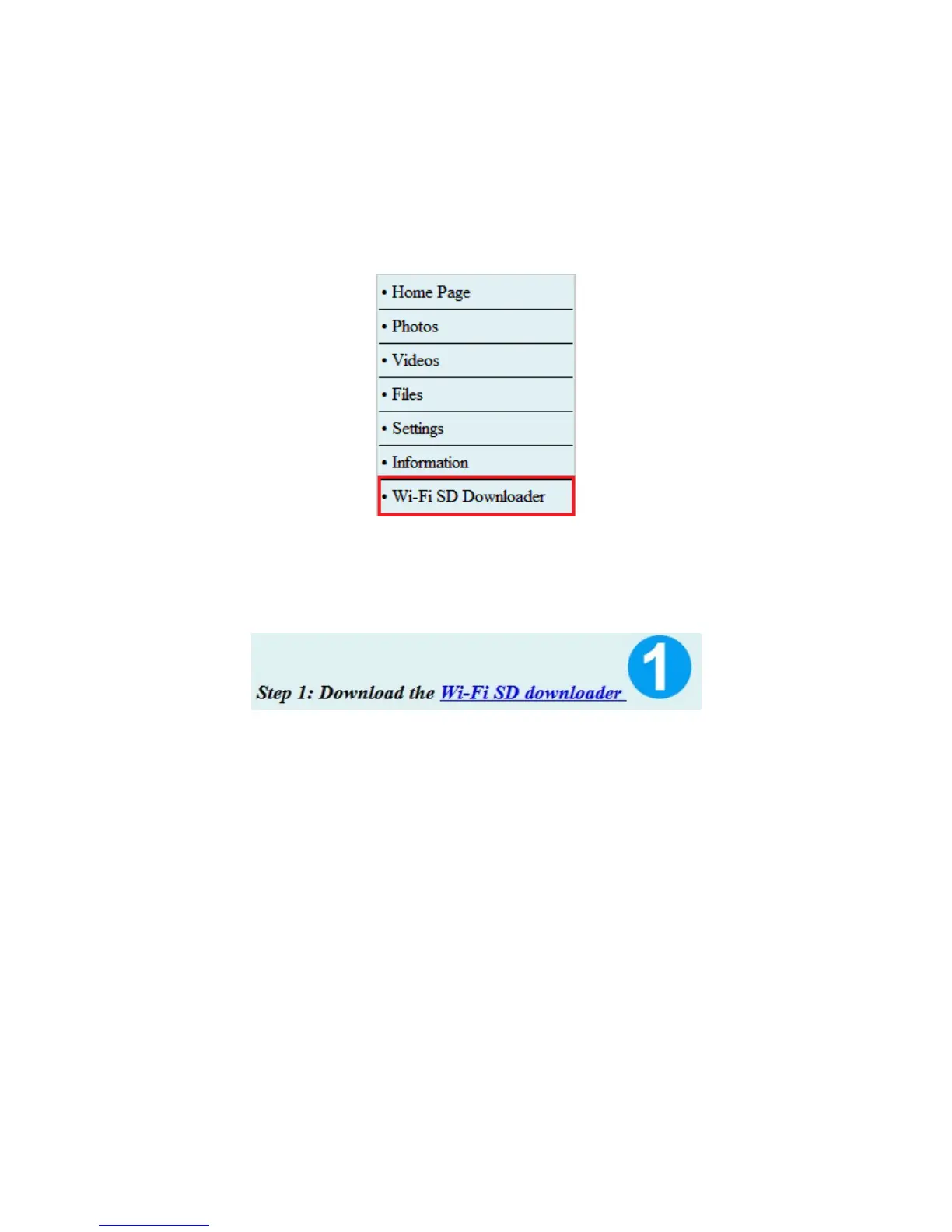
Wi-Fi SD Downloader (Chrome only)*
*
Wi-Fi SD Card must have firmware version 1.8 or later to support Wi-Fi SD
Downloader in Chrome.
Wi-Fi SD Downloader allows you to select multiple files to download to your
computer, and display “Shoot & View” images.
Internet browser Wi-Fi SD Downloader
1. Click the link “Wi-Fi SD downloader” at the top of the page to download the Wi-
Fi SD Downloader to your computer.
2. Click the Chrome menu on the browser toolbar, select Tools, and then select
Extensions
Or
Open a new tab, type chrome://extensions/ in the address bar and press Enter
to open the Chrome extension page.















 To Next Page