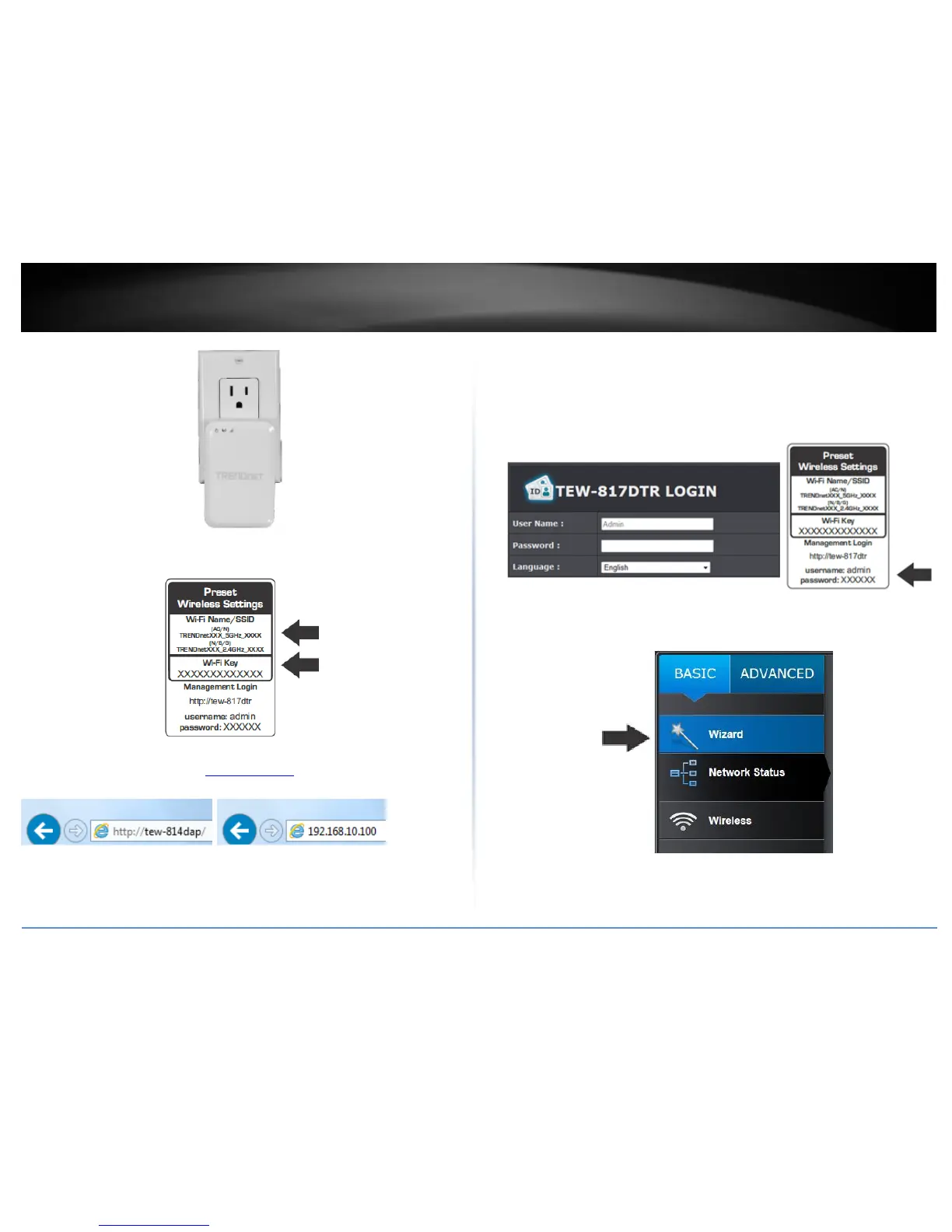
5. Connect your wireless computer to the TEW-817DTR’s wireless network.
6. When prompted, enter the WiFi password from the sticker on the device.
6. Open your web browser and enter http://tew-817dtr.
Note: You can also access the device using the default IP address (192.168.10.1)
7. For added security, the router is preconfigured with a unique password. You can find
the Password on a sticker on the side of the router and on the label on the bottom of
the router. Enter your Username and Password, select your language and then click
Login.
User Name: admin
Password: (xxxxxxxx)
Note: User Name and Password are case sensitive.
8. Once logged in the TEW-817DTR management page. Click the Wizard button on the
left hand side of the window to begin the installation wizard.
9. Select the mode you would like to set the TEW-817DTR and click Next.















 To Next Page