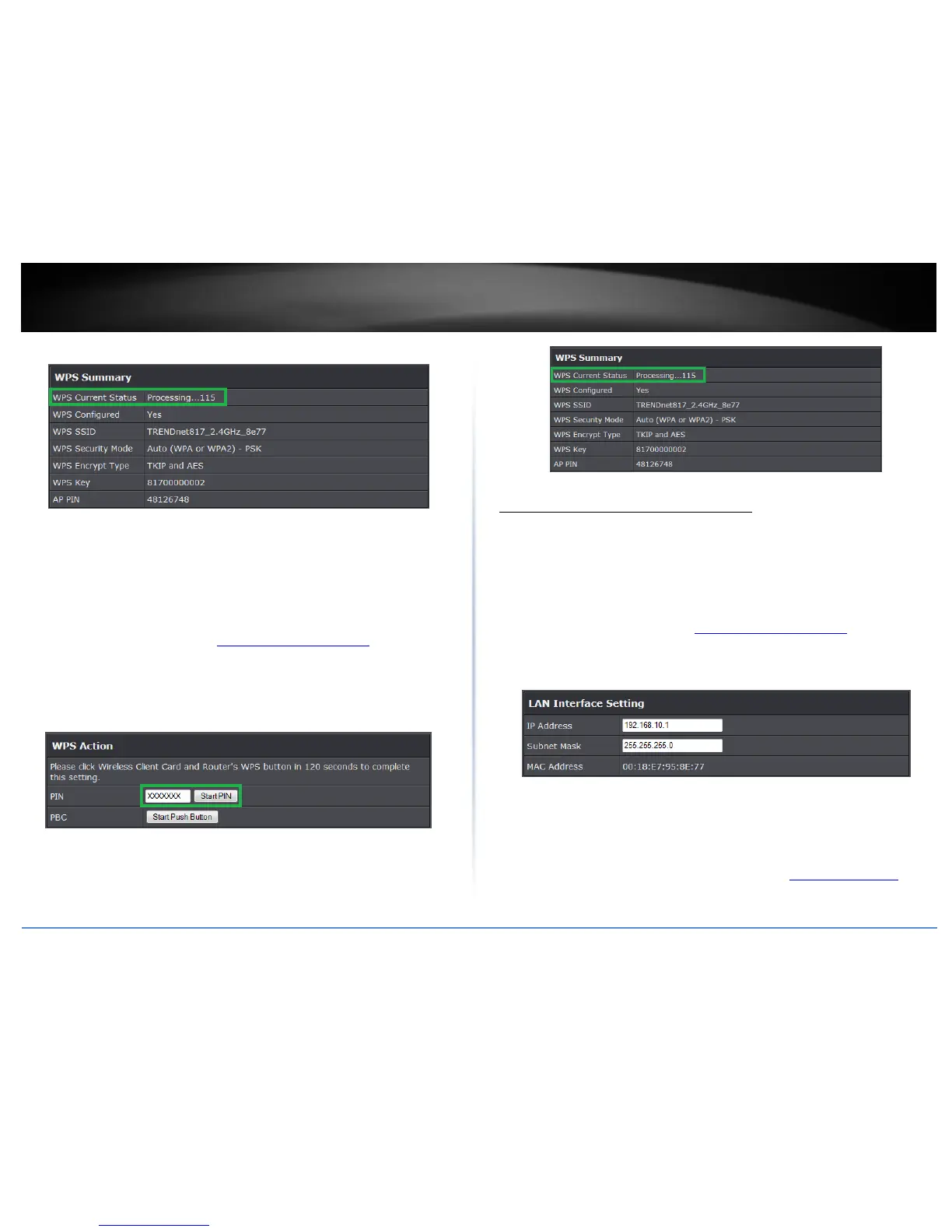
Note: You should a message on your WPS client device indicating WPS was successful.
PIN (Personal Identification Number)
Advanced > Wireless (2.4GHz or 5GHz) > WPS
If your wireless device has WPS PIN (typically an 8-digit code printed on the wireless
device product label or located in the wireless device wireless software utility), you can
use this method.
1. Log into the management page (see “Access your management page” on page 7).
2. Click on Wireless, and click on Wi-Fi Protected Setup.
3. To add a wireless device to your network, next to Client, enter the 8-digit numeric PIN
number of the wireless client device and click Start PIN. Note: You may need to initiate
the WPS PIN on your wireless device first when using this method. Refer to your wireless
device documentation for details on the operation of WPS.
4. Wait for your router to finsh the WPS process.
Note: You should a message on your WPS client device indicating WPS was successful.
Change your access point IP address
Setup > LAN Settings
Typically, the access point IP address settings only needs to be changed when
connecting the access point to your network and configuring to the device to be in the
same IP network as your existing network.
Default Access Point IP Address Settings: 192.168.10.100 / 255.255.255.0
1. Log into the management page (see “Access your management page” on page 7).
2. Click on Main, and click on Network Settings.
3. Under Connection Type, click the drop-down list to select the access point IP address
settings.
IP Address: Enter the new access point IP address. (e.g. 192.168.0.100)
Subnet Mask: Enter the new access point subnet mask. (e.g. 255.255.255.0)
4. To save changes, click Apply.
Note: You will need to access your access point management page using your new
access point IP address. (e.g. Instead of using the default http://192.168.10.100 your
new access point IP address will use the following format using your new IP address















 To Next Page